Halo 3 Remastered (discontinued)
⚪ Last updated 2020Preview
🔍 Analysis
- 👍 3.4% endorsement rate — high engagement, a strong quality signal
- 🏆 #2 of 81 Visuals and Graphics mods in this game by downloads
📋 About This Mod
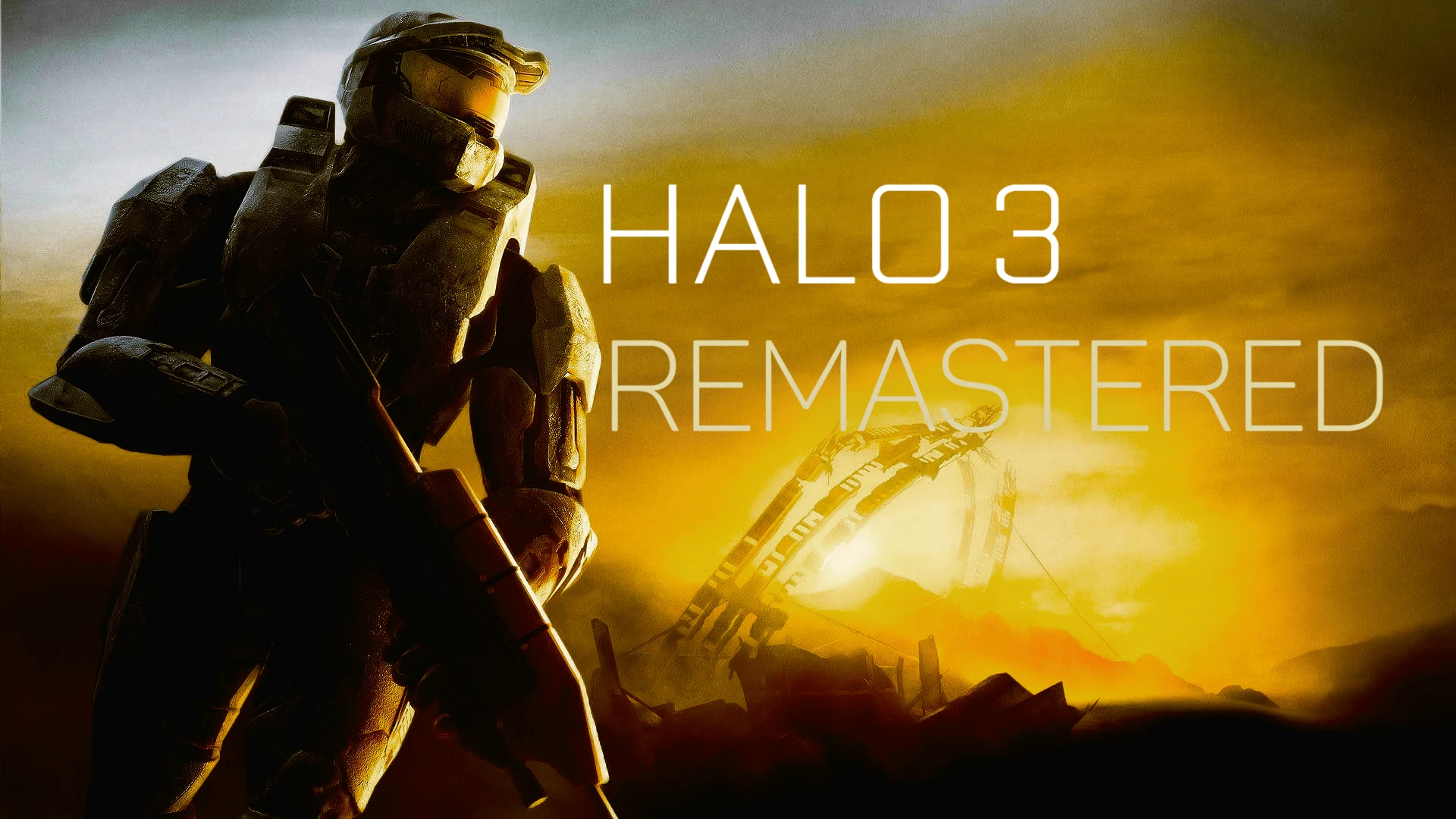
The ultimate overhaul of Halo 3's graphics and visuals to bring the game to a modern, cinematic standard while still managing to keep the original art style a priority.
Halo 3 Remastered is my version of what Halo 3 would look like if a remaster or anniversary edition were to ever be created. After 24+ hours, 4 setbacks, and 2 complete do-overs in the making of this Reshade, I am very proud of the effort I put forth in creating this.
Halo 3 Remastered isn't like Halo Reach RTX, or Halo 2 RTX, where enhancing and altering lighting is a priority. Instead, Halo 3 Anniversary focuses on keeping the nostalgia in tune with more modern lighting and color. I took most of my ideas from H2A and H1A where I saw how there was a clear emphasis on keeping the original art style but using more modern and more believable lighting techniques. H3R (in it's highest setting) uses a large array of effects that might tank your performance in heavy areas such as The Covenant and Sierra 117. To fix this, I again installed keyboard shortcuts for the most performance tanking effects (SSDO AO, Lumasharpen, SMAA, AdaptiveFog, DepthHaze, Cinematic DOF, and Deband). H3A comes with 4 versions- Remastered, Remastered (Performance), Legacy, and Legacy Performance. The Legacy versions are meant for those who don't want a complete overhaul of Halo 3 but instead want a more subtle approach to a remaster.
SMAA (PG UP key)
Your game performance is going to be affected by this Reshade, I noticed a maximum of a 15 fps decrease in the most demanding parts of the campaign on enhanced visuals with a 1050ti. If you can run the base game of Halo 3 with 60fps or more than this Reshade should not be a big issue to run.
For AdaptiveFog, I recommend using it in snowy environments like Avalanche and Snowbound.
If you experience performance issues with any of the presets on, disable Lumsharpen and/or any of the above-listed effects.
Every multiplayer map in Halo 3 is compatible with all presets (Legacy, Performance, and Remastered), if you encounter a problem in any map, please tell me in the posts section and consider adding a screenshot to
📊 Mod Details
- Game
- Halothemasterchiefcollection Mods
- Author
- ultracasio
- Version
- 1.0
- Downloads
- 4,446
- Endorsements
- 152
- Category
- Visuals and Graphics
- Created
- 7/30/2020
- Updated
- 7/30/2020
🔧 How to Install Halo: The Master Chief Co Mods
Download from Nexus Mods.
📖 Full step-by-step install guide for Halo: The Master Chief Co →
Visit the official mod page for specific installation instructions for this mod.
🎮 Need cheat codes or console commands? Check ur gaming wiki for Halo: The Master Chief Co commands, item IDs, and more.
Keep browsing — more Halo: The Master Chief Co mods await