Weapon Limits Adjuster
⚪ Last updated 2022⚠️ Install Order · 3 steps
Install in this order, then this mod last — most mods fail to load without their framework and dependencies in place.
🖼️ Gallery (6 images)


🔍 Analysis
- 👍 0.3% endorsement rate
- 🏆 #15 of 126 tools mods in this game by downloads
📋 About This Mod
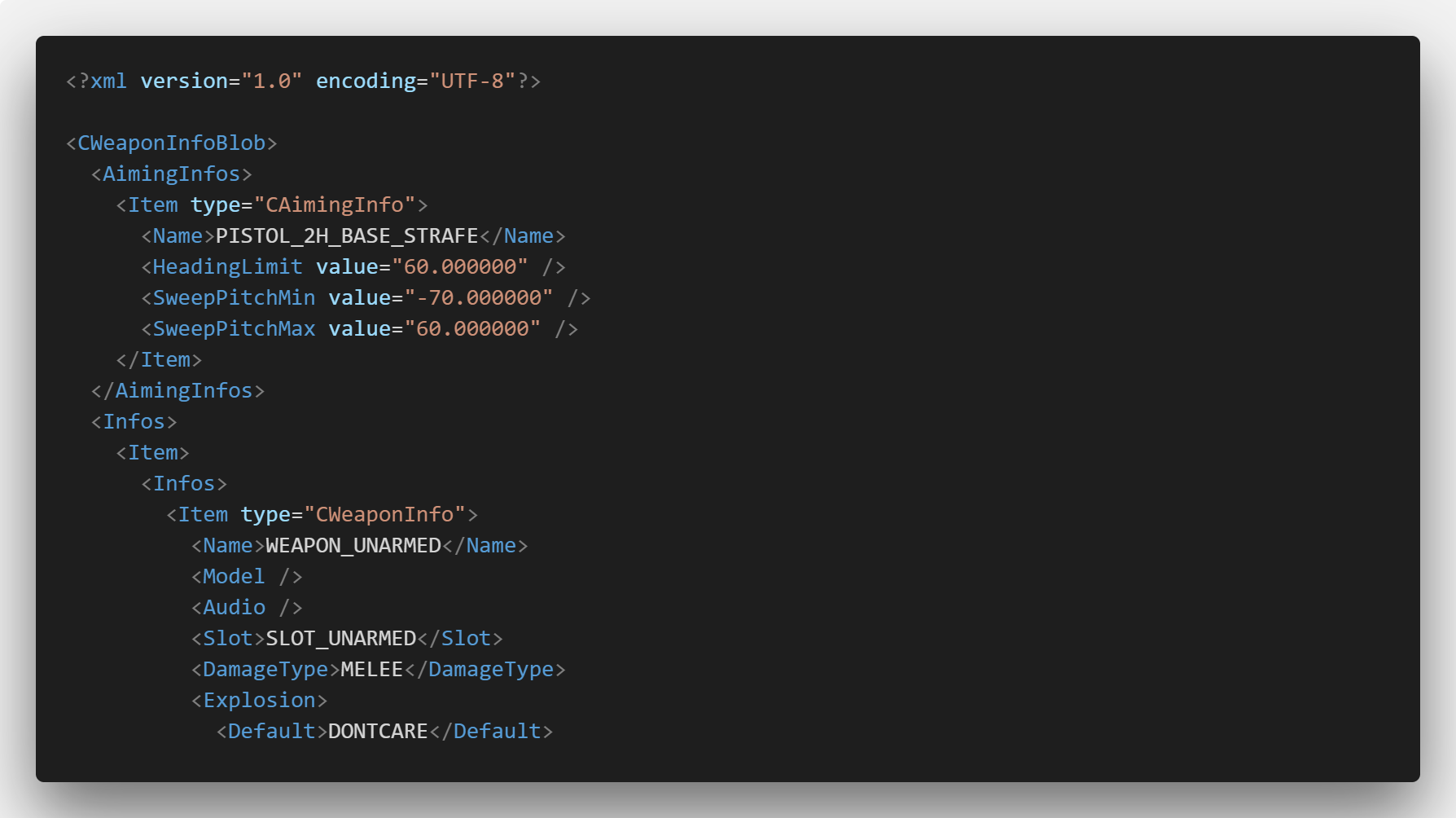
The game has a hardcoded limit on the number of weapons.meta files that can be loaded and on the total number of weapon components that can be defined, which Rockstar increases everytime new weapons.meta or weapon components are added in DLCs. Reaching any these limits when installing weapon mods makes the game crash while loading. This ASI allows you to increase these limits to prevent those crashes. Thanks to CitizenFX/FiveM for their weapon components limit patch. Installation Install an ASI loader (dinput8.dll). Then, just drop 'WeaponLimitsAdjuster.asi' and 'WeaponLimitsAdjuster.ini' in your GTAV directory. If you have installed the old version and still have 'CWeaponInfoBlob Adjuster.asi' and 'CWeaponInfoBlob Adjuster.ini' in your GTAV directory, delete them . Otherwise, both ASIs will conflict and crash. Configuration The 'WeaponLimitsAdjuster.ini' file allows you define the new limits. It has two settings: 'CWeaponInfoBlob': determines the maximum number 'weapons.meta' files that can be included in the game files (default: 512). 'CWeaponComponentInfo': determines the maximum total number of weapon components that can be defined in 'weaponcomponents.meta' files (default: 1024). Changelog 2. 2: Added support for game version b2802. 2. 1: Now the 'CWeaponComponentInfo' pool size from gameconfig.xml is overwritten with the value defined in 'WeaponLimitsAdjuster.ini', so it is no longer necessary to modify gameconfig.xml. 2. 0: Added weapon components limit adjuster, adapted from CitizenFX/FiveM. Renamed to Weapon Limits Adjuster, formerly CWeaponInfoBlob Limit Adjuster. Source code
Weapon Limits Adjuster removes the hardcoded limits on weapons.meta files and weapon components in GTA V, allowing more weapon mods to be installed simultaneously. It's a tool for modders and players who hit these limits. With 1,408 endorsements and 525,894 downloads, it's a proven solution, last updated in December 2022.
✨ Key Features
📊 Pros & Cons
✅ Pros
- Over 525k downloads and 1.4k endorsements show it's widely used and trusted.
- Directly solves a frustrating issue for modders who stack many weapon mods.
- Simple tool that does one thing well—no bloat, just removes the cap.
⚠️ Cons
- Last updated in late 2022, so it may not be compatible with the latest game patches.
- As a tools mod, it doesn't add content itself; you'll still need weapon mods to benefit.
- Potential conflicts with other mods that modify the same game files or use similar limit adjusters.
This is for GTA V modders who install multiple weapon packs and hit the game's hardcoded limits, causing crashes or missing weapons. It's also useful for mod authors who want to ensure their weapon mods work alongside others. If you're a casual player with just a few weapon mods, you probably won't need it.
💡 Beginner Tips
- Make sure to install this before adding many weapon mods to avoid hitting the limit mid-session.
- If you're using a mod manager like OpenIV, place the files in the correct update folder to ensure they load properly.
- Check the mod's comments or forum for any known compatibility notes with popular weapon packs.
📊 Mod Details
- Game
- GTA V Mods
- Author
- alexguirre
- Version
- 1.0
- Downloads
- 525,894
- Endorsements
- 1,408
- Category
- tools
- Created
- 4/6/2018
- Updated
- 12/19/2022
🔧 How to Install GTA V Mods
Script Hook V + OpenIV. Never mod GTA Online.
📖 Full step-by-step install guide for GTA V →
Visit the official mod page for specific installation instructions for this mod.
🎮 Need cheat codes or console commands? Check ur gaming wiki for GTA V commands, item IDs, and more.
Keep browsing — more GTA V mods await