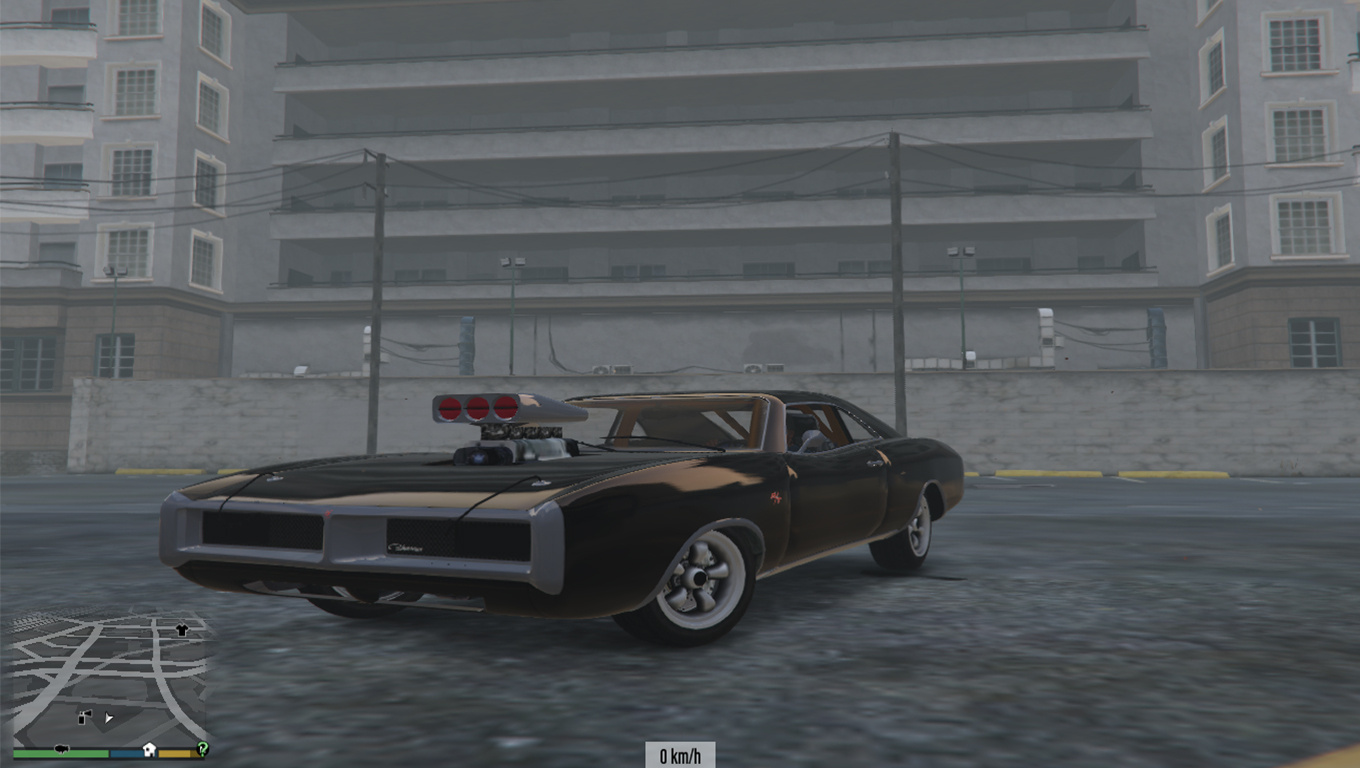
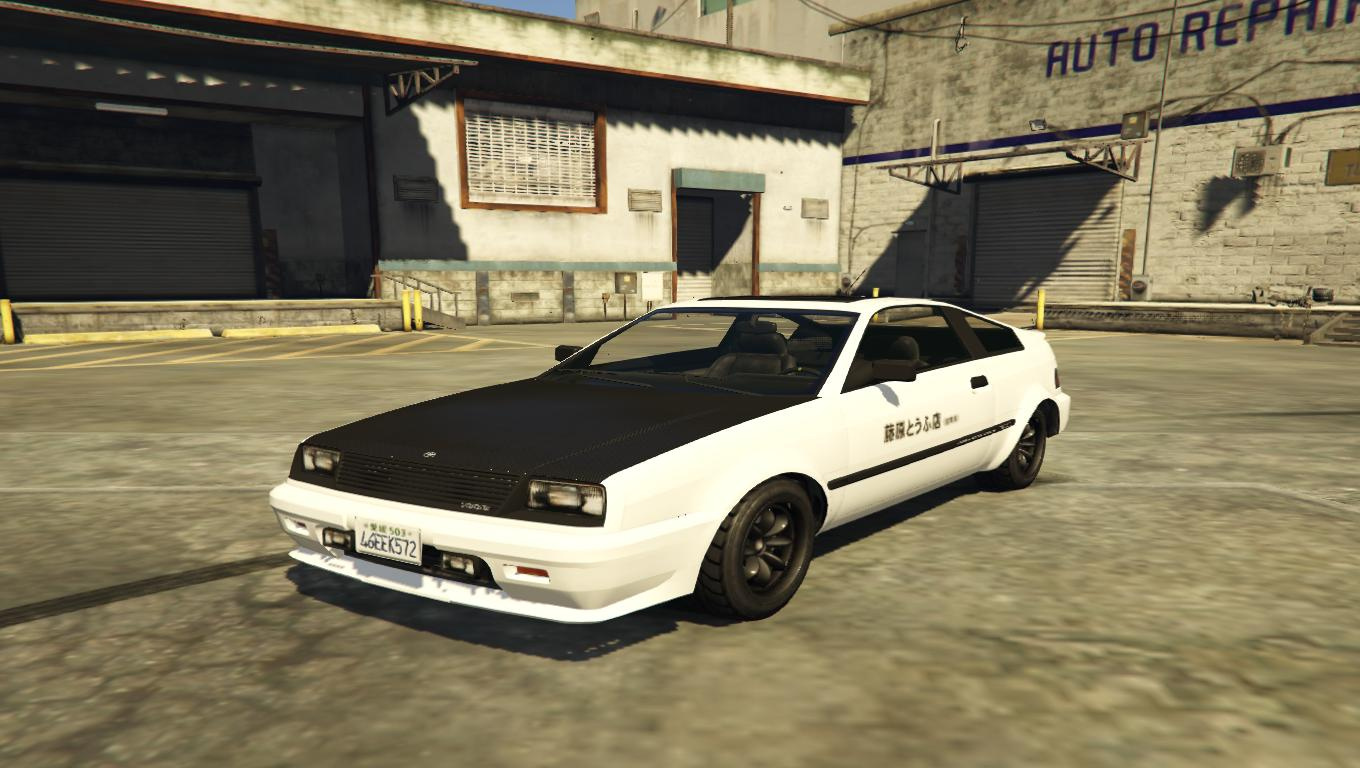
The Fast and The Furious Dodge Charger Badge + Dom's Charger
⚪ Last updated 2015⚠️ Install Order · 3 steps
1🛠️ Script Hook V — Script Hook V Download ↗
2🛠️ Script Hook V .NET — Script Hook V .NET Download ↗
3🧩 OpenIV — OpenIV (archive tool) Download ↗
Install in this order, then this mod last — most mods fail to load without their framework and dependencies in place.
🖼️ Gallery (6 images)



🔍 Analysis
- 👍 0.6% endorsement rate
- 🏆 #129 of 198 paintjobs mods in this game by downloads
📋 About This Mod
Installation: 1. Open OpenIV 2. Go to GTA V\x64w.rpf\dlcpacks\spupgrade\dlc.rpf\x64\levels\gta5\vehicles\upgradevehicles.rpf 3. Enable edit mode. 4. Replace the file dukes.ytd 5. Rebuild Make sure you backup it up!!!! By: Ghostonix
📊 Mod Details
- Game
- GTA V Mods
- Author
- Ghostonix
- Version
- 2.
- Downloads
- 10,192
- Endorsements
- 64
- Category
- paintjobs
- Created
- 6/11/2015
- Updated
- 6/11/2015
🔧 How to Install GTA V Mods
Script Hook V + OpenIV. Never mod GTA Online.
📖 Full step-by-step install guide for GTA V →
Visit the official mod page for specific installation instructions for this mod.
🎮 Need cheat codes or console commands? Check ur gaming wiki for GTA V commands, item IDs, and more.
Keep browsing — more GTA V mods await