Reshade For QuantV 3.0
⚪ Last updated 2021⚠️ Install Order · 3 steps
Install in this order, then this mod last — most mods fail to load without their framework and dependencies in place.
🖼️ Gallery (6 images)
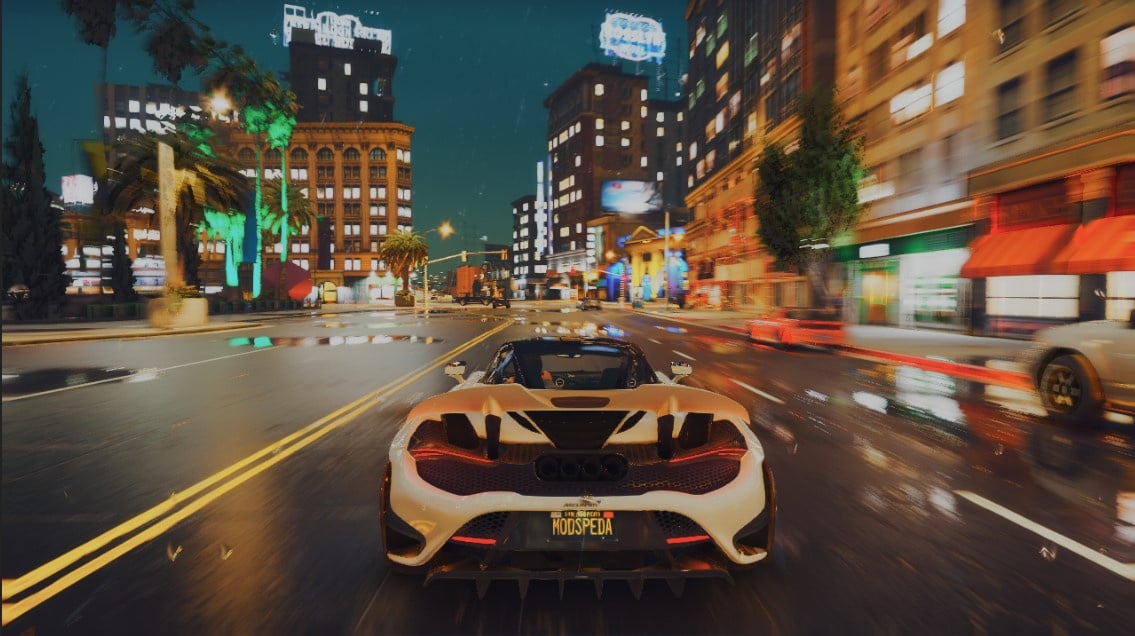
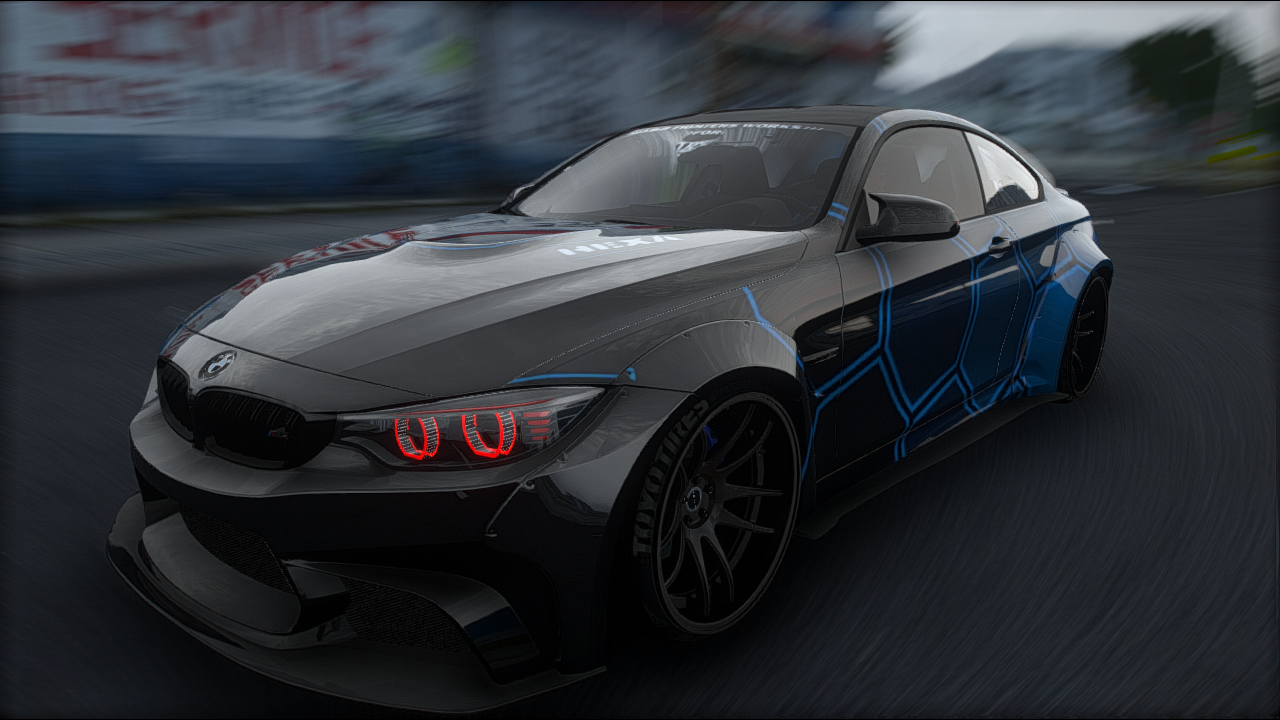


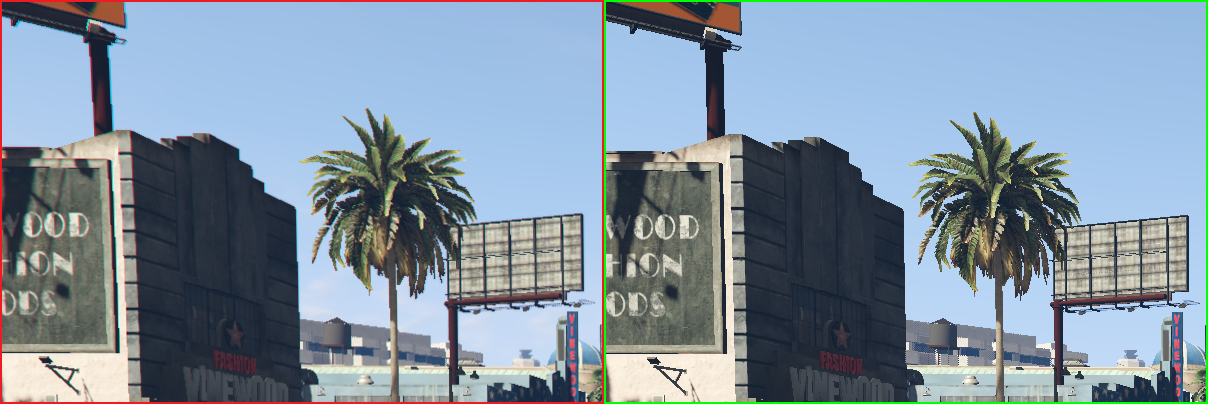
🔍 Analysis
- 👍 0.1% endorsement rate
- 🏆 #39 of 665 misc mods in this game by downloads
📋 About This Mod
Manual installation Follow this step-by-step guide to install ReShade manually... Download the ReShade installer from reshade.me and run it. Select the target game's .exe and click on the pre-selected graphics API. Confirm the installation of standard shaders when the installer's pop-up message opens. Now download the preset you want to use from the preset page on this website (via the "Download raw preset" button) and paste it into the game's main directory (the one where the .exe is located). Run the game. A ReShade window should appear on startup. (If not, something went wrong.) Press Pos1 / Home to open the ReShade GUI. You'll see a highlighted drop down menu on the upper edge of the ReShade configuration window. Open this menu and select the .ini file you just downloaded. The preset should be loaded by ReShade now. (If not, something went wrong.) Now close the ReShade GUI and enjoy your game's new look!
This is a manual installation guide for ReShade tailored for QuantV 3.0, a popular GTA V graphics mod. It walks users through downloading the ReShade installer, selecting the game's .exe, and confirming standard shaders. With 151 endorsements and over 165k downloads, it's a trusted resource for enhancing visuals.
✨ Key Features
📊 Pros & Cons
✅ Pros
- Huge download count (165k+) proves this guide is widely used and trusted
- Simple, clear steps—no confusing jargon, just point-and-click instructions
- Works with QuantV 3.0, so you get that sweet visual upgrade without guesswork
⚠️ Cons
- Only covers manual installation—no automated or one-click setup
- Guide is from 2021, so it might not cover newer ReShade versions or QuantV updates
- No troubleshooting tips if something goes wrong during installation
This is for GTA V players who already use or plan to use QuantV 3.0 and want to add ReShade for extra visual polish. It's also handy for modding newbies who need a straightforward walkthrough without extra fluff.
💡 Beginner Tips
- Make sure you have QuantV 3.0 installed before following this guide, as ReShade needs the game's .exe to hook into.
- When the installer asks for the graphics API, pick the one that matches your game version (usually DirectX 10/11/12 for GTA V).
- After installing, launch the game and press the default ReShade hotkey (Home) to open the overlay and tweak shaders.
📊 Mod Details
- Game
- GTA V Mods
- Author
- MOdSpEdiA 7
- Version
- 3.0
- Downloads
- 165,701
- Endorsements
- 151
- Category
- misc
- Created
- 7/5/2021
- Updated
- 7/5/2021
🔧 How to Install GTA V Mods
Script Hook V + OpenIV. Never mod GTA Online.
📖 Full step-by-step install guide for GTA V →
Visit the official mod page for specific installation instructions for this mod.
🎮 Need cheat codes or console commands? Check ur gaming wiki for GTA V commands, item IDs, and more.
Keep browsing — more GTA V mods await