Realism Graphics Mod
⬇ Download on Nexus ModsPreview
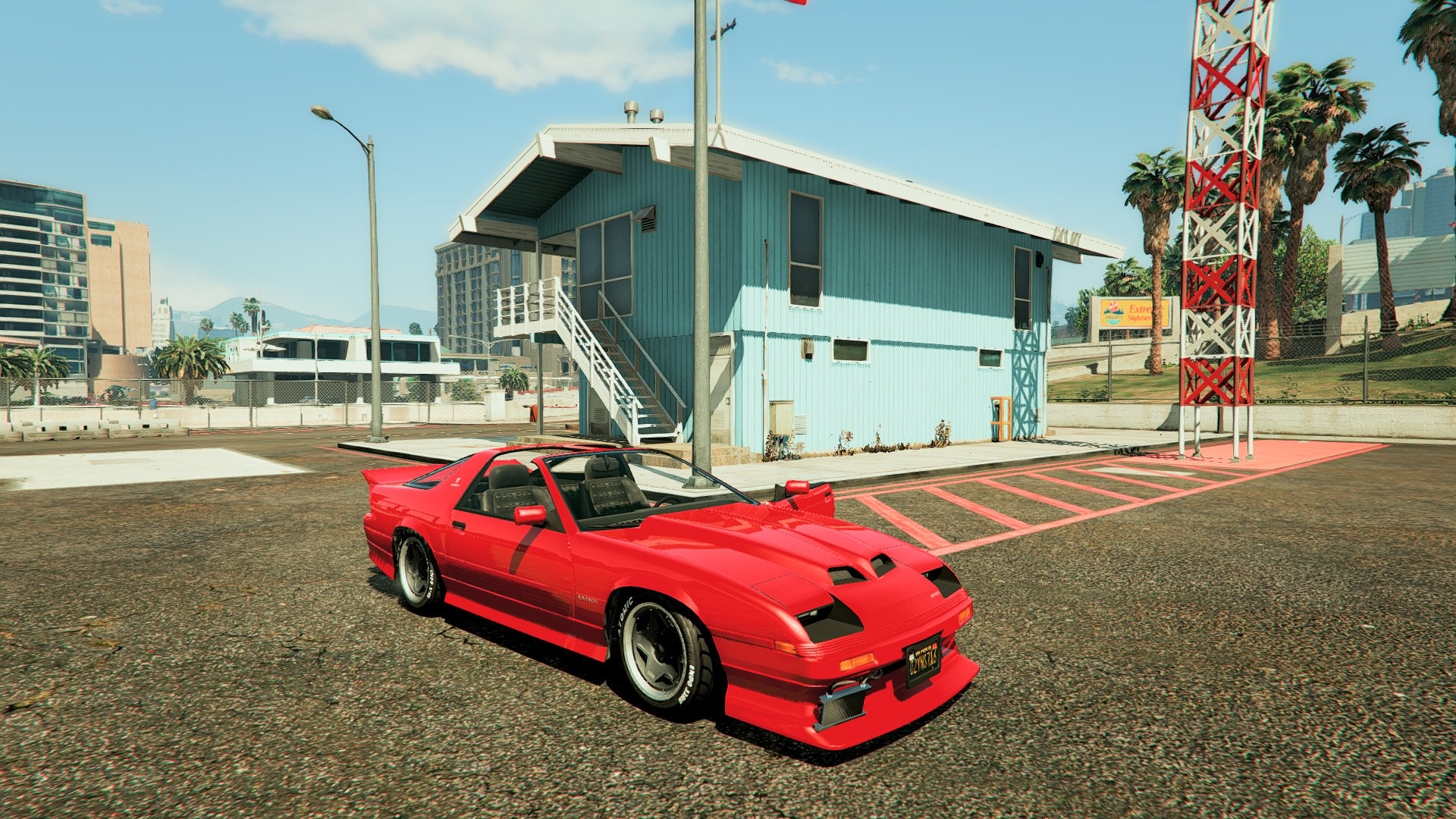
About This Mod
Check out this awesome video showcasing this mod: . I. Features - GTA 5 finally feels sunny! - Realistic and natural color scheme - Improved contrast - More natural skin tones - Nights have become much darker - FXAA - Hardly any performance loss II. Installation 1. Copy the contents of the "Realism - Sweet FX Files" folder to your GTA 5 folder. 2. Start your game 3. Press Scroll Lock to enable III. Tips - Be sure to disable SweetFX during the intro, or else you'll be waiting a long time ;) - If you do notice a performance loss disable the FXAA in the SweetFX_settings file located in the SweetFX folder.
Mod Details
- Game
- GTA V
- Author
- HailTrapLord
- Version
- 1.0
- Downloads
- 63,848
- Endorsements
- 0
- Category
- misc
- Last Updated
- N/A
How to Install GTA V Mods
Script Hook V + OpenIV/CodeWalker. Never mod GTA Online.
Visit the Nexus Mods page for specific installation instructions for this mod.
⭐ Rate & Review
FAQ
Is Realism Graphics Mod safe to download?
Linked from Nexus Mods which scans all files for viruses. Always download from the official source.
Does this mod work with the latest game update?
Last updated recently. Check the official download page for version compatibility.
Where can I learn more about GTA V modding?
Check our complete GTA V modding tools guide for step-by-step setup instructions.