Real FPS Boost Settings
⬇ Download on Nexus ModsPreview
About This Mod
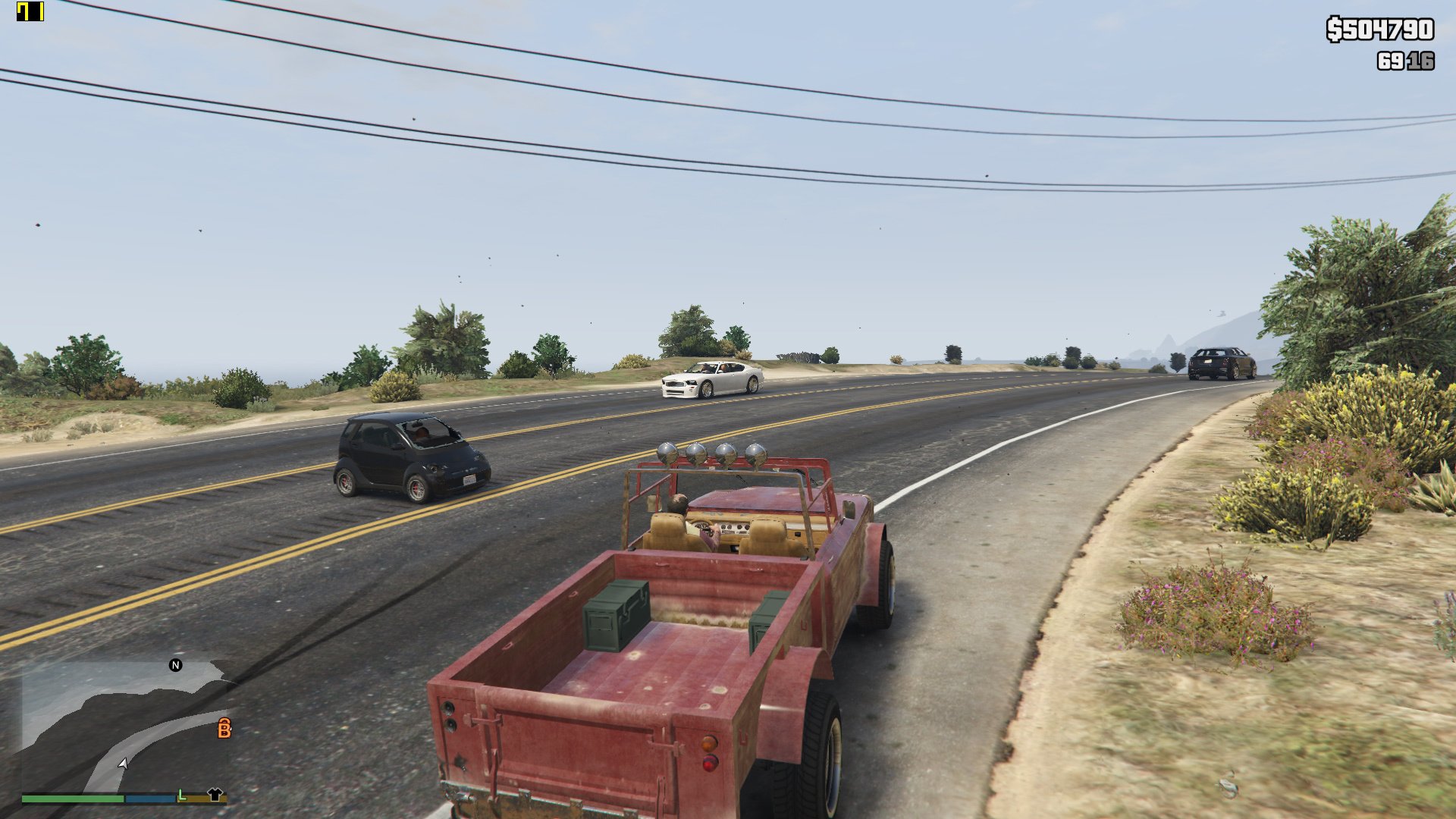
So, today I searched a lot for a good FPS booster mod and I found this mod, named GTA V HD low end (link at the bottom of Description), but I didn't like how it looks. Yes, it helps a lot, gives you like 40-50 even 60 more FPS, but it makes the game a lot crappy, looking like shit. This mod is not for every Low End PC. Yes, it can work with Low End PCs too, but at this point, in the version 1.0 I only tested for my PC, to give me stable 60fps with high and some settings on very high with 1080p. This mod can have some bugs, but without the YOU I won't fix them! Without further ado, let's teach you how to install this mod. Since it's not moddifyng game's folder, it's easy. Photos: (P.S.: don't care about that VRAM counter, it's broken.) 1) Download the mod. 2) Go to My Computer > My Documents > Rockstar Games > GTA V 3) Make a backup of settings.xml that is in GTA V folder (you will need it for the next step) and save it to desktop (or anywhere) 4) Delete settings.xml from GTA V's folder and drag and drop my settings.xml 5) Open the backup of settings.xml (right click and select edit) and go down and copy (this is in my settings.xml because it's my GPU, so you need to copy yours) " AMD Radeon R7 200 Series (AMD Radeon R7 260X) " 6) Open my settings.xml, go down and delete " AMD Radeon R7 200 Series (AMD Radeon R7 260X) " and paste your code. 7) Save the file. Right click on settings.xml and go to properties. Here you will see the bottom of the properties a box named "Read only". Check it, then Apply and OK. Now you're good to go. This mod is safe for online too, since it's not modifying any game's file, just changing some values. In some days I will post more options for this mod, like low, low end etc. emirh08's mod: My PC: CPU: FX-6300 3.50GHz Ram: DDR3 1333MHz GPU: Sapphire R7 260X GDDR5 Update Notes <<========================================================>> Version 2:0 Main change/update: adding more presets. Added High Settings Added Low 1080p Settings Added Low End DX11 1080p Settings Added Low end MAX FX DX10 800x600 Settings Low End Dx11 1080p and Low end MAX FX DX10 800x600 Settings will generate some random textures in some spots because I lowered even more the Texture Render Distance. I cannot fix it without lowering that setting. Stay tunned for more updates and fixes!
Mod Details
- Game
- GTA V
- Author
- UniformGreen
- Version
- 1.0
- Downloads
- 466,713
- Endorsements
- 0
- Category
- misc
- Last Updated
- N/A
How to Install GTA V Mods
Script Hook V + OpenIV/CodeWalker. Never mod GTA Online.
Visit the Nexus Mods page for specific installation instructions for this mod.
⭐ Rate & Review
FAQ
Is Real FPS Boost Settings safe to download?
Linked from Nexus Mods which scans all files for viruses. Always download from the official source.
Does this mod work with the latest game update?
Last updated recently. Check the official download page for version compatibility.
Where can I learn more about GTA V modding?
Check our complete GTA V modding tools guide for step-by-step setup instructions.