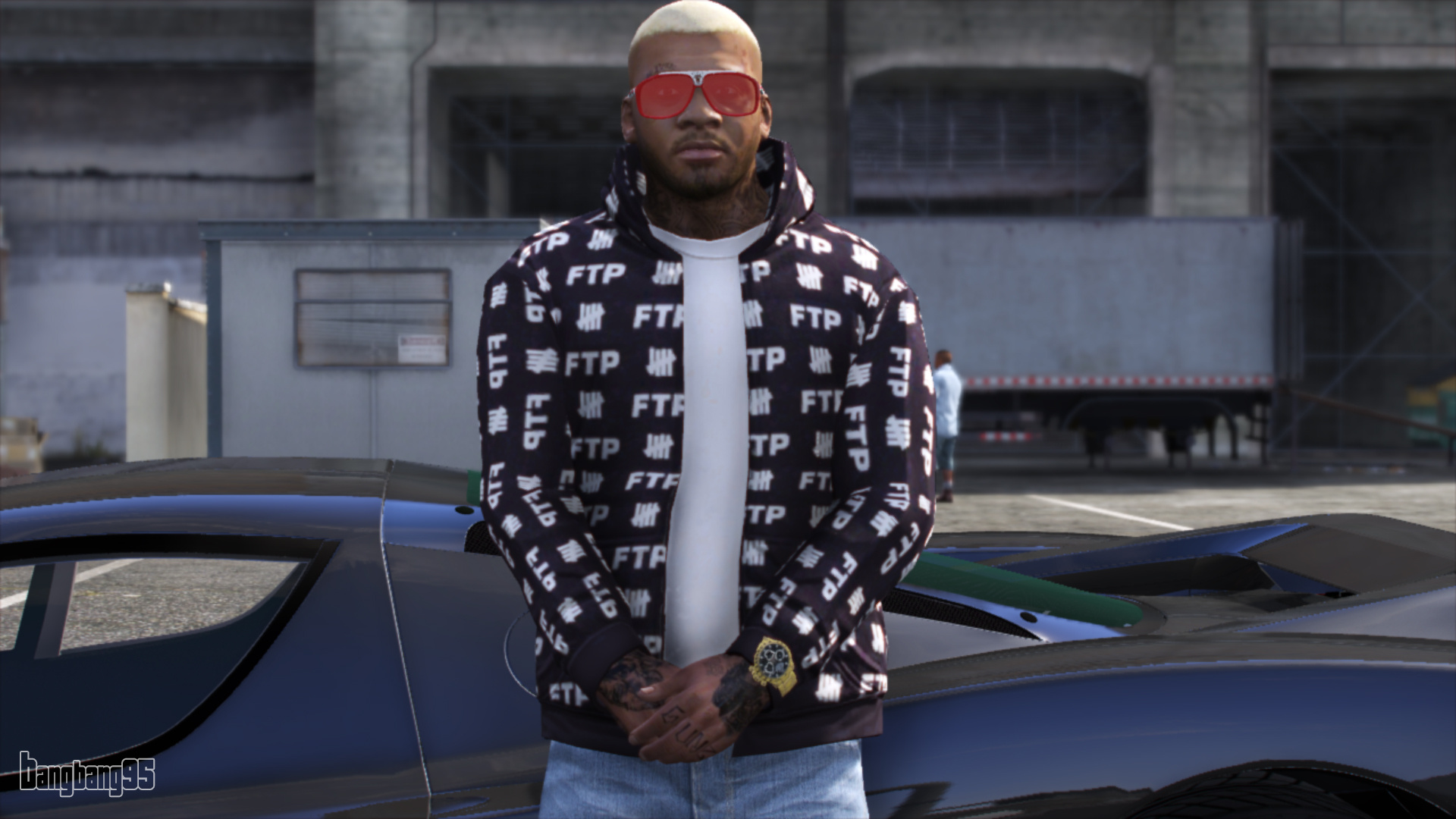
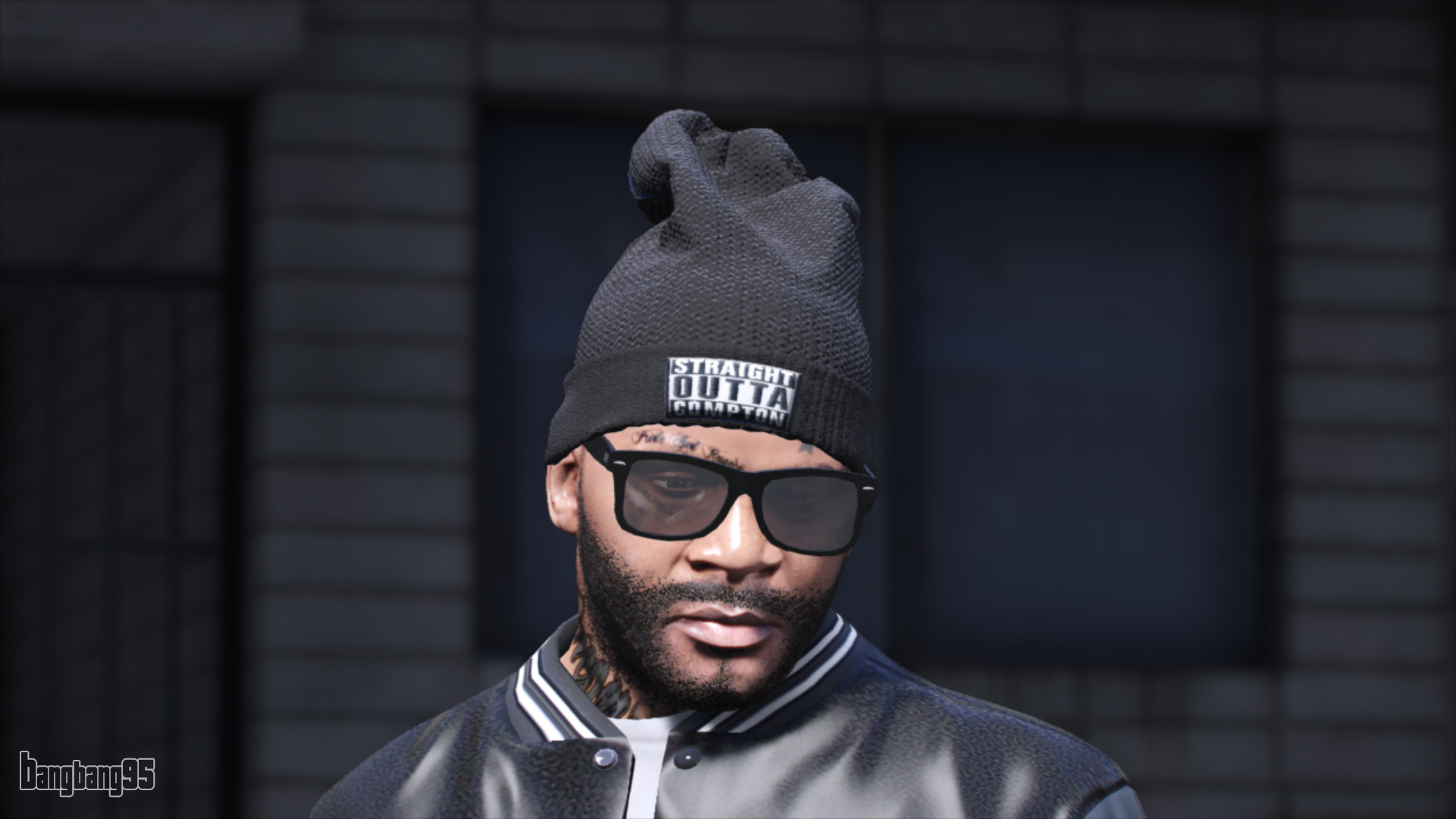
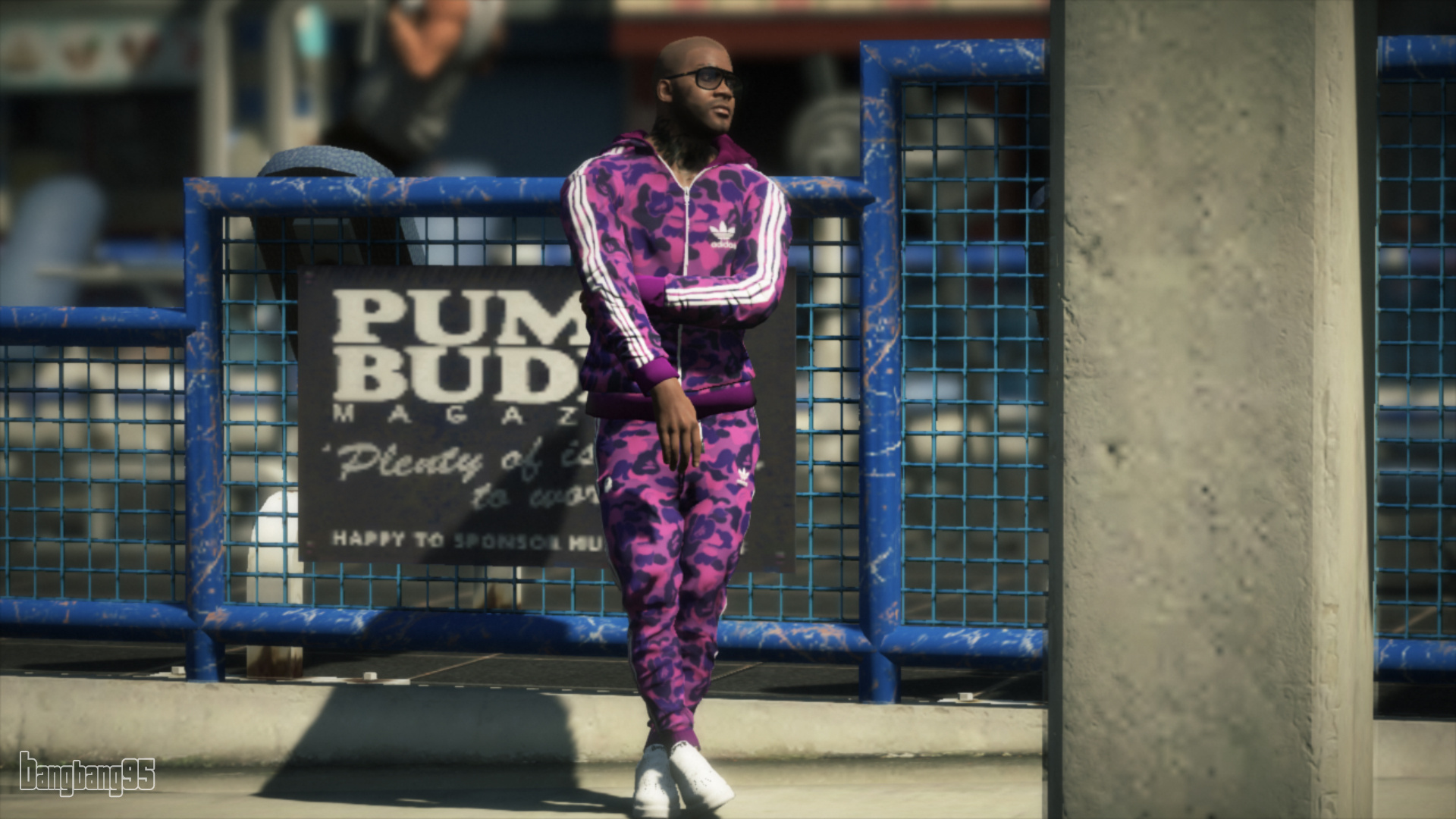
New Improved Face - Franklin
⚪ Last updated 2019⚠️ Install Order · 3 steps
Install in this order, then this mod last — most mods fail to load without their framework and dependencies in place.
🖼️ Gallery (6 images)



🔍 Analysis
- 👍 0.4% endorsement rate
- 🏆 #16 of 198 player mods in this game by downloads
📋 About This Mod
********* UPDATE 13. 04. 2019 ****** 3. 0 - Add Face Version WITHOUT Tattoos and New hair color made by Lil'Cub ****** UPDATE 28. 03. 2019 ****** 2. 0 - Add Face Version WITHOUT red stars For different color eyes you can get them on our Discord : blackout.pw/discord ********************************************** This mod contains : - New improved Face for Franklin based on JackFrossst work ( You can find the original model here : Big thank to Pr0trikk for his precious help on this little project :) Instructions in ReadMe! I recommand to use Menyoo trainer for open it :) Enjoy , like and comment :)
This mod overhauls Franklin's face with improved textures and details, offering versions with and without tattoos and red stars. It includes a new hair color by Lil'Cub. With 504 endorsements and over 136k downloads, it's a popular choice for players seeking a fresh look for Franklin in GTA V.
✨ Key Features
📊 Pros & Cons
✅ Pros
- Over 136k downloads and 504 endorsements show it's a trusted face overhaul.
- Multiple face versions let you pick between tattoos and red stars or go clean.
- New hair color adds extra customization for Franklin's look.
⚠️ Cons
- Last updated in 2019, so it may not be compatible with the latest GTA V patches.
- Eye color options require joining a Discord server, which is an extra step.
- No screenshots or detailed install instructions in the description, so you're flying blind.
This is for GTA V players who want to give Franklin a more detailed or altered face, especially those who dislike his default tattoos or red star markings. It's also for modders who enjoy tweaking character appearances and want a popular, community-tested option.
💡 Beginner Tips
- Make sure to replace the correct file in your mods folder, usually under 'x64v.rpf' or similar, to avoid conflicts.
- If you want the eye color variants, join the Discord and follow the instructions there, as they aren't in the description.
- Check the mod's comments section for any reported issues with the latest game version before installing.
📊 Mod Details
- Game
- GTA V Mods
- Author
- BangBang95 , Pr0trikk
- Version
- 1.0
- Downloads
- 136,066
- Endorsements
- 504
- Category
- player
- Created
- 3/23/2019
- Updated
- 4/13/2019
🔧 How to Install GTA V Mods
Script Hook V + OpenIV. Never mod GTA Online.
📖 Full step-by-step install guide for GTA V →
Visit the official mod page for specific installation instructions for this mod.
🎮 Need cheat codes or console commands? Check ur gaming wiki for GTA V commands, item IDs, and more.
Keep browsing — more GTA V mods await