FPS Booster For Low End PCs
⬇ Download on Nexus ModsPreview
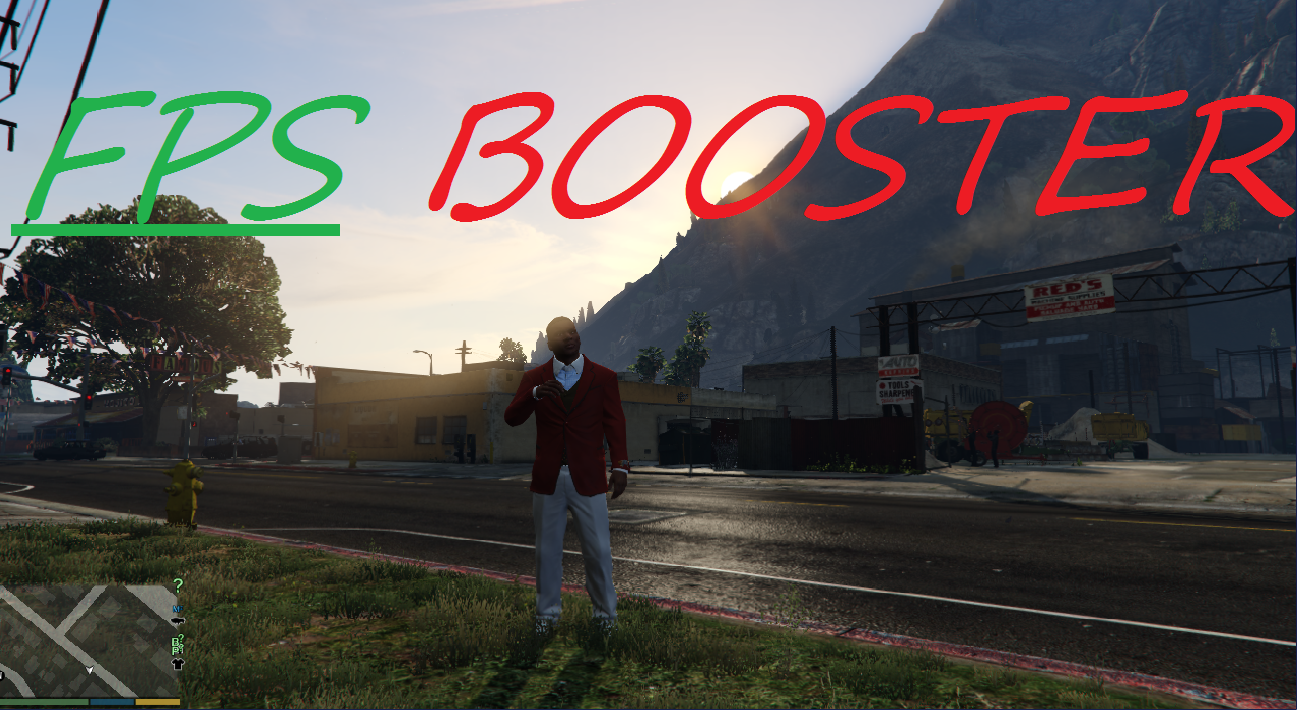
About This Mod
To install it you need OpenIV, you can download it here 1) Open "OpenIV" and go to update\update.rpf\common\data 2) You will find visualsettings. 3) Press editing button on the top. 4) Press "Add file to the new archive"(green plus) 5) Add file from my archive. Gives boost up to 15 fps. Tested on my laptop with GT610m ;D First time I install the game I was getting around 25 fps 800x600, now I'm playing with stable 30 fps in HD resolution. Sorry for grammar mistakes (only learning English) \\UPDATE// V1.1 -Added LowEnd and MidEnd settings -Added Custom Resolutions ( RAM fix) V1.2 -Added timecycle files -Less fog -Disabled chromatic aberration -Disabled noises V1.3 -Fixed water bug -Fixed fog bug in sandy shores V1.4 -Removed lens flares -Removed ssao
Mod Details
- Game
- GTA V
- Author
- GT610m
- Version
- .
- Downloads
- 97,064
- Endorsements
- 0
- Category
- misc
- Last Updated
- N/A
How to Install GTA V Mods
Script Hook V + OpenIV/CodeWalker. Never mod GTA Online.
Visit the Nexus Mods page for specific installation instructions for this mod.
⭐ Rate & Review
FAQ
Is FPS Booster For Low End PCs safe to download?
Linked from Nexus Mods which scans all files for viruses. Always download from the official source.
Does this mod work with the latest game update?
Last updated recently. Check the official download page for version compatibility.
Where can I learn more about GTA V modding?
Check our complete GTA V modding tools guide for step-by-step setup instructions.