Colorful HUD (Weapons, Radio & Map Blips)
⚪ Last updated 2016⚠️ Install Order · 4 steps
Install in this order, then this mod last — most mods fail to load without their framework and dependencies in place.
🖼️ Gallery (6 images)


🔍 Analysis
- 👍 0.9% endorsement rate
- 🏆 #66 of 665 misc mods in this game by downloads
📋 About This Mod
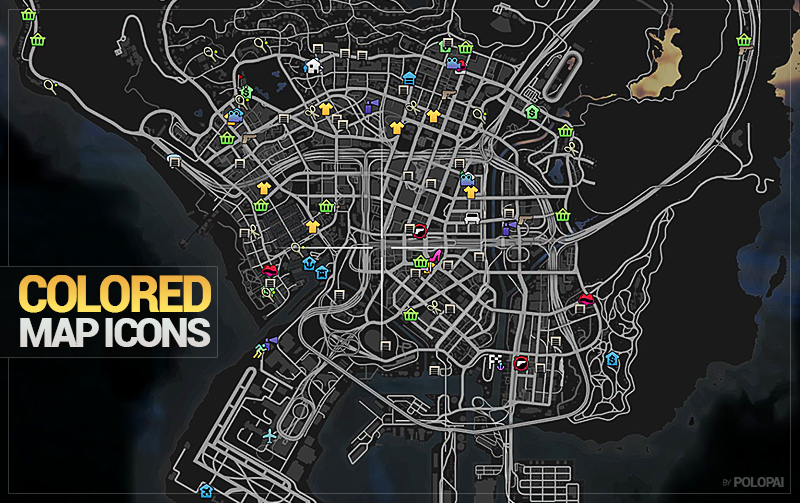
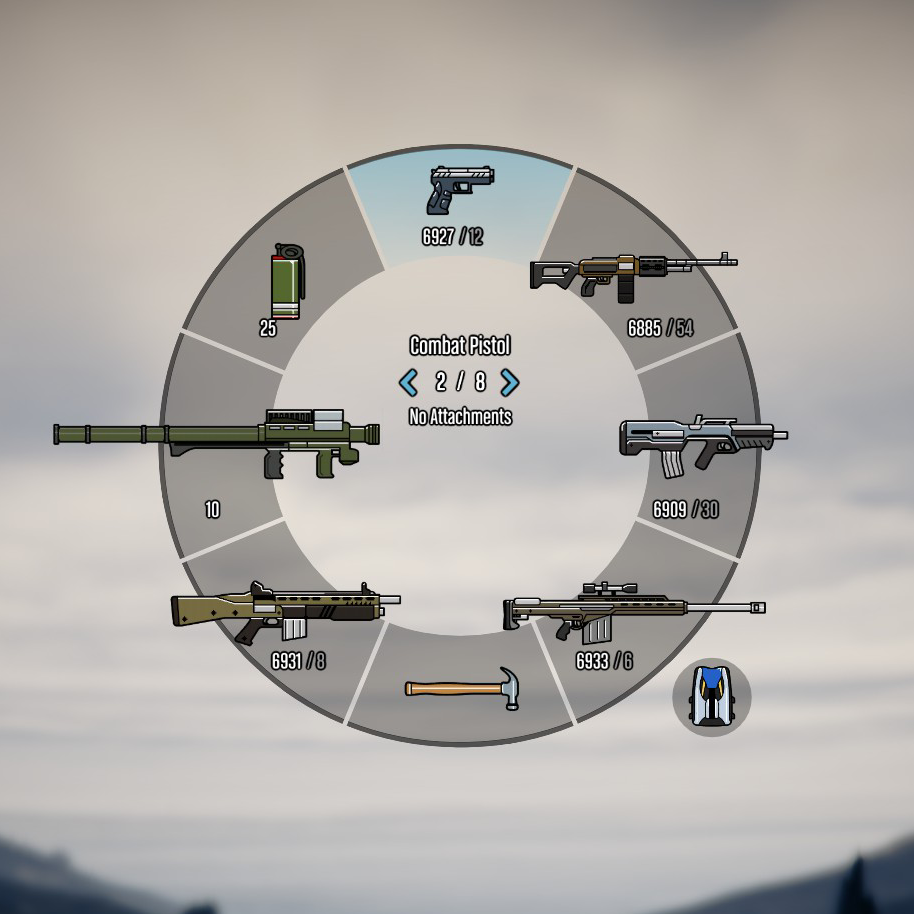
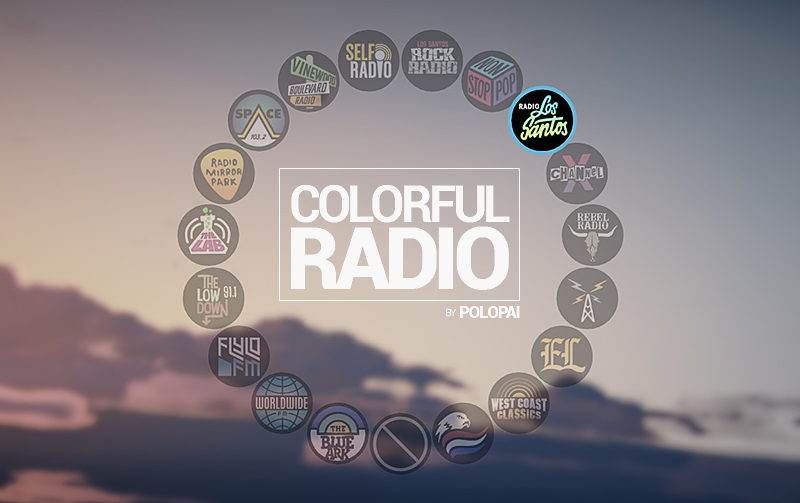
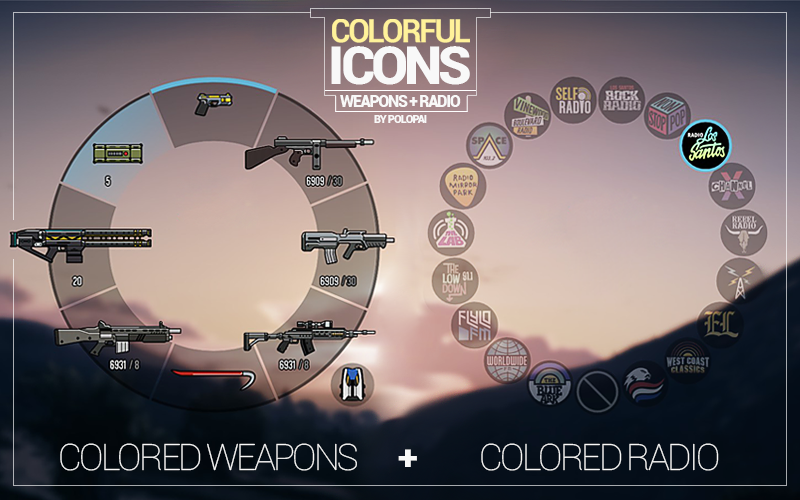
This is the most complete mod I've released, combining my following coloring mods: • Colored Weapon Icons • Colored Radio Icons • Colored Map Blips VERSION: This version is compatible with the latest Festive Surprise 2015 Update. INSTALLATION: 1. Download OpenIV from www.openiv.com, install it and open GTA V for Windows. 2. Go to mods/update/update.rpf/x64/patch/data/cdimages/scaleform_generic.rpf 3. Click on the "Edit Mode" button on the top bar. 4. Then click on the green plus icon that says "Add new file" and import the 'hud.ytd' and 'mp_big_message_freemode.ytd' provided by this mod (you can find these files inside the 'Modded YTD' folder). 5. Go to mods/update/update.rpf/x64/patch/data/cdimages/scaleform_minimap.rpf 6. Click on "Add new file" and import the 'minimap.ytd' file provided by this mod. 7. Close OpenIV and start the game! NOTE: Make sure you have the latest version of ScriptHookV, otherwise the game will crash when you try to run it. Also, make sure to enable the ASI Loader and OpenIV.asi through OpenIV in order to enable the game to read modified .rpf files. To do so, run OpenIV and go to Tools > ASI Manager and install ASI Loader and OpenIV.asi WARNING: Even though these are just texture mods, you can still get banned for playing online with them, so avoid going into Online mode while using this mod or any other mod.
Colorful HUD combines three mods to recolor weapon icons, radio icons, and map blips in GTA V. It is compatible with the Festive Surprise 2015 update and requires OpenIV for installation. With 903 endorsements and over 104k downloads, it's a popular visual customization for HUD elements.
✨ Key Features
📊 Pros & Cons
✅ Pros
- One mod covers three HUD elements, so you don't need separate downloads.
- Over 104k downloads and 903 endorsements show it's a trusted, popular choice.
- Works with the Festive Surprise update, so it's up-to-date for that version.
⚠️ Cons
- Last updated in 2016, so it may not work with newer GTA V updates.
- Requires OpenIV, which adds an extra step if you haven't used it before.
- Only recolors icons and blips—no other HUD changes, so it's limited in scope.
This is for GTA V players who want a more colorful and visually distinct HUD, especially those who find the default icons bland. It's also for modders who like to customize their UI without overhauling the whole interface.
💡 Beginner Tips
- Make sure to download OpenIV from the official site and install it before trying to use this mod.
- Since it's from 2016, check if your game version matches the Festive Surprise 2015 update to avoid compatibility issues.
- If you're new to modding, follow the installation steps carefully—OpenIV can be tricky if you haven't used it before.
📊 Mod Details
- Game
- GTA V Mods
- Author
- Polopai
- Version
- .
- Downloads
- 104,434
- Endorsements
- 903
- Category
- misc
- Created
- 1/24/2016
- Updated
- 1/24/2016
🔧 How to Install GTA V Mods
Script Hook V + OpenIV. Never mod GTA Online.
📖 Full step-by-step install guide for GTA V →
Visit the official mod page for specific installation instructions for this mod.
🎮 Need cheat codes or console commands? Check ur gaming wiki for GTA V commands, item IDs, and more.
Keep browsing — more GTA V mods await