Awesomekills Graphics
⚪ Last updated 2023⚠️ Install Order · 5 steps
Install in this order, then this mod last — most mods fail to load without their framework and dependencies in place.
🖼️ Gallery (6 images)



🔍 Analysis
- 👍 0.2% endorsement rate
- 🏆 #10 of 665 misc mods in this game by downloads
📋 About This Mod
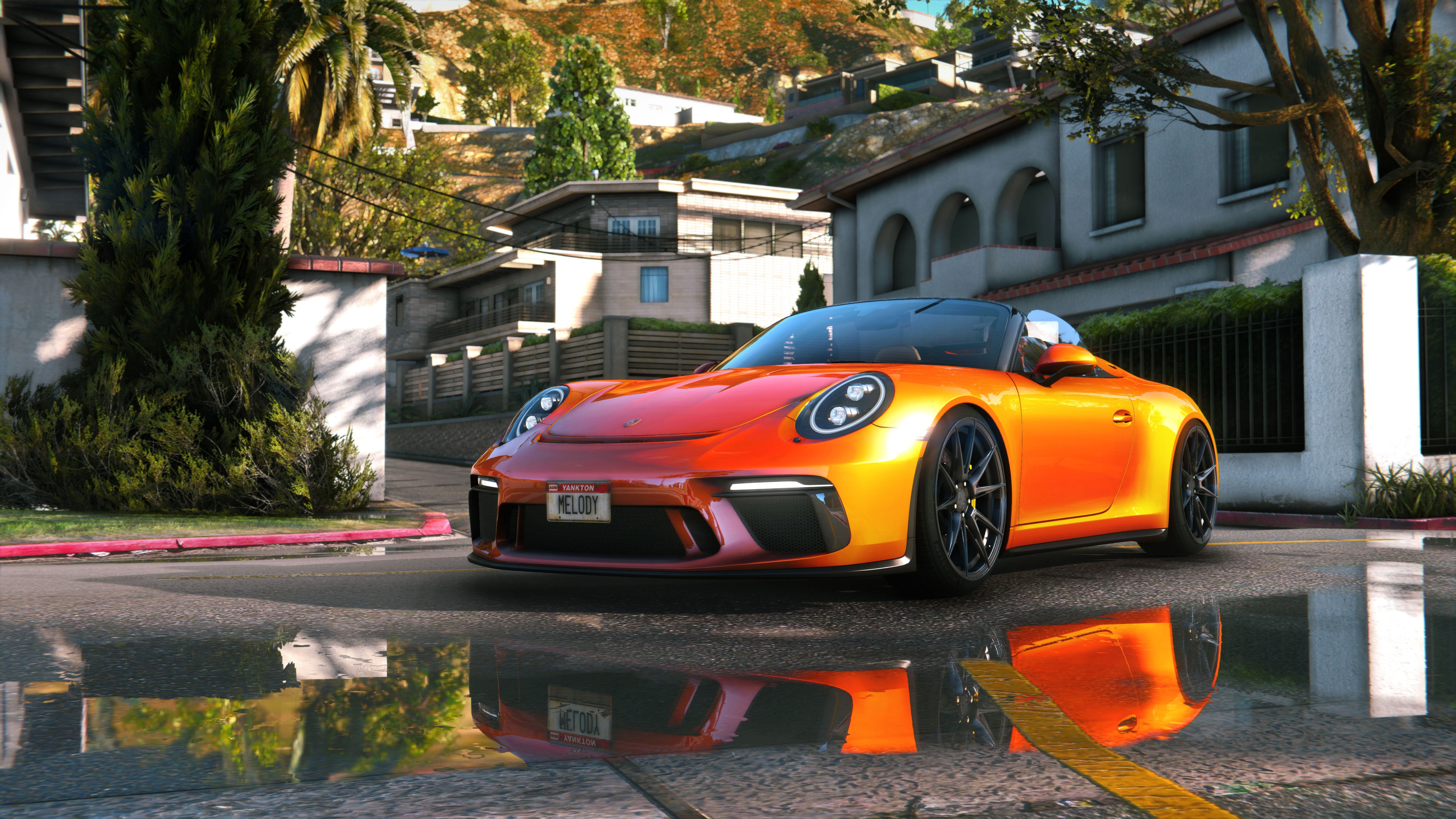
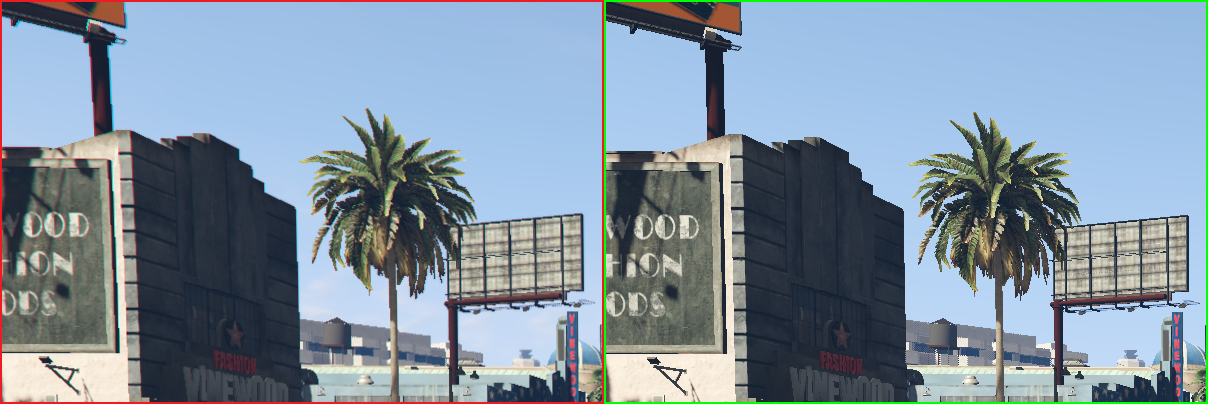
Description Comments (1419) This is combined graphic mod which includes end, reshade, timecycle modifyed and some other file changes. Install: 1. Using OpenlV install VisualV. 2. Using OpenlV install Awesomekills graphics.oiv package 3. Install Reshade 4. Delete "reshade-shaders" folder from your GTAV folder 5. Copy all files from "5 step folder" to your GTAV folder with replace. 6. Change path in "ReShade.ini" file from "6 step" folder (helping picture with instructions included), save it and copy to your GTAV folder If you have troubles with install check video tutorial: Included reshade presets list: Awesomekills NORT Gameplay - preset for gameplay &screenshots Awesomekills NORT Screens SmallDOF - preset for screenshots with small DOF Awesomekills NORT Screens BigDOF - preset for screenshots with big DOF Uninstall: Delete mods folder, dxgi.dll and d3d11.dll Update December 2023 changelog: - Cars reflections - Colour balance, gamma - Bloom - Sky, clouds - Performance optimization If You have trouble with dark picture disable scale mod in video settings. Also i release RT version of this mod . You can check it here:
Awesomekills Graphics is a combined graphics mod for GTA V that bundles ENB, ReShade, and modified timecycle files to enhance visual quality. It requires VisualV and ReShade installation via OpenIV. With over 562,000 downloads and 1,216 endorsements, it's a popular choice for players seeking a comprehensive visual overhaul.
✨ Key Features
📊 Pros & Cons
✅ Pros
- Over 562,000 downloads and 1,216 endorsements show it's a proven, popular mod
- Combines multiple graphic enhancements into one package for a unified look
- Installation is straightforward with clear steps provided
⚠️ Cons
- Requires VisualV and ReShade, adding extra setup steps
- May impact performance due to ENB and ReShade effects
- Compatibility with other mods could be an issue since it modifies timecycle and other files
This mod is for GTA V players who want a comprehensive visual upgrade without juggling multiple separate mods. It's ideal for those who already use or are willing to install VisualV and ReShade, and who prioritize graphics over performance.
💡 Beginner Tips
- Make sure to install VisualV first, then the Awesomekills Graphics package, and finally ReShade to avoid conflicts.
- After installing ReShade, delete the 'reshade-shaders' folder as instructed to prevent issues.
- If you experience crashes, verify that you have the latest versions of VisualV and ReShade compatible with your game version.
📊 Mod Details
- Game
- GTA V Mods
- Author
- Awesomekills
- Version
- 0
- Downloads
- 562,900
- Endorsements
- 1,216
- Category
- misc
- Created
- 1/17/2016
- Updated
- 12/5/2023
🔧 How to Install GTA V Mods
Script Hook V + OpenIV. Never mod GTA Online.
📖 Full step-by-step install guide for GTA V →
Visit the official mod page for specific installation instructions for this mod.
🎮 Need cheat codes or console commands? Check ur gaming wiki for GTA V commands, item IDs, and more.
Keep browsing — more GTA V mods await