GrimTex
🟢 Updated this monthPreview
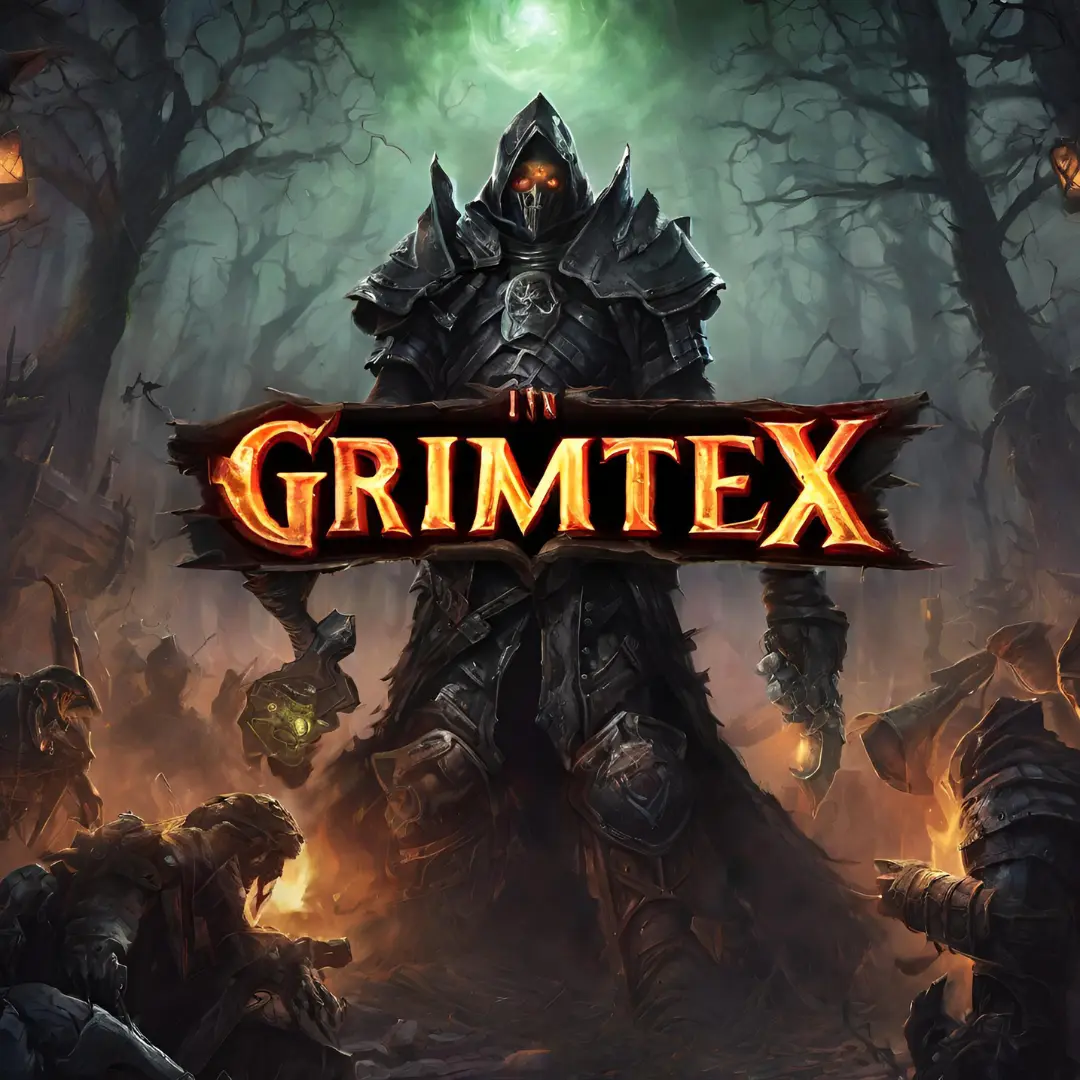
🔍 Analysis
- 👍 1.1% endorsement rate — high engagement, a strong quality signal
- ✅ Updated 66 days after the latest game patch — actively maintained
- 🏆 #1 of 43 Visuals and Graphics mods in this game by downloads
📋 About This Mod
A complete re-mastery and upscale of every texture in Grim Dawn, staying true to the original vision while vastly enhancing visual quality. Now includes GrimShade (ReShade) for improved lighting and contrast. Choose from 50%, 100%, 200%, or
📜 GrimTex & GrimShade - Complete Installation Guide
Upgrade Grim Dawn with high-resolution textures and enhanced visuals using GrimTex and GrimShade (ReShade). Follow these steps for a seamless installation.
📜 GrimTex (High-Resolution Texture Overhaul)GrimTex is a professional remaster of all vanilla textures in Grim Dawn, enhancing detail while maintaining the game’s original aesthetic.
✔️ All textures upscaled and remastered
✔️ Supports 50%, 100%, 200%, and 400% resolution sizes
✔️ Uses original compression formats for optimal performance and quality
✔️ Can use up to 6-8GB of VRAM in high-density areas
✔️ UI remaster is a work in progress
📂Installing GrimTex📂
1️⃣ Navigate to the Grim Dawn settings directory:
C:\Users\YourWindowsUsername\Documents\My Games\Grim Dawn\
2️⃣ Create a new folder named
settings(case-sensitive)
-
[]If
Settingsalready exists, skip this step.[/
][]This folder acts as a hidden override folder that Grim Dawn will use instead of vanilla assets.[/]
settingsfolder
-
[]Your folder structure should look like this:
C:\Users\YourWindowsUsername\Documents\My Games\Grim Dawn\settings\creatures
C:\Users\YourWindowsUsername\Documents\My Games\Grim Dawn\settings\items
C:\Users\YourWindowsUsername\Documents\My Games\Grim Dawn\settings\level art
C:\Users\YourWindowsUsername\Documents\My Games\Grim Dawn\settings\terrain textures[/
]
🎨 GrimShade (ReShade for Enhanced Graphics)
GrimShade is a customized ReShade preset designed to improve lighting, color correction, sharpening, and post-processing in Grim Dawn.📂Installing GrimShade📂
1️⃣ Extract the following files from the GrimShade package into your Grim Dawn directory:
C:\Program Files (x86)\Steam\steamapps\common\Grim Dawn\x64\
-
[]Included Files:
reshade-shaders/ (only necessary shaders)
GrimShade.ini (ReShade preset)
ReShade.ini (pre-configured UI settings)[/
]
-
[]Get the latest version from reshade.me.[/]
[]Run the installer and select:
C:\Program Files (x86)\Steam\steamapps\common\Grim Dawn\[/]
[]Choose DirectX 10/11/12 as the rendering API.[/]
-
[]Since GrimShade.ini is already in place, ReShade will automatically detect and install only the shaders required for this preset.[/]
[]Click Next and let it install only the necessary effects.[/]
-
[]Start the game, and ReShade should load automatically.[/]
[]Press Home (
Pos1) to open ReShade.[/]
[]If needed, manually select GrimShade.ini from the dropdown.[/]
-
[]Toggle ReShade On/Off →
End[/
][]Adjust Effects → Use ReShade UI (
Home)[/]
🔧 Troubleshooting
-
[]Textures not appearing?
[
]Make suresettingsis spelled correctly and placed in the correct directory.[/]
[]ReShade not working?
-
[]Ensure
dxgi.dllis in the Grim Dawn folder.[/]
[]Disable Steam Overlay or other conflicting software.[/]
[]Performance Issues?
-
[]Try using a lower resolution version of GrimTex.[/]
[
]Disable any unnecessary ReShade effects in the UI.[/]
🔥 You're All Set!Your Grim Dawn experience is now upgraded with GrimTex’s high-resolution textures and GrimShade’s enhanced lighting and post-processing. Enjoy the game like never before! 🚀
📊 Mod Details
- Game
- Grimdawn Mods
- Author
- Xzandiel
- Version
- 9.2
- Downloads
- 75,094
- Endorsements
- 825
- Category
- Visuals and Graphics
- Created
- 4/27/2023
- Updated
- 9/29/2026
- Tags
- Terrain, Water, Weather, Foliage (Plants), AI-Generated Content
🔧 How to Install Grim Dawn Mods
Install via a mod manager (Vortex or Mod Organizer 2). Most mods drop into the game folder.
📖 Full step-by-step install guide for Grim Dawn →
Visit the official mod page for specific installation instructions for this mod.
🎮 Need cheat codes or console commands? Check ur gaming wiki for Grim Dawn commands, item IDs, and more.
Keep browsing — more Grim Dawn mods await