PatchMenu
🟠 Updated over a year agoPreview
🔍 Analysis
- 👍 2.4% endorsement rate — high engagement, a strong quality signal
- 🏆 #13 of 137 Miscellaneous mods in this game by downloads
📋 About This Mod
Info Spieler
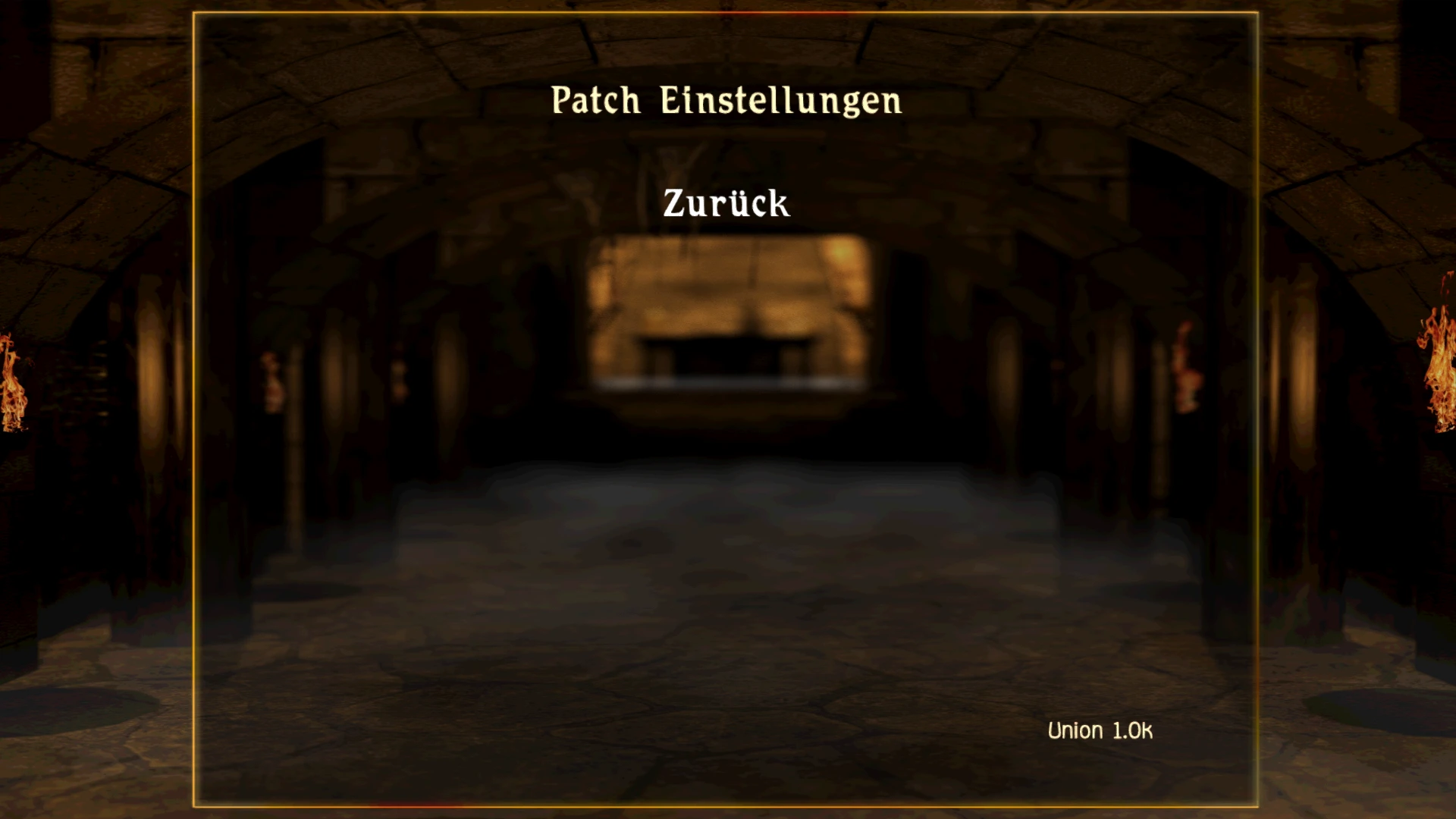
Dieser Patch bietet anderen Patches ein eigenes Menü um die Übersichtlichkeit zu erhöhen. Alleine bietet er keine weiteren Funktionen.
Info Entwickler
Du musst dich einfach nur an das Menü Entry - MENU_NINJA_PATCHMENU_OPT - hängen.
Beispiel in NinjaInit.d :
func void Ninja__Menu(var int menuPtr) {
MEM_InitAll();
// Get menu and menu item list, corresponds to C_MENU_DEF.items[]
var zCMenu menu; menu = _^(menuPtr);
var int items; items = _@(menu.m_listItems_array);
// Modify each menu by its name
if (Hlp_StrCmp(menu.name, "MENU_NINJA_PATCHMENU_OPT")) {
// New menu instances
var string itm1Str; itm1Str = "MENUITEM_NINJA_MYAWESOMEMENU_OPT";
// Get bottom most menu item and new menu items
var int itmL; itmL = MEM_ArrayPop(items); // Typically "BACK"
var int itm1; itm1 = MEM_GetMenuItemByString(itm1Str);
// If the new ones do not exist yet, create them the first time
if (!itm1) {
itm1 = Ninja__CreateMenuItem(itm1Str);
// Also adjust vertical positions of the menu items
var zCMenuItem itm;
itm = _^(itmL);
var int y; y = itm.m_parPosY;
itm.m_parPosY = y+300; // Move bottom item down
itm = _^(itm1);
itm.m_parPosY = y-260; // Move new item 1 up
// (Re-)insert the menu items in the correct order
MEM_ArrayInsert(items, itm1);
MEM_ArrayInsert(items, itmL);
Download —
Auch über Spine erhältlich
Voraussetzung
PatchMenu adds a new menu for patches to the game, offering a simple utility for managing patch-related options. With 42 endorsements and 1,757 downloads, it's a niche tool for players who want a dedicated interface for patches. Last updated in December 2024, it's relatively recent but lacks detailed documentation.
✨ Key Features
📊 Pros & Cons
✅ Pros
- Does exactly what it says: gives you a dedicated menu for patches
- Recent update (December 2024) means it's likely compatible with current game versions
- Lightweight and focused—no bloat, just the menu
⚠️ Cons
- Tiny mod with only 42 endorsements—community hasn't fully embraced it yet
- Description is minimal, so you're flying blind on what the menu actually does
- No screenshots or videos provided, so you can't preview the menu before installing
For players who frequently use patches and want a centralized menu to manage them. Skip if you rarely touch patches or prefer to handle them manually—this adds little value otherwise.
💡 Beginner Tips
- Check if the mod requires a specific game version or patch framework before installing
- Since it's a menu mod, look for a hotkey or keybind to open it in-game
- If you're unsure about the menu's purpose, try it on a test save first
📊 Mod Details
- Game
- Gothic2 Mods
- Author
- neocromicon
- Version
- 1.1.1
- Downloads
- 1,757
- Endorsements
- 42
- Category
- Miscellaneous
- Created
- 11/13/2021
- Updated
- 12/17/2024
🔧 How to Install Gothic 2 Mods
Download from Nexus Mods.
📖 Full step-by-step install guide for Gothic 2 →
Visit the official mod page for specific installation instructions for this mod.
🎮 Need cheat codes or console commands? Check ur gaming wiki for Gothic 2 commands, item IDs, and more.
Keep browsing — more Gothic 2 mods await