ViewMod
⚪ Last updated 2023Preview
🔍 Analysis
- 👍 0.0% endorsement rate
📋 About This Mod
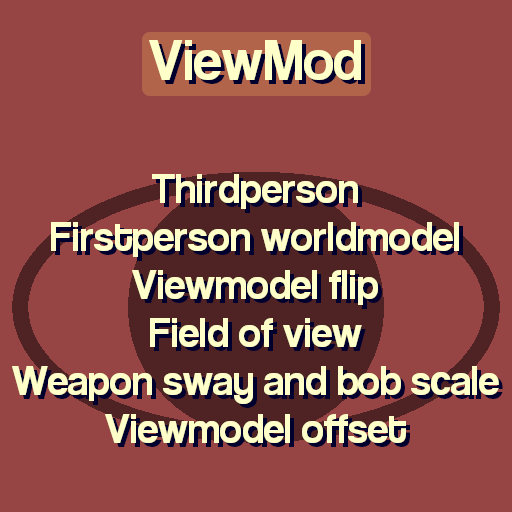
ViewMod adds multiple options for changing the way you see yourself and your weapons. If you are playing Sandbox, the options can be found in Spawnmenu > Options > Player > ViewMod, or by using the "viewmod_menu" console command. Most viewmodel options don't work on builtin weapons, such as the ones from HL2 or HL1. Convars viewmod_enable (default: 0) Enable viewmod viewmod_thirdperson (default: 0) Enable thirdperson mode viewmod_worldmodel (default: 0) Firstperson use worldmodel viewmod_flip (default: 0) Flip viewmodel viewmod_useweppos (default: 1) Use weapon pos/ang viewmod_zoom (default: 0) Field of view/zoom viewmod_fov (default: 54) Viewmodel field of view viewmod_bob (default: 1) Viewmodel bob scale viewmod_sway (default: 1) Viewmodel sway scale viewmod_x (default: 0) Left/right offset viewmod_y (default: 0) Backward/forward offset viewmod_z (default: 0) Down/up offset viewmod_pitch (default: 0) Pitch offset viewmod_yaw (default: 0) Yaw offset viewmod_roll (default: 0) Roll offset Commands viewmod_reset Reset all ViewMod convars, except for viewmod_enable, viewmod_thirdperson, viewmod_worldmodel, viewmod_flip and viewmod_useweppos viewmod_print Print all ViewMod convars into the console for copying and pasting viewmod_menu Open a menu for changing settings
📊 Mod Details
- Game
- Garrys Mod Mods
- Author
- 76561198065201892
- Version
- N/A
- Downloads
- 53,850
- Endorsements
- 0
- Category
- Addon, tool, Scenic, Realism
- Created
- 12/17/2015
- Updated
- 10/20/2023
🔧 How to Install Garry's Mod Mods
Subscribe on Steam Workshop. Mods auto-download and install. Launch the game to activate.
📖 Full step-by-step install guide for Garry's Mod →
Visit the official mod page for specific installation instructions for this mod.
🎮 Need cheat codes or console commands? Check ur gaming wiki for Garry's Mod commands, item IDs, and more.
Keep browsing — more Garry's Mod mods await