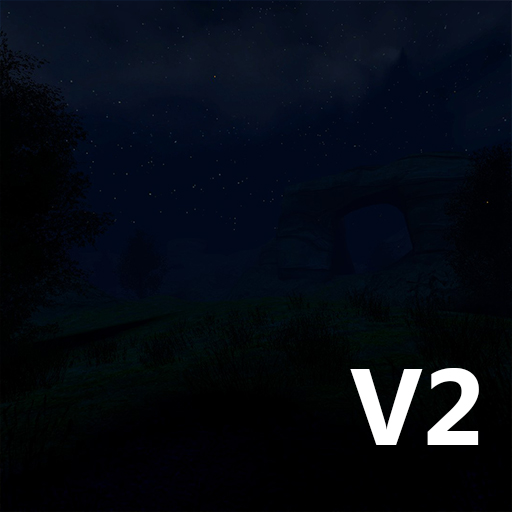
GM Arid Valley V2 Night
⚪ Last updated 2015Preview
🔍 Analysis
- 👍 0.0% endorsement rate
- 🏆 #37 of 37 Addon, map, Fun, Build mods in this game by downloads
📋 About This Mod
Get the day version here: http://steamcommunity.com/sharedfiles/filedetails/?id=510346779 --Changes from V1-- -Removed ambient soundscape -Made the grass sprites smaller and less dense -New custom textures -New cave system with water running through it (will push physics objects down with it if they have buoyancy, for example: barrels, wood boxes, ragdolls, etc...) -Fog and light changes to tweak the atmosphere of the map -Reduced texture size from 4096x4096 to 2048x2048 in order for the map to be small enough to upload to the workshop. This also helped the performance. --Features-- -2048x2048 custom made rock and grass textures -Cubemaps -AI nodes to guide NPCs -Large open areas --Credits-- Map and textures: Headstub Skybox texture: Strelok Water textures and particles: TopHattWaffle -- Tips -- To increase the render distance for the grass sprites, type "cl_detaildist number" in the console. Here are some recommended values: Low - cl_detaildist 1200 (Default) Meduium - cl_detaildist 2400 High - cl_detaildist 4800 Off - cl_detaildist 0 Turning the grass sprites off can help you get a better framerate. Sun Rays can be toggled on in the Post Process tab under Shaders. --Troubleshooting FAQ-- Q: Help my game freezes when I spawn into the map with a message on the screen saying "Node graph out of date Rebuilding" A: This is normal, the game will freeze while the nodegraph is being rebuilt. Just wait for it to finish and the game will unfreeze. ------------------------------------------------------------------------------------------------------------------------------ Q: I load the map, but it's missing textures. What do I do? A: The download must not have finished properly. Delete the . GMA file in your addons folder called "gm_arid_valley_v2_night_001_GMA.gma" and relaunch the game to let the map be redownloaded. ------------------------------------------------------------------------------------------------------------------------------ Q: I try to launch the map on my server, but I only get an error saying "Hunk Engine Overflow". How do I fix this? A: You need to disable Hunk Memory. This is disabled in Gmod by default, but not for the servers. To fix it type "r_hunkalloclightmaps 0" into the server console before you load the map or add it to an autoexec.cfg. ------------------------------------------------------------------------------------------------------------------------------ Thanks for checking out my map! If you use it in a Lets Play or Machinima, please let me know in the comments bellow. I would love to see it. -Headstub
📊 Mod Details
- Game
- Garrys Mod Mods
- Author
- 76561197999579193
- Version
- N/A
- Downloads
- 29,938
- Endorsements
- 0
- Category
- Addon, map, Fun, Build
- Created
- 9/1/2015
- Updated
- 9/1/2015
🔧 How to Install Garry's Mod Mods
Subscribe on Steam Workshop. Mods auto-download and install. Launch the game to activate.
📖 Full step-by-step install guide for Garry's Mod →
Visit the official mod page for specific installation instructions for this mod.
🎮 Need cheat codes or console commands? Check ur gaming wiki for Garry's Mod commands, item IDs, and more.
Keep browsing — more Garry's Mod mods await