FFXIV PRISM (GSHADE PRESET)
⚪ Last updated 2021Preview
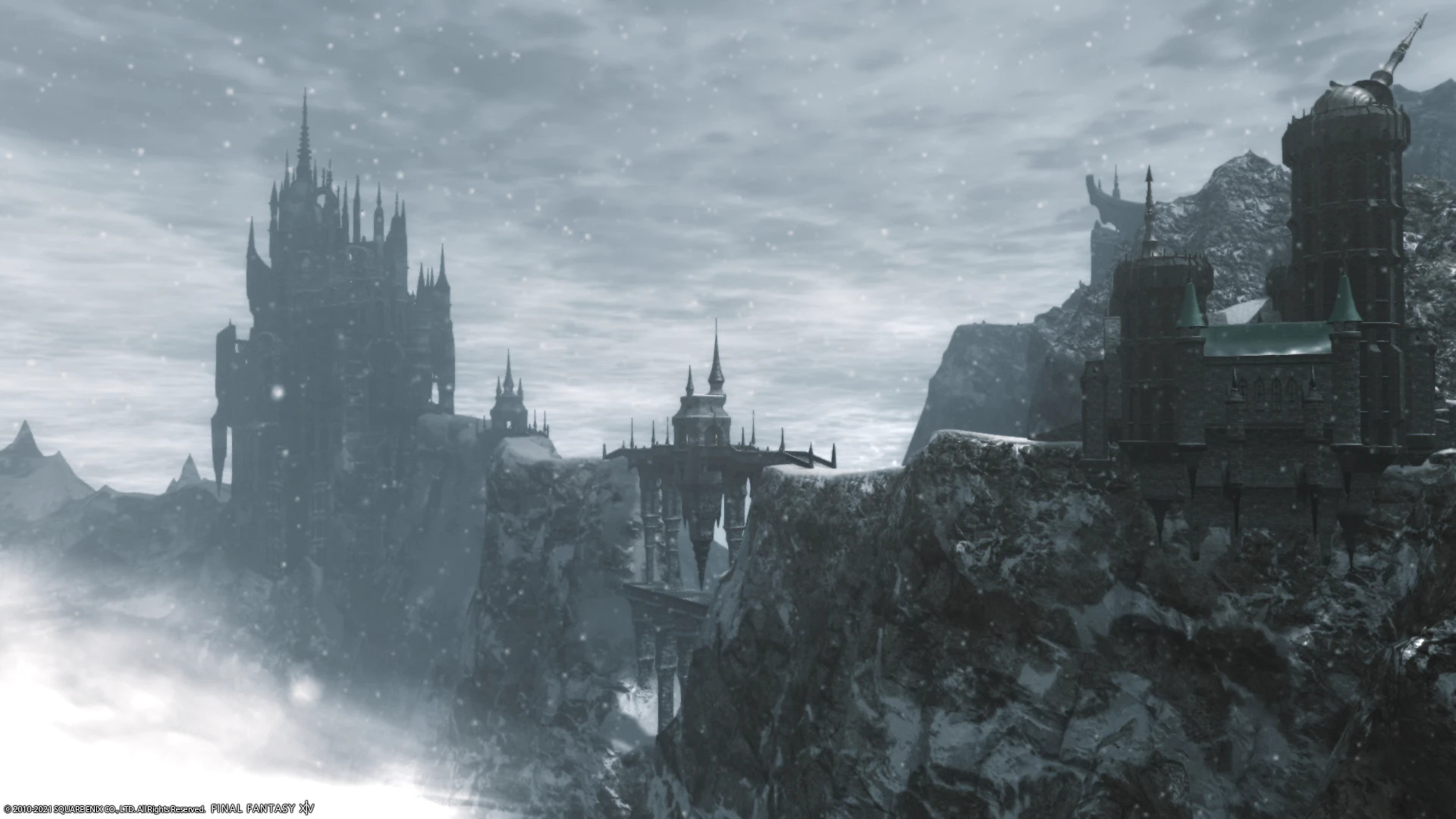
🔍 Analysis
- 👍 3.7% endorsement rate — high engagement, a strong quality signal
- 🏆 #21 of 119 Visuals mods in this game by downloads
📋 About This Mod
FFXIV PRISM (GSHADE PRESET)
1: Install GSHADE (instructions on: https://gposers.com/gshade/)
2: Download my FFXIV PRISM GSHADE PRESET
3: Extract the contents of FFXIV PRISM. 7z to the FINAL FANTASY XIV - A REALM REBORN/game/gshade-presets folder
4: Start FFXIV - Press "Shift+F2" and in the preset selection choose the FFXIV PRISM preset
OPTIMAL GAME SETTINGS FOR GSHADE:
DirectX 11 (Launcher): On
Edge Smoothing (Anti-Aliasing): FXAA
Transparent Lighting Quality: High
Limb Darkening: Off
Water Refraction: Off
Cinematic Cutscenes – Depth of Field: Off
w7V4aZQQTaw
L3H2HBw9ZDk
ius0Va7oDUM
(Vanilla FFXIV vs FFXIV PRISM GSHADE comparison videos)
YDPp-9NSv5U3GBVEA0tcrk
Wzd_DBwT_I0
bSV0z3vFY8g
p06HwKruDB8
(FFXIV PRISM GSHADE VIDEOS)
zoKmgTriN4Y
OZEOhRIPXJY
_2UGii6Mxp8
lusvos23T0o
Ed6PcpxunWU
(CHARACTER COMPARISON)
📊 Mod Details
- Game
- Finalfantasy14 Mods
- Author
- FFXIVPRISM
- Version
- 1.1
- Downloads
- 3,671
- Endorsements
- 134
- Category
- Visuals
- Created
- 8/15/2021
- Updated
- 12/26/2021
🔧 How to Install Final Fantasy XIV Mods
Download from Nexus Mods.
📖 Full step-by-step install guide for Final Fantasy XIV →
Visit the official mod page for specific installation instructions for this mod.
🎮 Need cheat codes or console commands? Check ur gaming wiki for Final Fantasy XIV commands, item IDs, and more.
Keep browsing — more Final Fantasy XIV mods await