The Insurgent's Vision
🟢 Updated this monthPreview
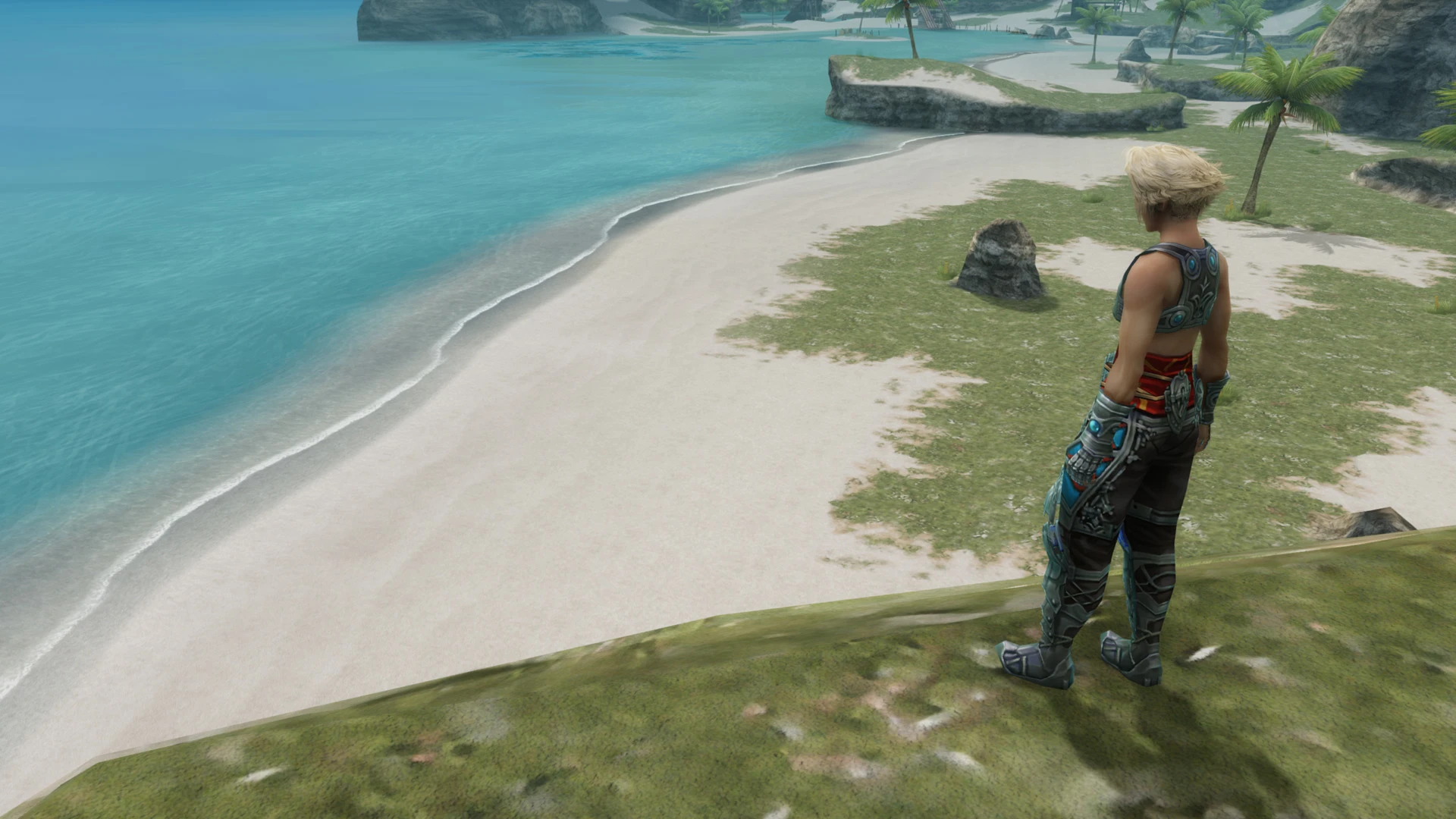
🔍 Analysis
- 👍 2.9% endorsement rate — high engagement, a strong quality signal
- 🏆 #2 of 36 User Interface mods in this game by downloads
📋 About This Mod
A collection of various UI features such as: Custom Field Of View, Custom Minimap Zoom, Minimap Rotation, No Minimap, No Black Bars, and much more.
The Insurgent's Vision
Features
All features are optional and can be configured through the mod configuration menu. To modify an option, navigate to it, then toggle its state or adjust its parameters as needed.
Only some options include configurable parameters.
Use the Reset Options button to restore all options to their defaults.
Custom Field Of View
Allows you to adjust the vertical field of view of the game.
This option is enabled by default and set to 60 degrees.
Default (45°) / Custom (60°)
Custom Minimap Zoom
Allows to control the zoom factor of the minimap in the top-right corner of the screen.
Before (5) / After (3)
Minimap Rotation
Rotates the minimap based on the direction you are looking at.
No Minimap
Hides the minimap in the top right corner of the screen.
Before / After
No Black Bars
Allows you to see more of the scenery during cutscenes and quickenings by removing both vertical and horizontal black bars. In the following image, the green boxes display the additional space with a 16:9 aspect ratio (e.g. 1920x1080), whereas the red boxes display the additional space with a 21:9 aspect ratio (e.g. 2560x1080).
All aspect ratios are supported, and the higher the aspect ratio, the more is obviously shown.
This option is enabled by default.
No Overhead HP Bars
Hides the overhead HP bars of the party and foes (incl. friendly).
Before / After
No Overhead Status Effects
Hides the overhead status effects of the party and foes (incl. friendly). Please be aware that this will make ticking status effects such as Doom and Stone more difficult to notice.
Before / After
No Combat Log
Hides the combat log in the top-left corner of the screen normally shown when casting specific actions like Steal.
Before / After
No Target Arrow
Hides the target arrow normally shown when targeting someone.
Before / After
No Target Circle
Hides the target circle normally shown when selecting the target of an action.
Before / After
No Post-Processing
Disables post-processing effects, making the game look similar to th
📊 Mod Details
- Game
- Finalfantasy12 Mods
- Author
- Xeavin
- Version
- 1.5.2
- Downloads
- 20,660
- Endorsements
- 608
- Category
- User Interface
- Created
- 4/12/2021
- Updated
- 9/18/2026
- Tags
- Gameplay, User Interface, Quality of Life
🔧 How to Install Final Fantasy XII: The Zodiac Age Mods
Install via a mod manager (Vortex or Mod Organizer 2). Most mods drop into the game folder.
📖 Full step-by-step install guide for Final Fantasy XII: The Zodiac Age →
Visit the official mod page for specific installation instructions for this mod.
🎮 Need cheat codes or console commands? Check ur gaming wiki for Final Fantasy XII: The Zodiac Age commands, item IDs, and more.
Keep browsing — more Final Fantasy XII: The Zodiac Age mods await