Fallout 76 ini tweaks
⚪ Last updated 2018Preview
🔍 Analysis
- 👍 4.1% endorsement rate — high engagement, a strong quality signal
- 🏆 #8 of 15 Tools and Utilities mods in this game by downloads
📋 About This Mod
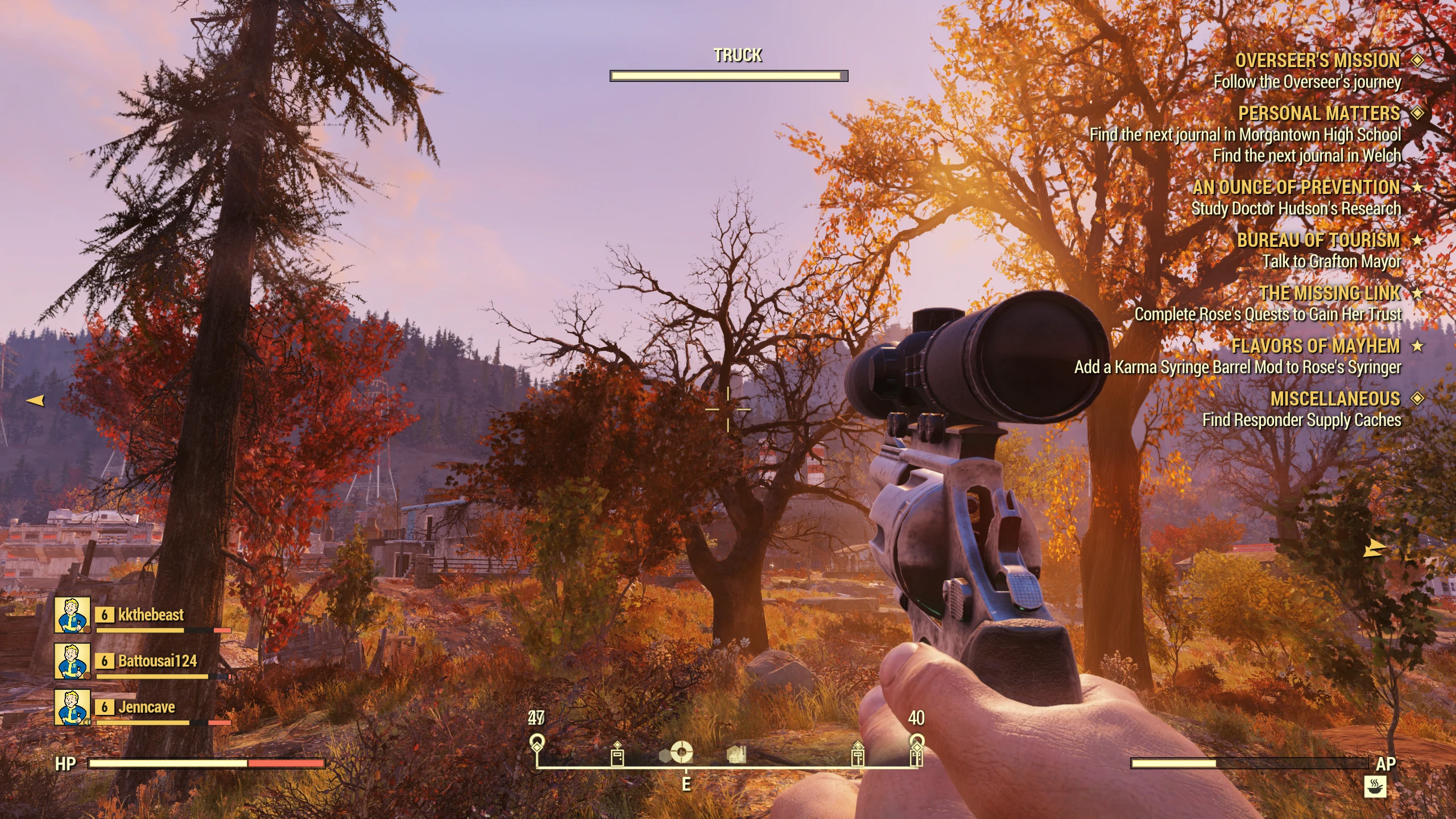
Changes some graphics settings to look better.Turns of BokehTurns off DOFTurns off Motion blur
76 is out of beta now and Bilago has released a nice tool to change these settings. I'm suggesting you should probably use that instead of this, as this could be irrelevant now.
Grab it here
---------------------------------------------------------------------------------------------------------------------------------------------------------------------------------
Turns of Bokeh
Turns off DOF
Turns off Motion blur
Selects TAA anti-aliasing (used?)
Sets iPresentInterval to 0 (vsync, set this to 1 if you have problems, but the game was much less jerky for me)
screen size is set to 2560x1440 (change this if you want a different resolution)
to install:
drop into C:\Users\%USER%\Documents\My Games\Fallout 76 and enjoy the better look and a more smooth experience
change resolution if you want to
right click, properties, set it to read only
📊 Mod Details
- Game
- Fallout76 Mods
- Author
- Cancerous
- Version
- 1
- Downloads
- 5,226
- Endorsements
- 212
- Category
- Tools and Utilities
- Created
- 11/2/2018
- Updated
- 11/2/2018
🔧 How to Install Fallout76 Mods
Download from Nexus Mods.
📖 Full step-by-step install guide for Fallout76 →
Visit the official mod page for specific installation instructions for this mod.
🎮 Need cheat codes or console commands? Check ur gaming wiki for Fallout76 commands, item IDs, and more.
Keep browsing — more Fallout76 mods await