HDR Pipboy
⚪ Last updated 2008Preview
🔍 Analysis
- 👍 0.0% endorsement rate
- 🏆 #269 of 429 Models and Textures mods in this game by downloads
📋 About This Mod
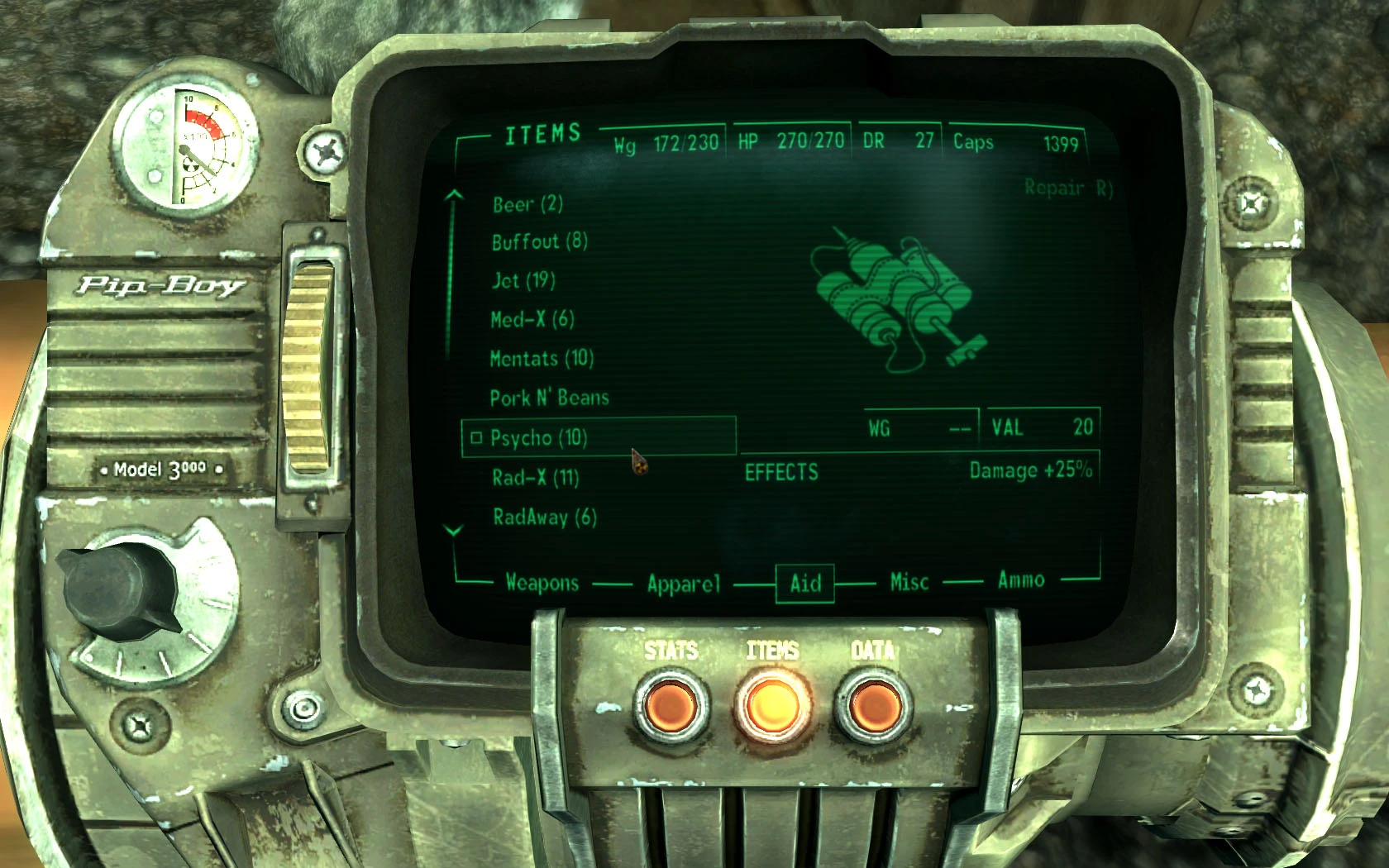
HDR Pipboy v1. 0 By Nopheros HDR in this mod stands for Hi-res, Darker and Rusted Pipboy. This mod is meant to do exactly what the name implies: to retexture the Pipboy without straying too far from vanilla concept but with higher resolution textures and make it looks like the wasteland has almost gotten the best of it. Installation: 1. If you haven\'t done this, make sure to set binvalidateolderfiles=1 in Fallout.ini. 2. Extract textures folder into \\Bethesda Softworks\\Fallout 3\\Data\\ 3. This step is unneccessary, but just in case: If you don\'t have archiveinvalidation.txt in your Fallout 3 folder then copy & paste the file given. Else just add: textures/pipboy3000/pc/english/pipboyarm01.dds textures/pipboy3000/pipboyglove01.dds at the end of your archiveinvalidation.txt. Known issues: The texture is only made for english version only. No other version is currently planned but you could try to move the pipboyarm01.dds into your native language folder instead. Legal: You can use this mod as you wish and no permission needed as long as proper credit is given. Enjoy.
📊 Mod Details
- Game
- Fallout3 Mods
- Author
- Nopheros
- Version
- 1.0
- Downloads
- 11,156
- Endorsements
- 0
- Category
- Models and Textures
- Created
- 11/21/2008
- Updated
- 11/21/2008
🔧 How to Install Fallout 3 Mods
Download from Nexus Mods.
📖 Full step-by-step install guide for Fallout 3 →
Visit the official mod page for specific installation instructions for this mod.
🎮 Need cheat codes or console commands? Check ur gaming wiki for Fallout 3 commands, item IDs, and more.
Keep browsing — more Fallout 3 mods await