FO3LODGen
⚪ Last updated 2018Preview
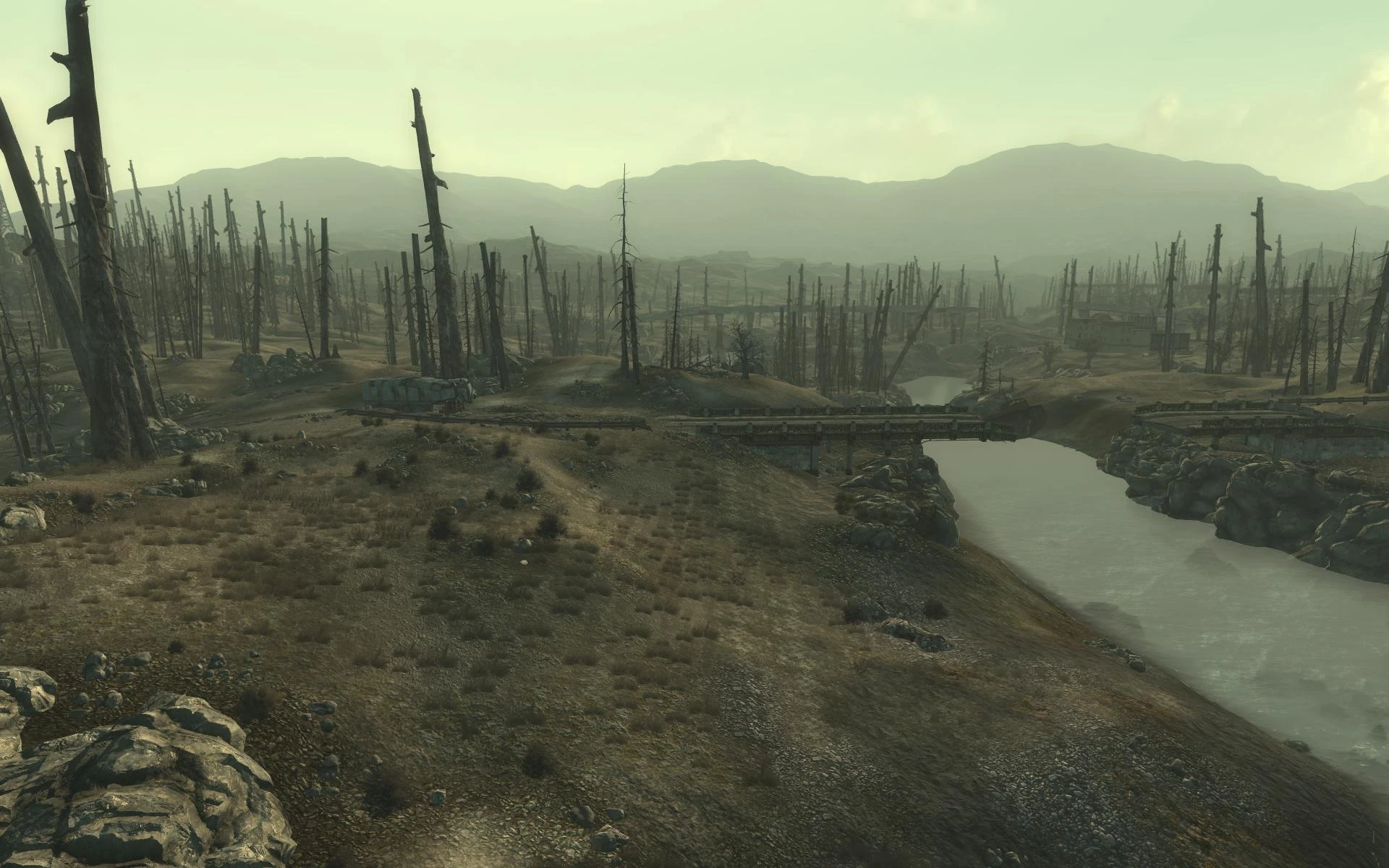
🔍 Analysis
- 👍 2.3% endorsement rate — high engagement, a strong quality signal
- 🏆 #16 of 62 Utilities mods in this game by downloads
📋 About This Mod
An almost one-click LOD generator for Fallout 3
Objects LOD generator for Fallout 3
This tool allows to generate Objects LOD for worldspace(s) by scanning all mods in load order that add visible from distant objects. Trees LOD generation is also available, though not recommended to use (read technical description down below)
Make sure to install FO3LODGen outside of Program files folder, somewhere with write access rights, or run as Administrator. Install FO3LODGen resource pack using your mod manager, and any optional trees LOD packs if needed over it. Activate FO3LODGen.esp in load order. Run FO3LODGen.exe, wait for it to load your plugins, then select worldspaces to generate LOD (by default only Wasteland worldspace is selected, right click in the list to select all/none), and click Generate. Wait for it to complete, you can watch progress and check possible errors in messages list. When finished, close the program manually. Mod organizer users: Install FO3LODGen in a directory of your choice. Add FO3LODGen.exe to MO executable list by clicking the gears button and then browse for FO3LODGen.exe to fill the "Binary" field. Add a dedicated output directory by adding -o:"C:\FO3LODGenOutput" to the "Arguments" field. Once LOD generation has completed copy/move files from the dedicated output directory to the game data directory or into a custom mod (recommended for load order management) in MO.
How LOD works in Fallout 3
LOD in general is what you see in the distance, beyond the uGridsToLoad setting value. Fallout uses static LOD which means that LOD information is prebuilt and doesn't change when mods modify objects in game. Some mods include updated LOD files to address this issue, but they are rare and usually incompatible with each other and require compatibility patches of their own. Those LOD files are generated with GECK which is quite complex procedure unaccessible by majority of users. FO3LODGen tries to address this issue by providing a simple one-click automated LOD files generation for the current load order of user, taking in account all mods that have content visible from distance.
Fallout LOD is divided into 3 parts:
Terrain (landscape) LOD - the shape of landscape in the distance, contained in files Meshes\Landscape\LOD\<Worldspace>\. NIF Textures\Landscape\LOD\<Worldspace>\Diffuse\. DDS Textures\Landscape\LOD\<Worldspace>\Normals\*. DDS where <Worldspace> is the name of worldspace. Those files are rarely updated since mods almost never change terrain shape or changes are minimal and would be hardly noticable when far away. Terrain LOD files are generated by GECK, FO3LODGen doesn't cr
📊 Mod Details
- Game
- Fallout3 Mods
- Author
- Ehamloptiran Sheson and FO3Edit Team
- Version
- 3.2.1
- Downloads
- 94,283
- Endorsements
- 2,192
- Category
- Utilities
- Created
- 5/25/2015
- Updated
- 4/21/2018
🔧 How to Install Fallout 3 Mods
Download from Nexus Mods.
📖 Full step-by-step install guide for Fallout 3 →
Visit the official mod page for specific installation instructions for this mod.
🎮 Need cheat codes or console commands? Check ur gaming wiki for Fallout 3 commands, item IDs, and more.
Keep browsing — more Fallout 3 mods await