Screaming Eagle Overhaul
⚪ Last updated 2023🖼️ Gallery (7 images)


🔍 Analysis
- 👍 1.0% endorsement rate
- 🏆 #138 of 247 Models and Textures mods in this game by downloads
📋 About This Mod
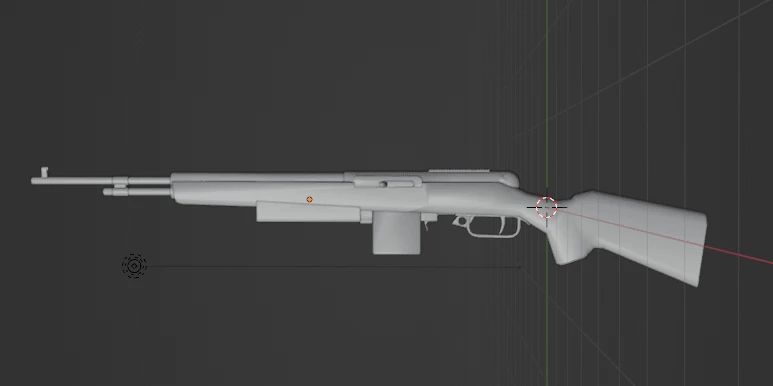
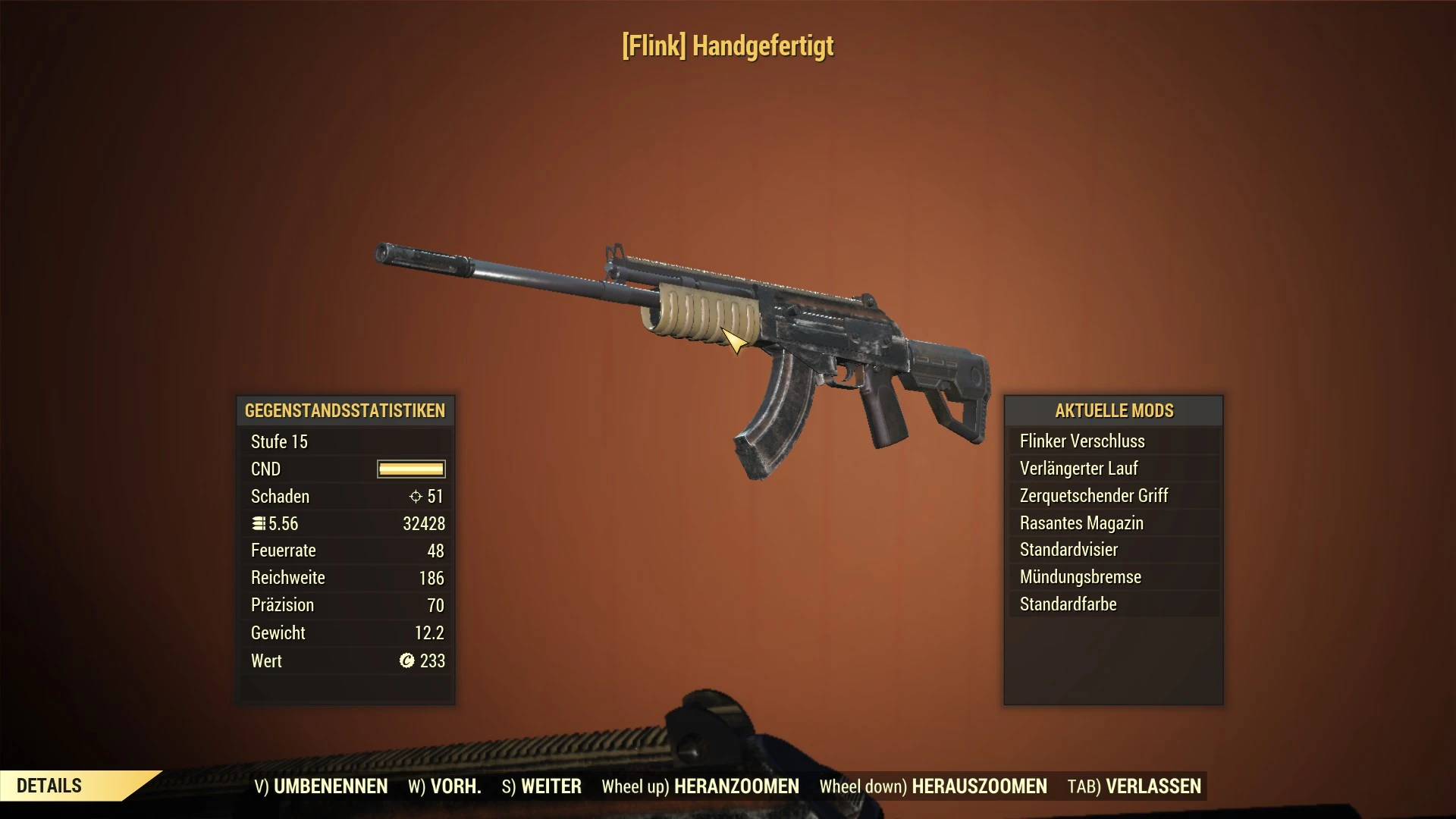
With this mod you can finally customize the Screaming Eagle, since the modding of 76 is very limited, the models can not be changed in game. because of that i put the different models in individual BA2 archives from which you can choose which ones you like.
If you are using the receiver rail cleaner it is important to load it first before any other files.
All Ba2 archives can be used together or individually, if special installation steps are required, this is stated in the file description.
You have an idea for a attachment? Feel free to post it.
A cosmetic mod for the Screaming Eagle that enables appearance customization. With 44 endorsements and 4,561 downloads, it offers a niche solution for players seeking visual variety. Last updated in August 2023, it remains a simple option for those wanting to tweak the weapon's look.
✨ Key Features
📊 Pros & Cons
✅ Pros
- Niche but appreciated by a small community (44 endorsements).
- Straightforward purpose: visual customization for a specific weapon.
- Decent download count (4,561) suggests some players find it useful.
⚠️ Cons
- Last updated in August 2023 — may not be compatible with the latest game version.
- Limited to a single weapon; no broader customization options.
For players who want to personalize the Screaming Eagle's look without overhauling the entire game. If you're a completionist or enjoy visual tweaks, this mod offers a simple way to stand out. Skip if you're looking for gameplay changes or broader content.
💡 Beginner Tips
- Check the mod's file structure to ensure you place files in the correct game directory.
- If the mod uses loose files, consider using a mod manager to avoid overwriting issues.
- Verify the mod's compatibility with your game version before installing, as it hasn't been updated recently.
📊 Mod Details
- Game
- Fallout 76 Mods
- Author
- Brainstormepilog
- Version
- 3.1
- Downloads
- 4,561
- Endorsements
- 44
- Category
- Models and Textures
- Created
- 11/25/2022
- Updated
- 8/4/2023
🔧 How to Install Fallout 76 Mods
Use Vortex. Place .ba2 files in Data folder. Use cautiously online.
📖 Full step-by-step install guide for Fallout 76 →
Visit the official mod page for specific installation instructions for this mod.
🎮 Need cheat codes or console commands? Check ur gaming wiki for Fallout 76 commands, item IDs, and more.
Keep browsing — more Fallout 76 mods await