Powerful Rifle Sounds Replacer
🟠 Updated over a year agoPreview
🔍 Analysis
- 👍 4.3% endorsement rate — high engagement, a strong quality signal
- 🏆 #12 of 15 Audio - SFX mods in this game by downloads
📋 About This Mod
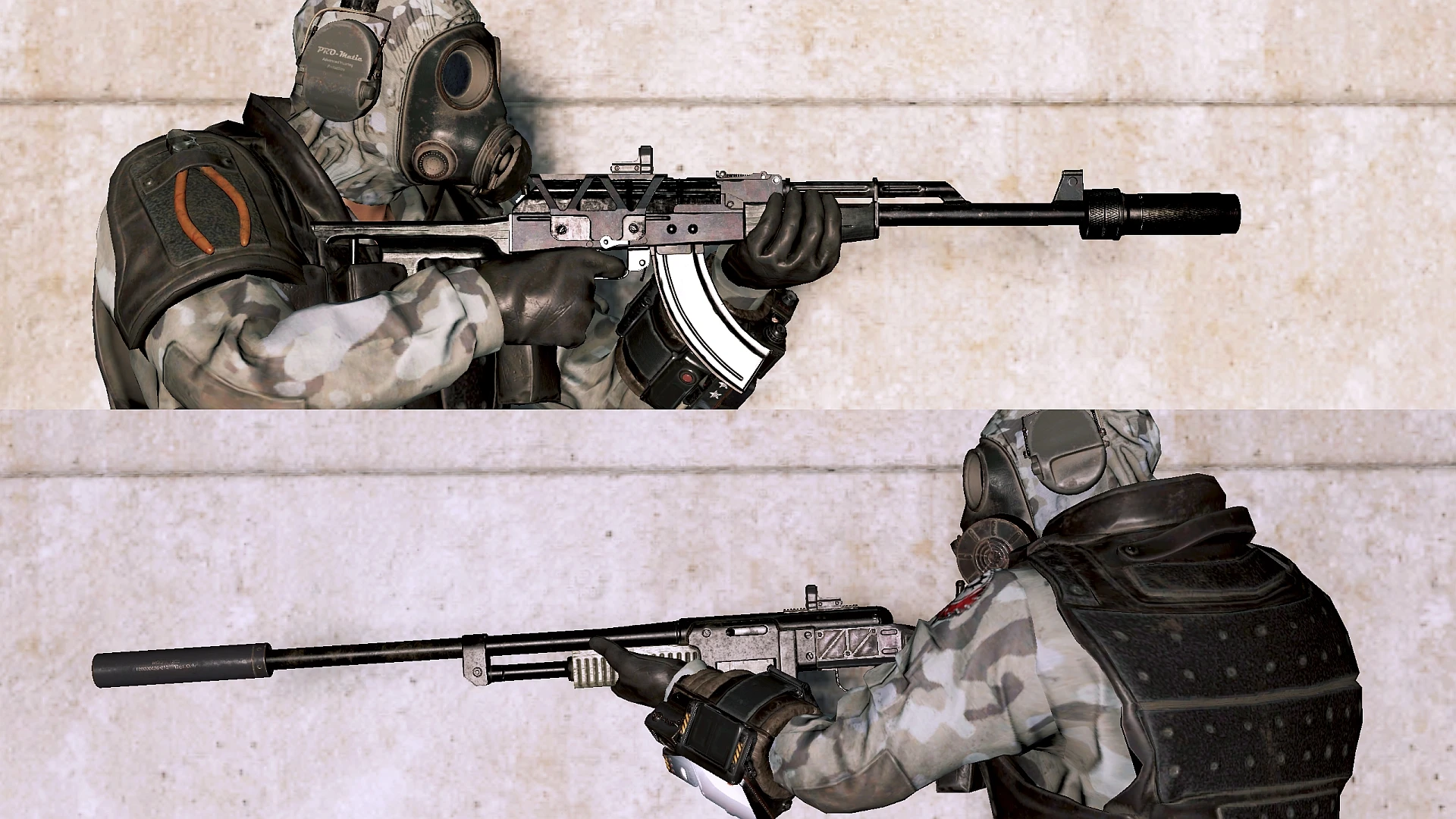
This Mod replaces sounds of Handmade Rifle, Combat Rifle(The Fixer), Assault Rifle, Submachine gun(Elder's Mark) and 10mmSMG, Railway rifle, Lever action rifle, and Hunting rifle's with self-edit from multi sound asset sources, and also foley sounds.
Putting a huge emphasis on bass base in overall balance, I'm happy if reached people who have same preferences.
gZcylYnumJg
6s6M1n62oOc
cAHffSDD1-U
jKVRiovIGHU
tpW4E9Rf3Js
xO8pwFHxwxw
Installation:
Download the mod file from above "FILES" tab, and extract the .zip file.
Place the .ba2 file into your Fallout76/Data folder, and the correct .ba2 file name to your custom.ini file.
sResourceArchive2List = ~~.ba2, ~~.ba2, PowerfulRifleSounds.ba2, ~~.ba2, etc.
This mod replaces the sounds of eight rifles and SMGs in Fallout 76 with bass-heavy, self-edited audio from multiple sources, plus foley sounds. It's for players who want a punchier, more impactful gunfire experience. With 163 endorsements and 3,751 downloads, it's a niche but appreciated audio overhaul.
✨ Key Features
📊 Pros & Cons
✅ Pros
- Community-approved with 163 endorsements and 3,751 downloads, showing it's a solid choice for audio mods.
- Covers a wide range of popular weapons, including the Fixer and Elder's Mark, so you get a cohesive sound overhaul.
- Bass-heavy audio design gives guns a satisfying, punchy feel that stands out from the vanilla sounds.
⚠️ Cons
- Only affects eight weapons, so other guns will still have their original sounds, which might feel inconsistent.
- Requires manual .ini editing, which can be tricky for modding newcomers and may cause issues if done incorrectly.
- No uninstall instructions provided, so removing the mod might leave leftover files or require manual cleanup.
For Fallout 76 players who want their rifles and SMGs to sound more powerful and bass-heavy, especially those who enjoy audio immersion. If you're a modding veteran comfortable with .ini edits, this is a quick win. Skip if you prefer vanilla sounds or want a complete overhaul of all weapons.
💡 Beginner Tips
- Make sure to back up your custom.ini file before editing, so you can revert if something goes wrong.
- Use a text editor like Notepad++ to edit the ini, and double-check that the .ba2 filename matches exactly.
- After installing, test in-game by firing each weapon to ensure the sounds load correctly; if not, verify the ini path.
📊 Mod Details
- Game
- Fallout 76 Mods
- Author
- STICKMANbeni and Great SFX Makers
- Version
- 1.6.1
- Downloads
- 3,751
- Endorsements
- 163
- Category
- Audio - SFX
- Created
- 12/20/2022
- Updated
- 6/4/2025
🧩 Commonly Used Together
Users add these mods to the same collections — a real compatibility signal, not an AI guess.
🔧 How to Install Fallout 76 Mods
Use Vortex. Place .ba2 files in Data folder. Use cautiously online.
📖 Full step-by-step install guide for Fallout 76 →
Visit the official mod page for specific installation instructions for this mod.
🎮 Need cheat codes or console commands? Check ur gaming wiki for Fallout 76 commands, item IDs, and more.
Keep browsing — more Fallout 76 mods await