Enclave PA and Jetpack Bundle (4K)
⚪ Last updated 2020🖼️ Gallery (6 images)




🔍 Analysis
- 👍 3.2% endorsement rate — high engagement, a strong quality signal
- 🏆 #228 of 247 Models and Textures mods in this game by downloads
📋 About This Mod
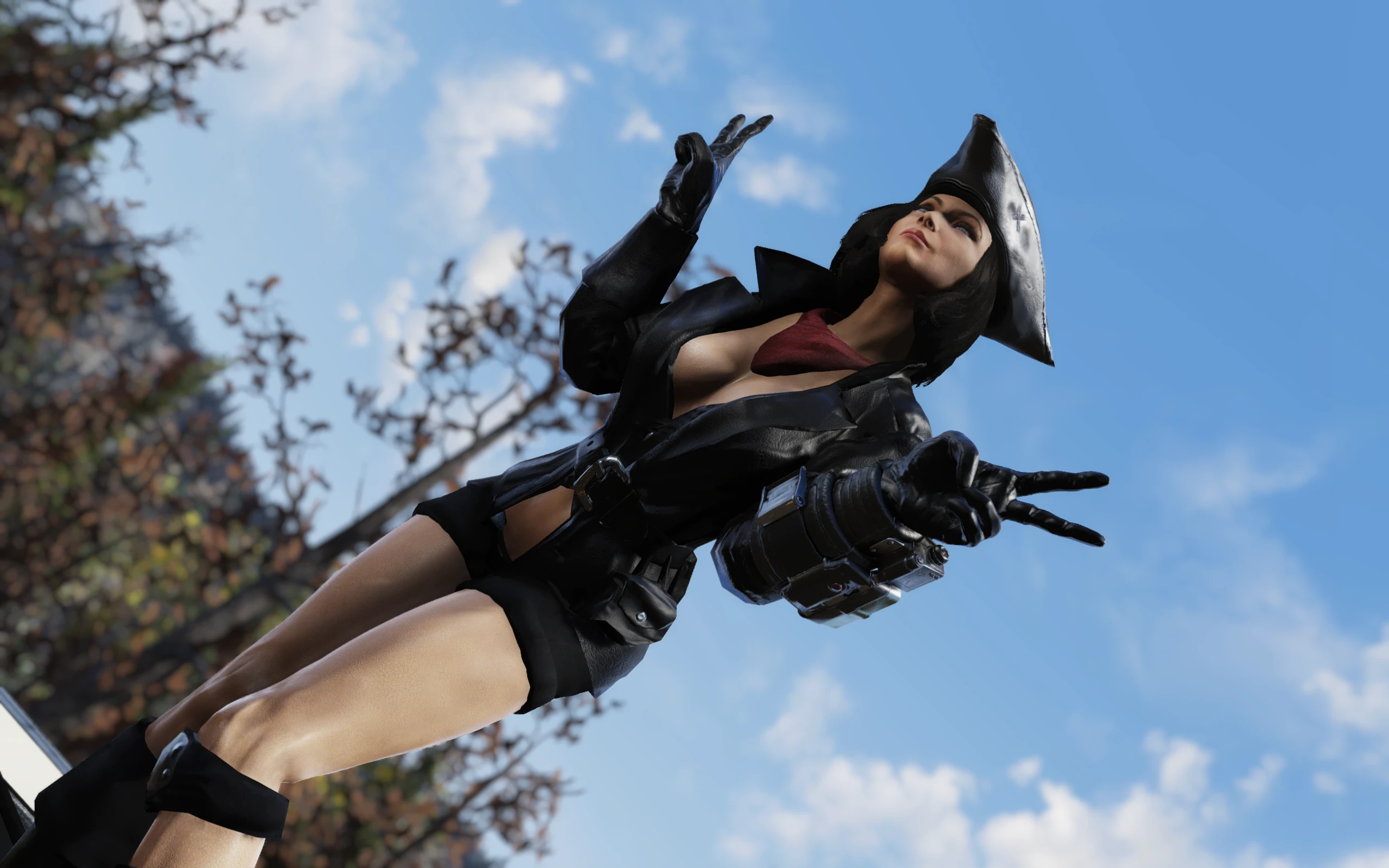
This mod is a compilation of high resolution texture replacers for Enclave PA skin and Enclave PA Jetpack.
Feel free to post your suggestions in the comments section! Also, any critique is always greatly appreciated.
Version 1. 2 contents:
Enclave Jetpack texture replacers to match any of my Enclave PA paint options. All in one bundle with optional matte finish. Mix and match to your heart's content! (4k)
Multicam Camo replacer for Enclave PA Skin (Black accents and yellow eyes) (4k)
Matte Black Enclave replacer for Enclave PA Skin (With enclave insignia on the chest and yellow eyes) (4k)
Black/Red replacer for Enclave PA Skin with yellow eyes (4k)
Matte Finish for every paintjob from this mod (Works with vanilla paint as well)
Black/Red, Blue/Gold, Pearl White, Purple/Gold, Quantum, Red/Silver, Astonishing Silver and Pure Gold replacers for Enclave PA Skin (4k)
Installation
1. Decide, which modification you like best and download the corresponding archive.
2. Extract the ba2 file to your Fallout76 Data folder. If there are folders within the archive, extract the ba2 from the folder with the color option you want.
3. Add sResourceArchive2List = .ba2 line to the section of your Fallout76Custom.ini ( is the name of file you extracted) OR just ", *.ba2" to the end of this line if you already have it in your .ini file.
3a. If you want a Matte Finish for your Enclave PA skin, you need to add EncPAMatte.ba2 after all other mod files in the sResourceArchive2List line.
3b. If you want a Matte Finish for your Enclave Jetpack skin, you need to add EncJPMatte.ba2 after all other mod files in the sResourceArchive2List line.
Of course you can mix and match paints and matte options, it just works :D You can have a matte finish PA with a glossy Jetpack or vice versa. Or both matte. Or glossy.
If you liked this mod, please click the "Endorse" button and also check out my other mods:
Global mods:
A 4K texture mod for Fallout 4 that adds seven Enclave paint schemes—Black, Red, Blue, Gold, Silver, White, and Quantum—with a matte finish option. It has 91 endorsements and 2,832 downloads, last updated in October 2020. For players who want to customize their Power Armor's look.
✨ Key Features
📊 Pros & Cons
✅ Pros
- Community-approved with 91 endorsements and 2,832 downloads.
- Offers a wide variety of color choices to break the vanilla grey monotony.
- Matte finish option adds customization for different aesthetic preferences.
⚠️ Cons
- Last updated in 2020, so may not be compatible with the latest game patches.
- Only affects Enclave Power Armor, not other armor types.
For Fallout 4 players who want to personalize their Enclave Power Armor with a range of colors and a matte finish. If you're tired of the default grey and want a quick visual upgrade, this mod is for you. Skip if you're looking for gameplay changes or new armor models.
💡 Beginner Tips
- Since it's a texture replacer, just drop the files into your Data folder or use a mod manager like Vortex.
- Make sure to load this mod after any other mods that alter Enclave Power Armor textures to ensure it takes effect.
- If you have an older PC, consider the non-4K version if available to save performance.
📊 Mod Details
- Game
- Fallout 76 Mods
- Author
- Rigell
- Version
- 1.2
- Downloads
- 2,832
- Endorsements
- 91
- Category
- Models and Textures
- Created
- 9/29/2020
- Updated
- 10/9/2020
🔧 How to Install Fallout 76 Mods
Use Vortex. Place .ba2 files in Data folder. Use cautiously online.
📖 Full step-by-step install guide for Fallout 76 →
Visit the official mod page for specific installation instructions for this mod.
🎮 Need cheat codes or console commands? Check ur gaming wiki for Fallout 76 commands, item IDs, and more.
Keep browsing — more Fallout 76 mods await