Enchanted Forests
⚪ Last updated 2023🖼️ Gallery (6 images)
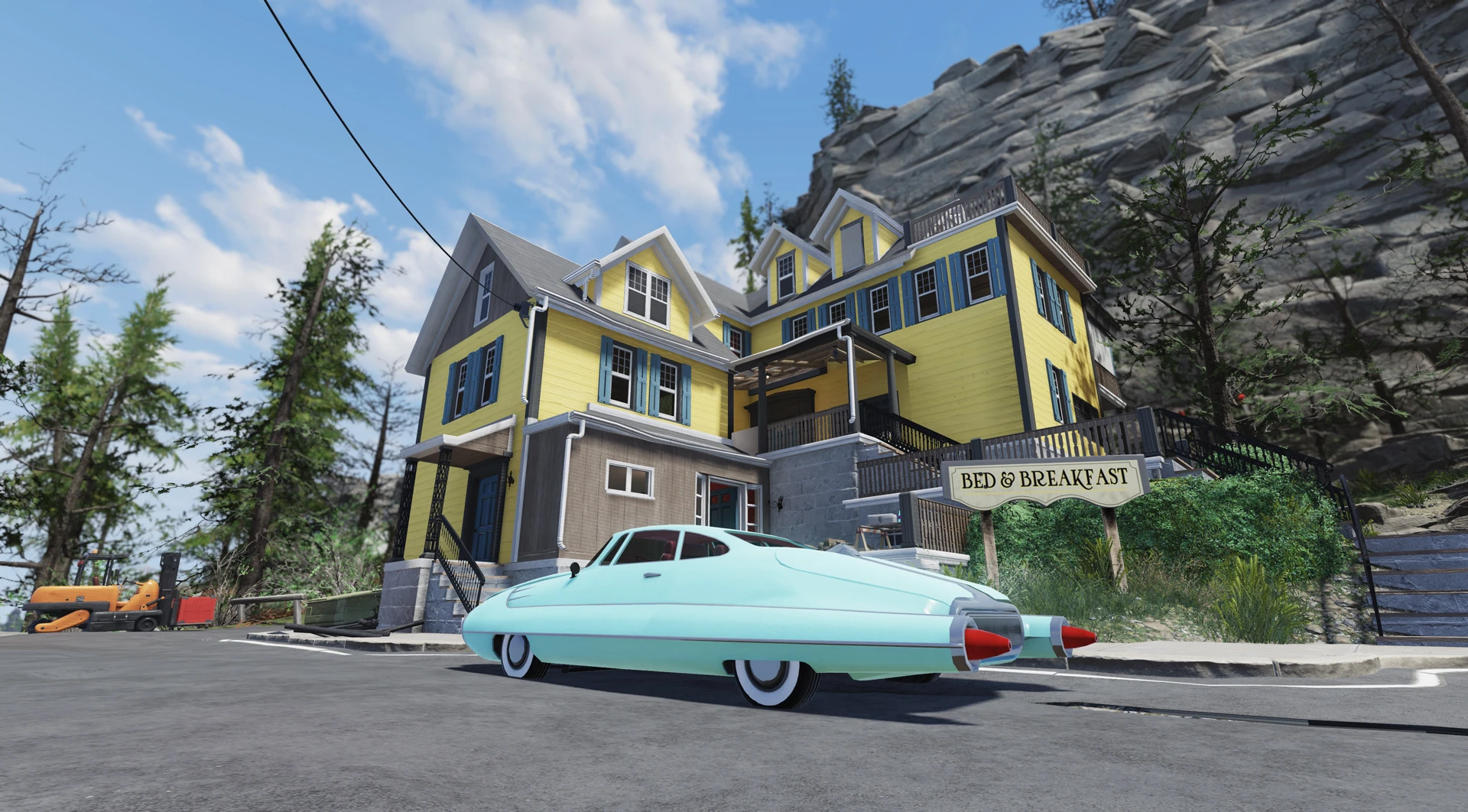


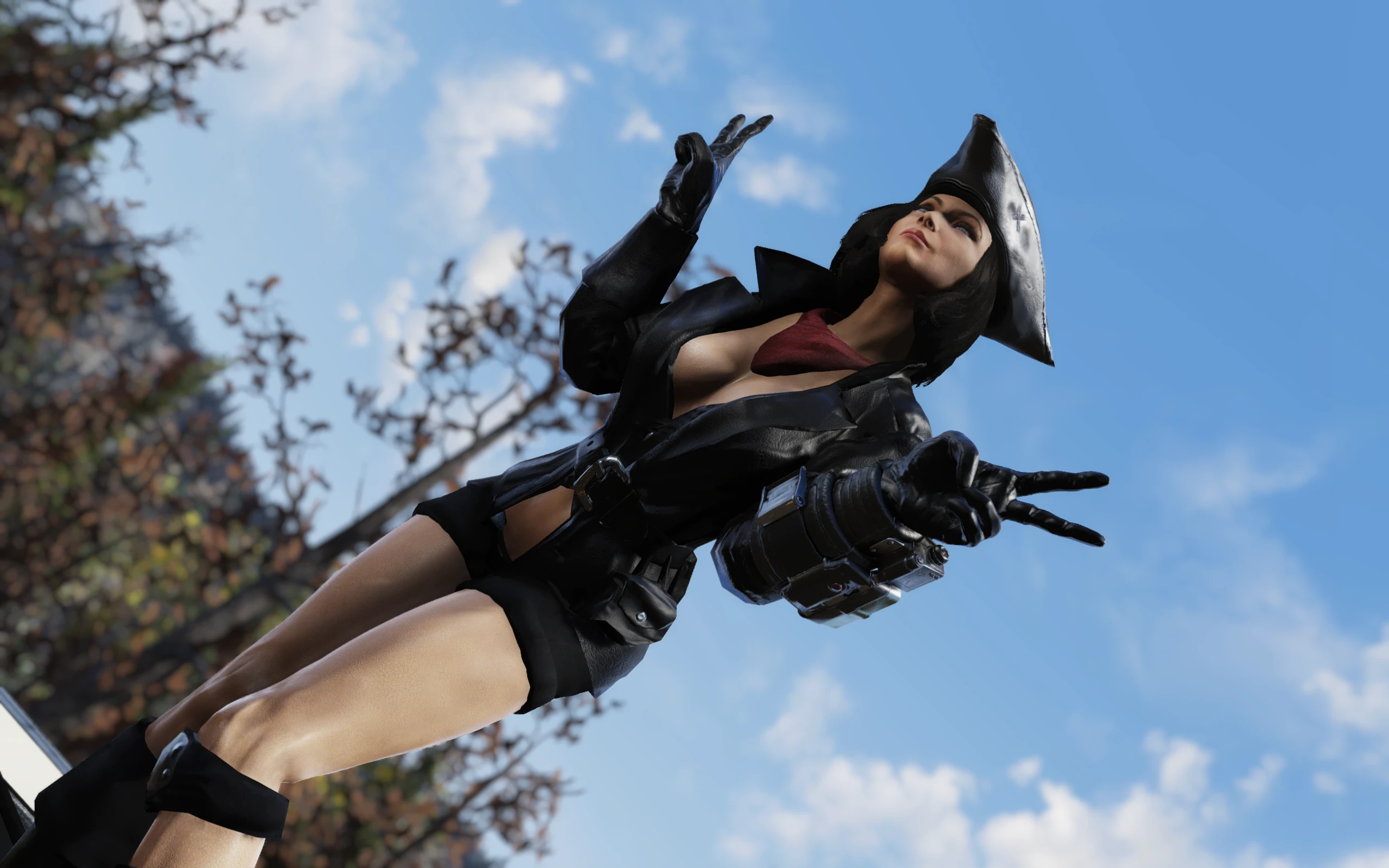


🔍 Analysis
- 👍 1.3% endorsement rate — high engagement, a strong quality signal
- 🏆 #25 of 247 Models and Textures mods in this game by downloads
📋 About This Mod
This mod turns appalachian forests into fantasy wonderland with glowing animated canopies and mysterious glows and fires everywhere!
Now fully compatible with my Spring in Appalachia mod! Also, I made a Winter in Appalachia version of this mod
Please follow the installation instructions carefully and install the latest version of the mod before reporting any issues.
Installation
1. Extract the ba2 files from the main archive you've downloaded to your Fallout76/Data folder.
2. Check whether you've got the Fallout76Custom.ini file under Documents/My Games/Fallout 76 folder, and if not, create it.
2a. If you've just created the .ini file, you need to open it and input this string in it:
3. Find sResourceArchive2List = line under the section of your Fallout76Custom.ini or type it down if there is no such line.
4. Add " ,EF_M.ba2 ,EF_T.ba2" to the end of the sResourceArchive2List line.
4a. If you've downloaded separate Glowing Ivy mod, add " ,Ivy.ba2, Ivy_M.ba2" to the end of sResourceArchive2List line.
4b. If you've downloaded separate grass module, add " ,EF_G_M.ba2, EF_G_T.ba2" to the end of sResourceArchive2List line.
4c. If you've downloaded Spring in Appalachia Edition version, make sure to add " ,EF_M.ba2, EF_T.ba2" to the end of sResourceArchive2List line AFTER SiA.ba2 and SiA_M.ba2.
Special thanks to vivec7 for teaching me how to create animations and light sources!
If you liked this mod, please click the "Endorse" button and also check out my other mods:
Global mods:
Winter in Appalachia - turn your wasteland into winter wonderland!
Spring in Appalachia - global-conversion spring/summer mod!
Summer in Appalachia - Appalachian Tropical Jungle - turn your game into a sprawling jungle/dry desert!
Appalachia Restored - lets you explore pre-war Appalachia, where everything is clean and pristine!
Appalachia Decorated - Festive Lights - Street Lighting - Lit Billboards - add some holiday cheer to the wasteland with this mod!
Subtle Snow Weather - removes the snowflakes from weather machines completely or makes them smaller
No Dust and Sand Storms - removes Dust/Sand storms from the Burning Springs area
Halloween in Appalachia - adds a lot of halloween decor and other stuff to Appalachia
Enchanted Forests - global fantasy(-ish) mod :D
Enchanted Forests - Winter in Appalachia Edition - turn you winter wonderland into a winter fairy-tale!
Hot Pinup Billboards - Fallout 2077 Edition
No Red Storm Vortex - removes the red storm vortex from the Skyline Valley
Marker/ESP mods:
All Enemies and Critters Outline ESP - lets you find most enemies almost instantly (Outline version)
Legendary Enemy ESP Markers - instantly find legendary enemies with this mod!
Holiday Scorched Outline ESP - easily find those pesky holiday scorched with this outline marker
Enchanted Forests transforms Fallout 76's Appalachian forests into a fantasy wonderland with glowing animated canopies and mysterious glows and fires. It's a cosmetic retexture mod that only affects your own game, perfect for players seeking a magical atmosphere. With 311 endorsements and 23,288 downloads, it's a niche but popular choice.
✨ Key Features
📊 Pros & Cons
✅ Pros
- Community-approved with 311 endorsements and over 23k downloads
- Creates a unique fantasy atmosphere that stands out from the base game
- Compatible with the author's other popular mods for seasonal variety
⚠️ Cons
- Installation requires manual .ini edits, which can be tricky for beginners
- Only visible to you—other players won't see the changes, so it's purely personal
- Last updated in March 2023—may not be compatible with future game updates
For Fallout 76 players who want to add a magical, fantasy twist to the wasteland and enjoy screenshotting or solo exploration. If you're looking for multiplayer-visible changes or gameplay alterations, this isn't for you—it's purely cosmetic and personal.
💡 Beginner Tips
- Make sure to create the Fallout76Custom.ini file if it doesn't exist, and add the exact strings as instructed to avoid texture issues.
- If you're using the Spring in Appalachia version, ensure the EF archives are listed after SiA archives in the .ini to maintain correct load order.
- Since the mod is client-side only, test it in a solo world or private server to see the effects without affecting others.
📊 Mod Details
- Game
- Fallout 76 Mods
- Author
- Rigell and vivec7
- Version
- 1.0.2
- Downloads
- 23,288
- Endorsements
- 311
- Category
- Models and Textures
- Created
- 3/1/2022
- Updated
- 3/21/2023
🧩 Commonly Used Together
Users add these mods to the same collections — a real compatibility signal, not an AI guess.
🔧 How to Install Fallout 76 Mods
Use Vortex. Place .ba2 files in Data folder. Use cautiously online.
📖 Full step-by-step install guide for Fallout 76 →
Visit the official mod page for specific installation instructions for this mod.
🎮 Need cheat codes or console commands? Check ur gaming wiki for Fallout 76 commands, item IDs, and more.
Keep browsing — more Fallout 76 mods await