ACME - Assorted Camp Modifications Expansion
⚪ Last updated 2019🖼️ Gallery (6 images)
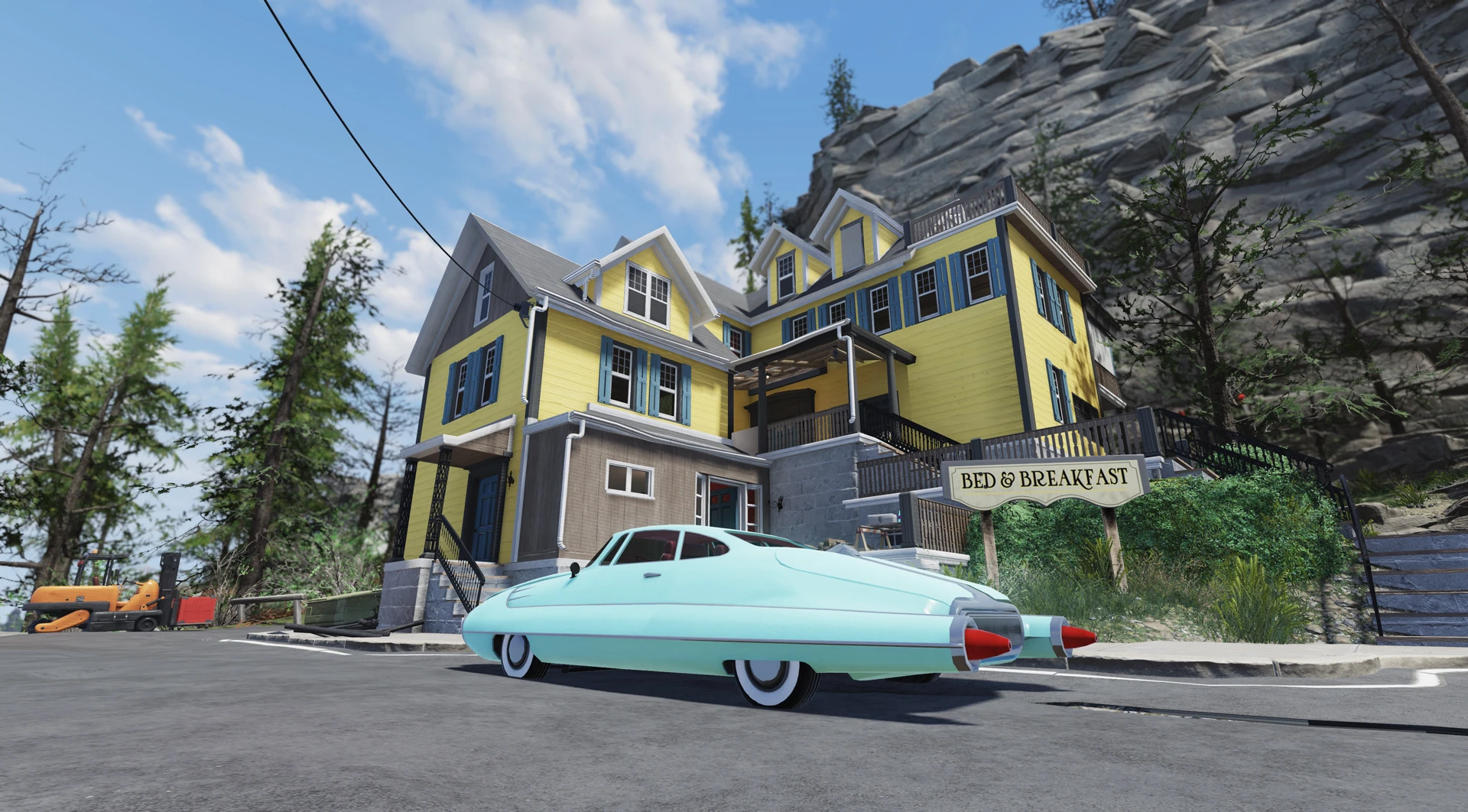





🔍 Analysis
- 👍 2.1% endorsement rate — high engagement, a strong quality signal
- 🏆 #197 of 247 Models and Textures mods in this game by downloads
📋 About This Mod
Please note that some parts of this mod are outdated and more detailed and better versions of its components (and even more goodies for your C. A. M. P.!) are available in my newer C. M. E. mod right here! And also Metal walls revamp is available here.
Version 1. 2. 3 contents
-
[]1 Black grand piano texture replacer.
[
]2 Variations (dark brown and white) of wooden wall panels to replace inner side of a brick wall (part of Brick Building Set)[]5 Marble replacers (Black and White with options) for concrete foundation floors (Please note that this will also replace concrete floors in many locations throughout the world and might cause immersion breaking issues)
[]5 Marble replacers (Black and White with options) for White Shag Carpet floors
[]Outdated content (get better versions here and here):
[]5 Marble replacers (Black and White with options) for Light or Dark Laminated floors.
[]2 Tints for window frames (Brick building set) - light and dark. It also changes the texture of ceiling beams of all C. A. M. P. roofs and barn inner walls. (and God knows, what else :D)
[]2 Cleaner concrete foundation floor replacers (Light and Dark)
[]2 Different tints (dark brown and white) for roofing plywood (that you can see from the inside on your ceiling)
[]1 White texture replacer for fancy couches, armchairs and couches
[]3 Variations for Metal building set walls (Steel grey, Gold and Bronze)
Installation
1. Decide, which modifications you like best and download the corresponding archives.
2. Extract the ba2 files to your Fallout76 Data folder. If there are multiple folders in the archive, choose, which color option you want and extract .ba2 file from the corresponding folder.
3. Add the following line to the section of your Fallout76Custom.ini:
sResourceArchive2List = .ba2
( is the name of file you extracted)
If you already have the string that begins with "sResourceArchive2List" in your Fallout76Custom.ini file, then just add ", .ba2" to the end of that string (without the quotes) for each file you extracted.
Note: Only you will see this retexture in your game, other players will still see the textures they have in
A simple retexture mod for camp parts in an unspecified game, created by Rigell. With 65 endorsements and 3,124 downloads, it offers a basic cosmetic change. Last updated in March 2019, it may be outdated for current game versions.
✨ Key Features
📊 Pros & Cons
✅ Pros
- Decent download count (3,124) shows some interest
- Lightweight mod that doesn't overhaul gameplay
- Easy to install for most users
⚠️ Cons
- Last updated in 2019 — likely incompatible with newer game versions
- Low endorsement ratio (65 endorsements) suggests limited community validation
For players who want a subtle visual tweak to their camp without major changes. If you're looking for a comprehensive camp overhaul or gameplay additions, this isn't it. Best for those who enjoy small cosmetic touches and don't mind potential compatibility issues.
💡 Beginner Tips
- Check if the mod is compatible with your game version before installing, as it's from 2019.
- If using a mod manager, preview the textures in-game to see if you like the changes.
- Consider backing up your original camp textures if you want to revert easily.
📊 Mod Details
- Game
- Fallout 76 Mods
- Author
- Rigell
- Version
- 1.2.3
- Downloads
- 3,124
- Endorsements
- 65
- Category
- Models and Textures
- Created
- 2/18/2019
- Updated
- 3/11/2019
🔧 How to Install Fallout 76 Mods
Use Vortex. Place .ba2 files in Data folder. Use cautiously online.
📖 Full step-by-step install guide for Fallout 76 →
Visit the official mod page for specific installation instructions for this mod.
🎮 Need cheat codes or console commands? Check ur gaming wiki for Fallout 76 commands, item IDs, and more.
Keep browsing — more Fallout 76 mods await