A.C.E. (Atlantic City. ESP)
🟡 Updated this yearPreview
🔍 Analysis
- 👍 3.0% endorsement rate — high engagement, a strong quality signal
- 🏆 #45 of 247 Models and Textures mods in this game by downloads
📋 About This Mod
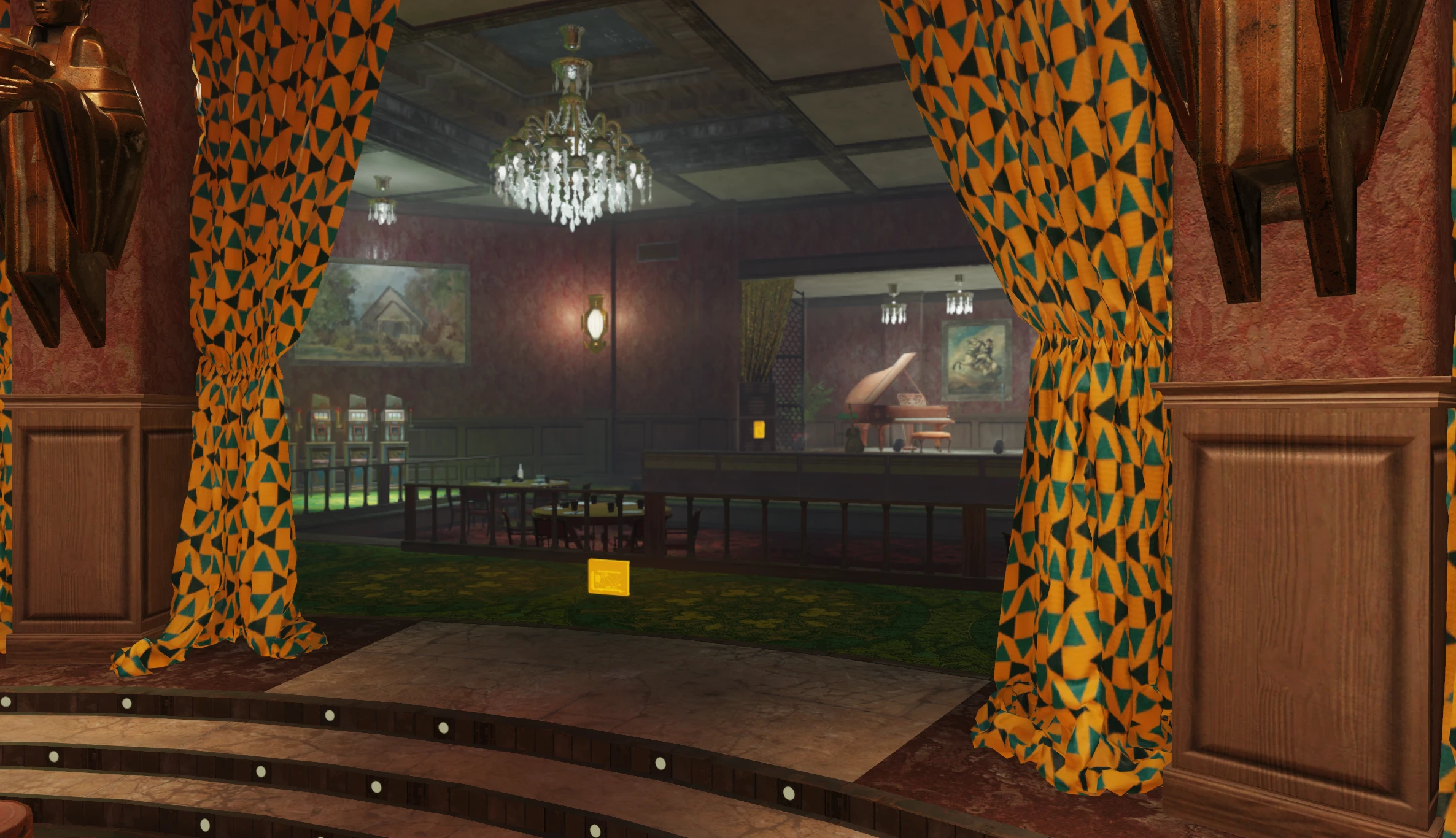
This mod a few downloads, the main which just makes the 'listening devices' and moonflower smoke glow though walls since its not obtrusive to Appalachia, then a bunch of optional files that do so you can choose your own level of items on the screen.
-Listening Devices, Accounting Terminals, and Slot Machines are for 'Tax Evasion'
-Bears and Moonflower smoke are for 'The Most Sensational Game'
Do not combine ACE with ACE Superlite
Please leave a comment if you have any ideas on what else to make glow.
As always, throw the . Ba2 in your fallout76/data folder and add the complete file name to your fallout76custom.ini file.
Example you can copy paste into your own .ini with example being placeholders for other mods:
sResourceArchive2List= ACE.ba2, ACEE.ba2, Example.ba2
A.C.E. (Atlantic City. ESP) is a cosmetic mod for Fallout 76 that makes listening devices, moonflower smoke, and other objects glow through walls. It includes optional files to adjust screen clutter. With 453 endorsements and 15,008 downloads, it's a niche but appreciated quality-of-life tweak.
✨ Key Features
📊 Pros & Cons
✅ Pros
- Community-approved with 453 endorsements and over 15k downloads.
- Solves a real problem—finding quest items in cluttered environments.
- Offers customization via optional files to suit your preference.
⚠️ Cons
- Requires manual .ini editing, which can be intimidating for newcomers.
- Author warns not to combine with ACE Superlite, limiting options.
- Last updated January 2026—may not be compatible with future game patches.
For Fallout 76 players who hate hunting for quest items like listening devices and moonflower smoke. It's perfect for those who want a cleaner visual experience without overhauling the game. Skip if you prefer vanilla visuals or don't want to fiddle with .ini files.
💡 Beginner Tips
- Make sure to add the exact .ba2 filename to your fallout76custom.ini, not just the mod name.
- If you're using other mods, append ACE.ba2 to the existing sResourceArchive2List line, separated by commas.
- Test the glow effect in a quest area first to see if the optional files are needed.
📊 Mod Details
- Game
- Fallout 76 Mods
- Author
- SWSavior
- Version
- 1
- Downloads
- 15,008
- Endorsements
- 453
- Category
- Models and Textures
- Created
- 12/5/2023
- Updated
- 1/20/2026
🧩 Commonly Used Together
Users add these mods to the same collections — a real compatibility signal, not an AI guess.
🔧 How to Install Fallout 76 Mods
Use Vortex. Place .ba2 files in Data folder. Use cautiously online.
📖 Full step-by-step install guide for Fallout 76 →
Visit the official mod page for specific installation instructions for this mod.
🎮 Need cheat codes or console commands? Check ur gaming wiki for Fallout 76 commands, item IDs, and more.
Keep browsing — more Fallout 76 mods await