Visible Galaxy 4K - Flickering Fix
⚪ Last updated 2021⚠️ Install Order · 4 steps
Install in this order, then this mod last — most mods fail to load without their framework and dependencies in place.
Preview
🔍 Analysis
- 👍 1.6% endorsement rate — high engagement, a strong quality signal
- 🏆 #173 of 320 Models and Textures mods in this game by downloads
📋 About This Mod
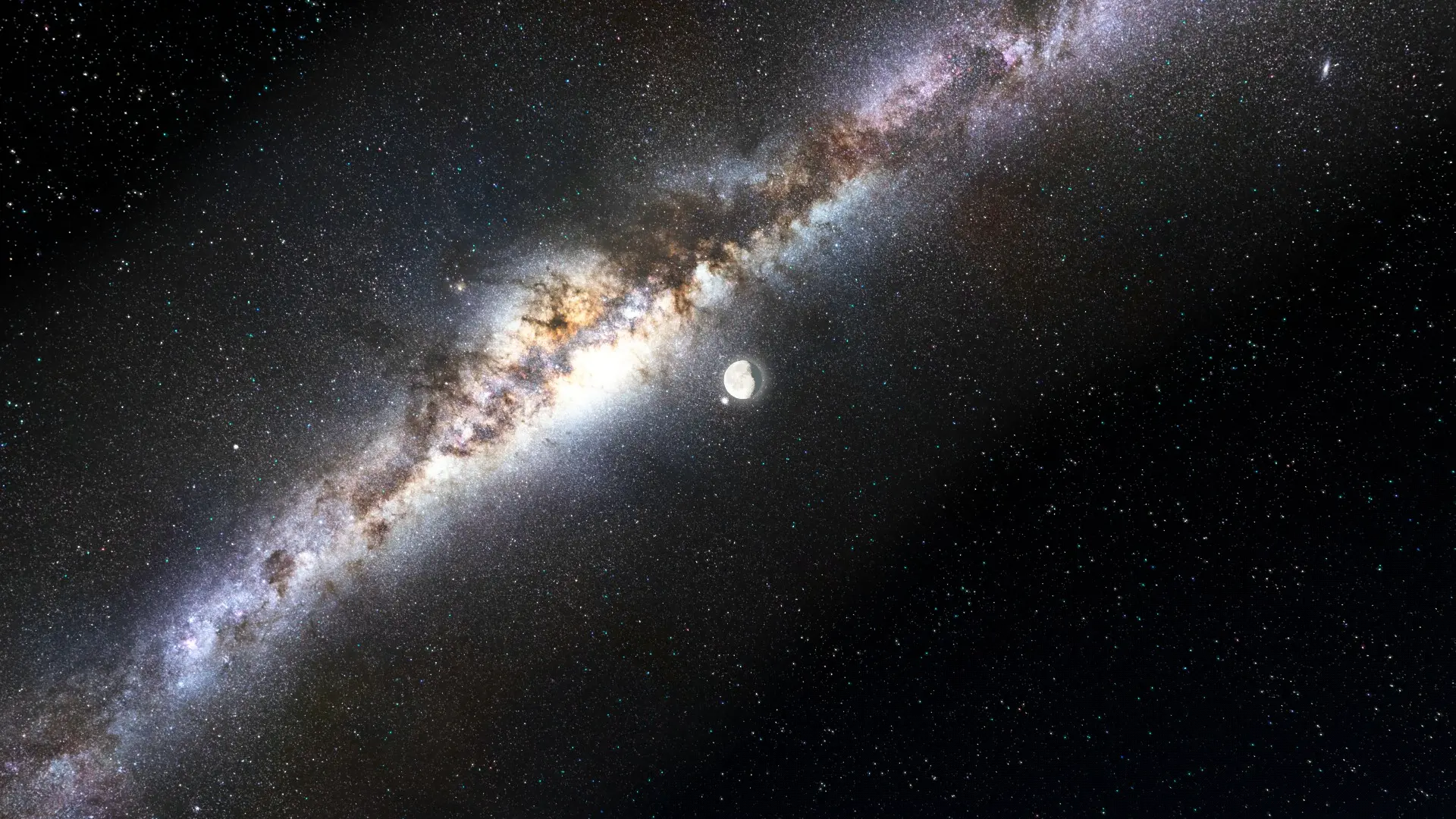
Visible Galaxy 4K and Framework - Flickering Fix
This mod is a workaround/ possibly even a fix for the bug present in the very mesmerizing
Visible Galaxy 4K and Framework mod, framework by spacegoats/ textures by Apinanaivot.
Download the original mod and install it like normal: Visible Galaxy 4K and Framework
Then apply one of these fixes at a time, however do not install all 8 of them,
these are each different approaches to the problem
dependent on your system and installed mods.
Fix 1 and 2 are the same
,Fix 3 can be added to either one of these.
Use Fix 4 if none of these work.
Fix 5 is a potential fix for AMD cards
Fix 6 is a potential fix for flickering in settlements
Fix 7 is another approach by overwriting overlapping textures.
Fix 8 is a complex approach by downsizing the 4k Texture to 2K
_____________________________________
FIX 1 (THE EASY FIX)
_____________________________________
Download the file and overwrite the 4K Galaxy frameworks mesh
with the one provided in this mod, by putting it in the mesh folder
where the original file is located (in the data folder of Fallout 4).
_____________________________________
FIX 2 (THE DIY FIX)
_____________________________________
1. Download NifSkope
2. Download the Visible Galaxy 4K and Framework
3. Open and edit the mesh stars.nif (located in the mesh folder of the original mod)
by following this -- > Pictorial <--.
4. Combine the mesh with the rest of the mod again (just copy it over).
_____________________________________
FIX 3(THE EXPERTS FIX)
_____________________________________
Should this fix not suffice you must go ahead
This mod addresses the flickering galaxy bug in Visible Galaxy 4K and Framework, offering a workaround or fix. With 1,215 endorsements and 77,867 downloads, it's a popular compatibility patch for that specific issue. Last updated in March 2021, it remains relevant for users of the base mod.
✨ Key Features
📊 Pros & Cons
✅ Pros
- Community-approved with 1,215 endorsements
- Targeted fix for a specific annoying bug
- Large download count (77k) shows it's trusted
⚠️ Cons
- Last updated in 2021 — may not work with newer game versions
- Author deleted their account, so no future support
- Requires the base Visible Galaxy 4K mod to function
For players using Visible Galaxy 4K who experience the flickering galaxy bug. If you don't have that mod, this isn't for you. Skip if you're on a newer game version where compatibility is uncertain.
💡 Beginner Tips
- Make sure you have Visible Galaxy 4K and Framework installed first, then overwrite with this fix.
- If you're using a mod manager, let it handle file conflicts to avoid breaking the base mod.
- Check the mod's comments section for any user-reported compatibility notes with your game version.
📊 Mod Details
- Game
- Fallout 4 Mods
- Author
- deleted112074203
- Version
- 2.0
- Downloads
- 77,867
- Endorsements
- 1,215
- Category
- Models and Textures
- Created
- 3/17/2021
- Updated
- 3/17/2021
🔧 How to Install Fallout 4 Mods
Download from Nexus.
📖 Full step-by-step install guide for Fallout 4 →
Visit the official mod page for specific installation instructions for this mod.
🎮 Need cheat codes or console commands? Check ur gaming wiki for Fallout 4 commands, item IDs, and more.
Keep browsing — more Fallout 4 mods await