Tutorial adding Custom meshes to Fallout 4
⚪ Last updated 2016⚠️ Install Order · 2 steps
Install in this order, then this mod last — most mods fail to load without their framework and dependencies in place.
Preview
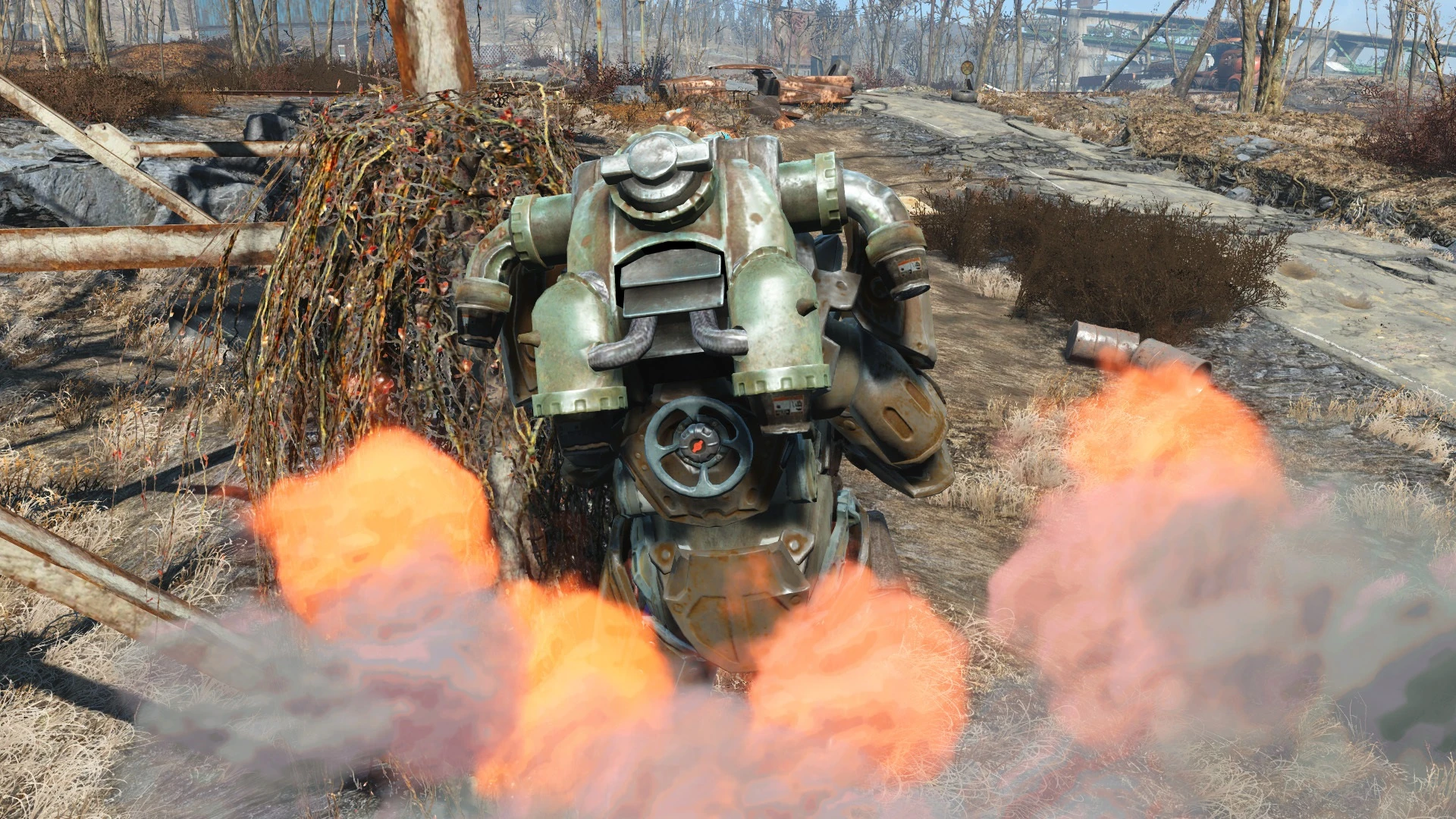
🔍 Analysis
- 👍 9.0% endorsement rate — high engagement, a strong quality signal
- 🏆 #17 of 20 Modders Resources and Tutorials mods in this game by downloads
📋 About This Mod
Guys! Thanks a lot for your support and donations! I really really appreciate it. It gives me a chance to upgrade my old PC and be able to create even better mods!
Thanks to all of you, you make me keeping my work up.
Add me on facebook, would love to see you there: facebook.com/vadim.berestnev
First of all I have to admit that my English skills are pretty limited so don't be to hard with me dear native speakers=)
It looks like only few of us know how to make custom meshes for Fallout 4 work in game properly and somehow this small group keeps their secrets to themselves. This is my attempt to change this abuse(sorry dear secret keepers).
At this stage the export and import tools have some limitations since at the moment there is plenty of undecoded data stored in new NIF format. Therefore the process for now is a bit cryptic, but the good news are, it is already possible to produce working stuff, even if it takes some effort.
I'm also sure that decoding NIF format by nifskope team will simplify the process. So sooner or later parts of this tutorial will get obsolete -> be clever and check the updates of working tools by yourself.
This tutorial will show you how to import and export rigged(f.e. armours) and not rigged(f.e. weapons) meshes for Fallout 4 with 3DS Max plugin and finalize the process in nifskope to make your models work in game.
Requirements:
This tutorial will definitely not cover the 3D modelling, texturing, rigging or weight panting process and is not intended to be for newbies.
The requirement for this tutorial is the ability of using any 3d modelling program, Nifskope and experience in modding for previous Bethesda games.
I will ignore any questions about how to use Blender, 3DS-Max, Photoshop and so on.
Tools needed:
1) 3DS Max 2016(should work with older version but I haven't test it). If you are a student you can get your free version of Max directly from the homepage:
http://www.autodesk.com/education/free-software/3ds-max
2) 3DS Max nif plugin with fallout 4 support:
https://github.com/figment/max_nif_plugin/releases/tag/3. 8. 0
3) Nifskope NifSkope 2. 0 Pre-Alpha 4 with initial fallout 4 support:
https://github.com/jonwd7/nifskope/releases/tag/v2. 0.dev4
4) (optional) Blender for you dear blender fans like myself
http://www.blender.org/download/
5) (optional) Blender NIF plugin with fallout 3 or skyrim support:
http://niftools.sourceforge.net/forum/viewtopic.php?f=13&t=5823
or use the old Belnder version 2. 49 which has more stable nif tools(This version is what i use)
http://niftools.sourceforge.net/wiki/Blender
A tutorial for modders teaching how to import and export rigged and unrigged meshes for Fallout 4 using 3DS Max and NifSkope. With 879 endorsements and nearly 10k downloads, it's a well-regarded resource for custom armor and weapon creation.
✨ Key Features
📊 Pros & Cons
✅ Pros
- Community-approved resource (879 endorsements) — clearly helped a lot of modders.
- Covers both rigged and unrigged meshes, so you learn armor and weapon workflows in one place.
- Nearly 10k downloads shows it's been useful to a wide audience.
⚠️ Cons
- Last updated in 2016 — may not cover newer tools or game updates, so some steps could be outdated.
- Requires 3DS Max and NifSkope, which are paid or complex tools — not for beginners without them.
- As a tutorial, it's not a plug-and-play mod; you'll need to invest time to learn the process.
For modders who want to create custom armor or weapons for Fallout 4 and are willing to learn 3DS Max and NifSkope. Skip if you're a player looking for content — this is a resource, not a gameplay mod.
💡 Beginner Tips
- Make sure your 3DS Max plugin is compatible with your version of 3DS Max before starting.
- Follow the tutorial with a simple mesh first, like a weapon, before tackling complex armors.
- Test your exported mesh in NifSkope to verify it's properly rigged before importing into the game.
📊 Mod Details
- Game
- Fallout 4 Mods
- Author
- tumbajamba
- Version
- 1.0
- Downloads
- 9,756
- Endorsements
- 879
- Category
- Modders Resources and Tutorials
- Created
- 1/8/2016
- Updated
- 1/8/2016
🔧 How to Install Fallout 4 Mods
Download from Nexus.
📖 Full step-by-step install guide for Fallout 4 →
Visit the official mod page for specific installation instructions for this mod.
🎮 Need cheat codes or console commands? Check ur gaming wiki for Fallout 4 commands, item IDs, and more.
Keep browsing — more Fallout 4 mods await