True Grass - Invisible and Glowing Plants FIX
🟠 Updated over a year ago⚠️ Install Order · 2 steps
Install in this order, then this mod last — most mods fail to load without their framework and dependencies in place.
Preview
🔍 Analysis
- 👍 0.2% endorsement rate
- 🏆 #81 of 103 Bug Fixes mods in this game by downloads
📋 About This Mod
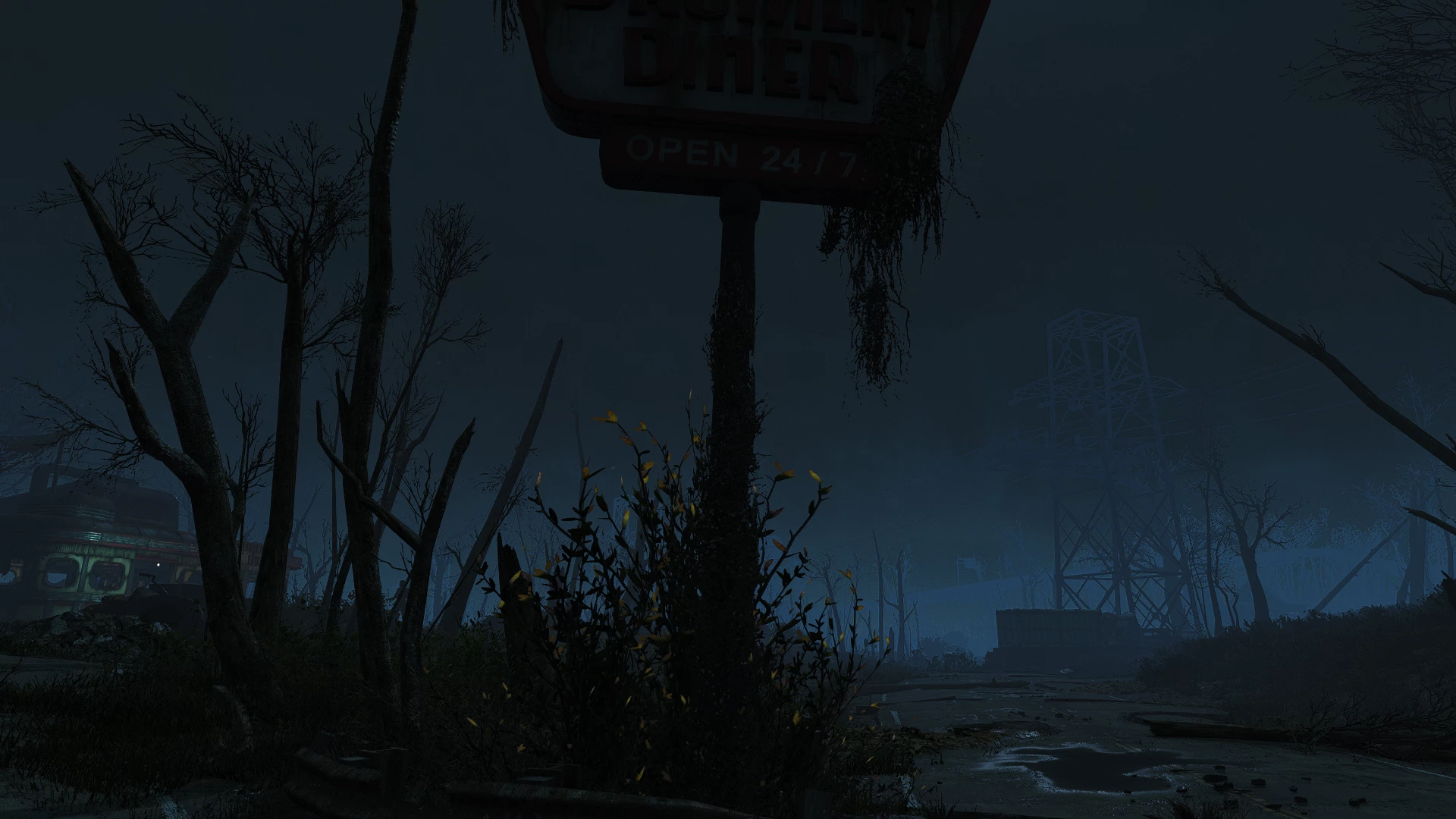
Simple material overrides for True Grass to get rid of some (in my opinion) weird edits that it makes to vanilla plants. For one it fixes an invisible dead shrub.
Secondly it removes subtle glowing bits from the Forsythia plant and hanging Vines which can be very noticeable or even jarring if you use mods which darken nights considerably.
TLDR; what does this do???
-
[] Gets rid of glowing leaves on the Forsythia plant and hanging Vines. (Optional)
[
] Fixes a dead shrub that is invisible but still casts shadows.Loose files! Should ensure that these files will overwrite True Grass' ones. Manage file order/conflicts within your mod manager accordingly.
<<<WARNING>>>
For users of the Forsythia Replacer mod or NXGEN Nice Bush !!! Do NOT let the Forsythia. BGSM file from this mod overwrite theirs!
+++Recommended:
True Grass - Floating Grass Fix
True Grass - Invisible and Glowing Plants FIX is a bug fix mod for Fallout 4 that removes invisible shrubs and glowing vines/plants. With 381 endorsements and over 200k downloads, it's a popular fix for a common visual annoyance. Last updated October 2024.
✨ Key Features
📊 Pros & Cons
✅ Pros
- Huge download count (202k) shows this fix is in demand.
- Directly addresses a common visual bug that many players encounter.
- Lightweight fix that doesn't alter gameplay, just cleans up visuals.
⚠️ Cons
- Only 381 endorsements compared to downloads—maybe not everyone is satisfied.
- Last updated in October 2024—may not be compatible with future game patches.
For Fallout 4 players who are bothered by invisible shrubs or glowing plants that break immersion. If you've seen these visual glitches and want a quick fix, this is for you. Skip if you're looking for gameplay changes—this is purely a visual bug fix.
💡 Beginner Tips
- Since it's a simple fix, just drop the files into your Data folder or use your mod manager.
- Make sure to load this mod after other mods that might affect plants or grass to ensure it overrides them.
- If you're using a mod manager, check the mod's load order—place it near the end to ensure it takes effect.
📊 Mod Details
- Game
- Fallout 4 Mods
- Author
- Bethesda
- Version
- lmao
- Downloads
- 202,983
- Endorsements
- 381
- Category
- Bug Fixes
- Created
- 9/30/2023
- Updated
- 10/20/2024
🔧 How to Install Fallout 4 Mods
Download from Nexus.
📖 Full step-by-step install guide for Fallout 4 →
Visit the official mod page for specific installation instructions for this mod.
🎮 Need cheat codes or console commands? Check ur gaming wiki for Fallout 4 commands, item IDs, and more.
Keep browsing — more Fallout 4 mods await