Super Low End GPU ini files
⚪ Last updated 2015⚠️ Install Order · 2 steps
Install in this order, then this mod last — most mods fail to load without their framework and dependencies in place.
Preview
🔍 Analysis
- 👍 4.3% endorsement rate — high engagement, a strong quality signal
- 🏆 #6 of 10 Performance mods in this game by downloads
📋 About This Mod
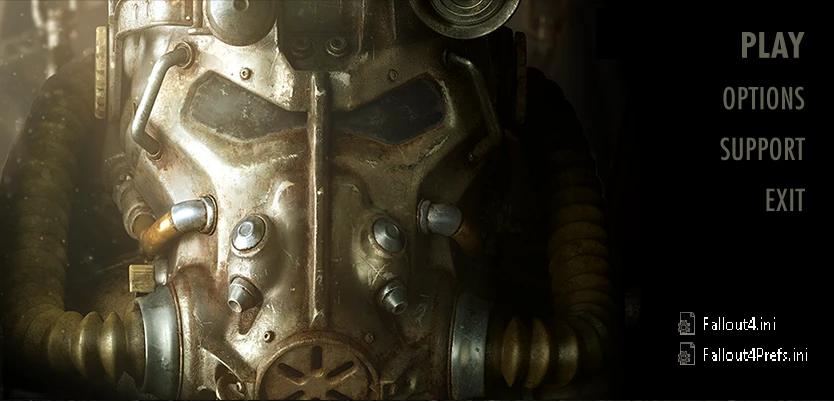
.ini files for low end GPU
After installing lots of graphical mods I've started tweaking my own .ini files trying to get even more fps
This is more for myself and my friends, but it might help more people
Installation: Go to "Documents\my games\Fallout4" AND BACKUP THOSE FILES Replace the .ini files with the ones provided Set your resolution with Fallout launcher or inside the .ini file Open Fallout4Prefs.ini and change sD3DDevice="NVIDIA GeForce GT 440 " for your own gpu, how? open your backup of Fallout4Prefs.ini Ctrl+F "sD3DDevice=" and copy that Right click Fallout4.ini and set as read only. same thing to Fallout4Prefs.ini
Notes: Only my GPU sucks, so I don't care about CPU or RAM tweaks Shadows disabled
📊 Mod Details
- Game
- Fallout 4 Mods
- Author
- bacitoto
- Version
- 0.7
- Downloads
- 4,022
- Endorsements
- 171
- Category
- Performance
- Created
- 11/25/2015
- Updated
- 11/25/2015
🔧 How to Install Fallout 4 Mods
Download from Nexus.
📖 Full step-by-step install guide for Fallout 4 →
Visit the official mod page for specific installation instructions for this mod.
🎮 Need cheat codes or console commands? Check ur gaming wiki for Fallout 4 commands, item IDs, and more.
Keep browsing — more Fallout 4 mods await