Shadow Disable - How to disable shadows
⚪ Last updated 2019⚠️ Install Order · 2 steps
Install in this order, then this mod last — most mods fail to load without their framework and dependencies in place.
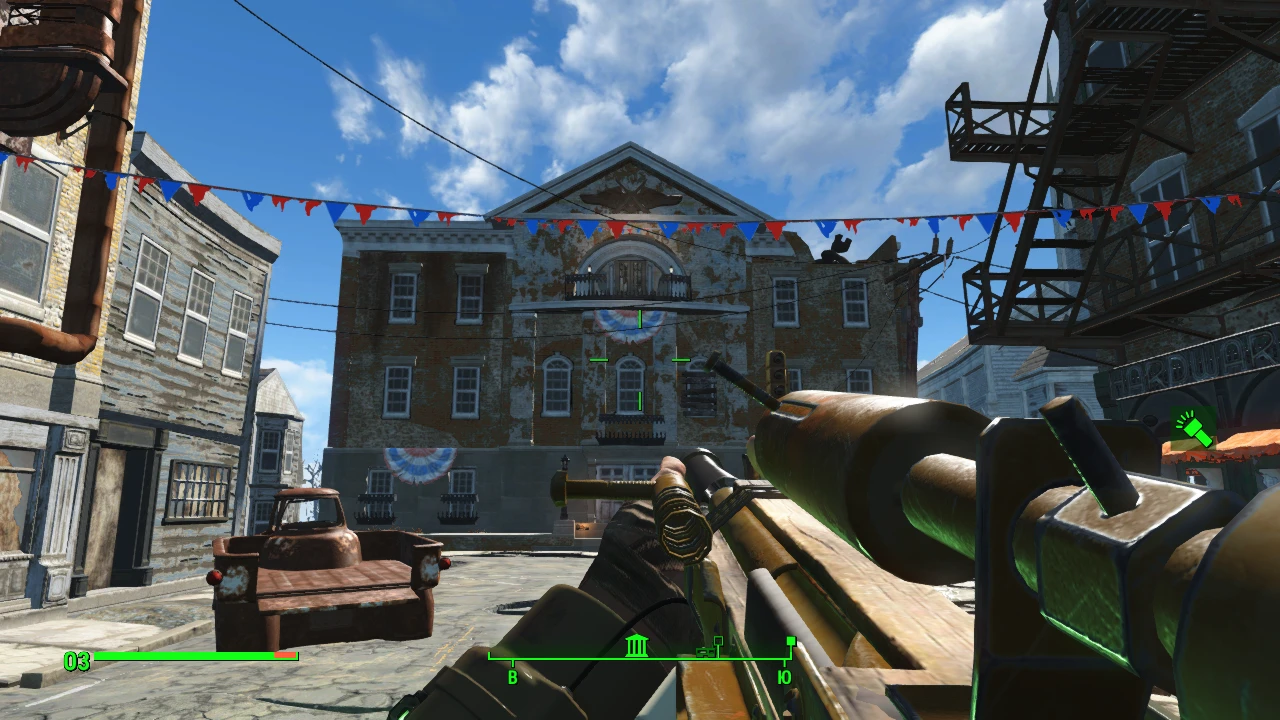
Preview
🔍 Analysis
- 👍 5.9% endorsement rate — high engagement, a strong quality signal
- 🏆 #10 of 13 Visuals and Graphics mods in this game by downloads
📋 About This Mod
Shadows is eating a lot of PC resources, even if you have medium pc. But if you have a low end pc... You need to disable them! Here you can learn how to FULLY disable shadows, enjoy!
2. Click on it with left mouse butto and click at propereties
3. Now disable "Only reading"
4. Now open this file
5. Find this lines:
iShadowMapResolution=
uiShadowFilter=
uiOrthoShadowFilter=
fBlendSplitDirShadow=
iMaxFocusShadows=
iMaxFocusShadowsDialogue=
fShadowDistance=
fDirShadowDistance=
iDirShadowSplits=
6. And change them to:
iShadowMapResolution=1024
uiShadowFilter=3
uiOrthoShadowFilter=3
fBlendSplitDirShadow=99999999. 0000
iMaxFocusShadows=0
iMaxFocusShadowsDialogue=0
fShadowDistance=99999999. 0000
fDirShadowDistance=99999999. 0000
iDirShadowSplits=1
7. Launch the game, and enjoy!
-------------------------------------------------------------------------------------------------------------------------
If i helped you, please endorse this file, and download this:
https://www.nexusmods.com/fallout4/mods/37017?tab=files
https://www.nexusmods.com/fallout4/mods/37213/?tab=files
📊 Mod Details
- Game
- Fallout 4 Mods
- Author
- wender
- Version
- last
- Downloads
- 2,774
- Endorsements
- 163
- Category
- Visuals and Graphics
- Created
- 2/2/2019
- Updated
- 2/2/2019
🔧 How to Install Fallout 4 Mods
Download from Nexus.
📖 Full step-by-step install guide for Fallout 4 →
Visit the official mod page for specific installation instructions for this mod.
🎮 Need cheat codes or console commands? Check ur gaming wiki for Fallout 4 commands, item IDs, and more.
Keep browsing — more Fallout 4 mods await