More Robot Voices for Automatron
⚪ Last updated 2020⚠️ Install Order · 2 steps
Install in this order, then this mod last — most mods fail to load without their framework and dependencies in place.
Preview
🔍 Analysis
- 👍 3.2% endorsement rate — high engagement, a strong quality signal
- 🏆 #3 of 17 Audio - Voice mods in this game by downloads
📋 About This Mod
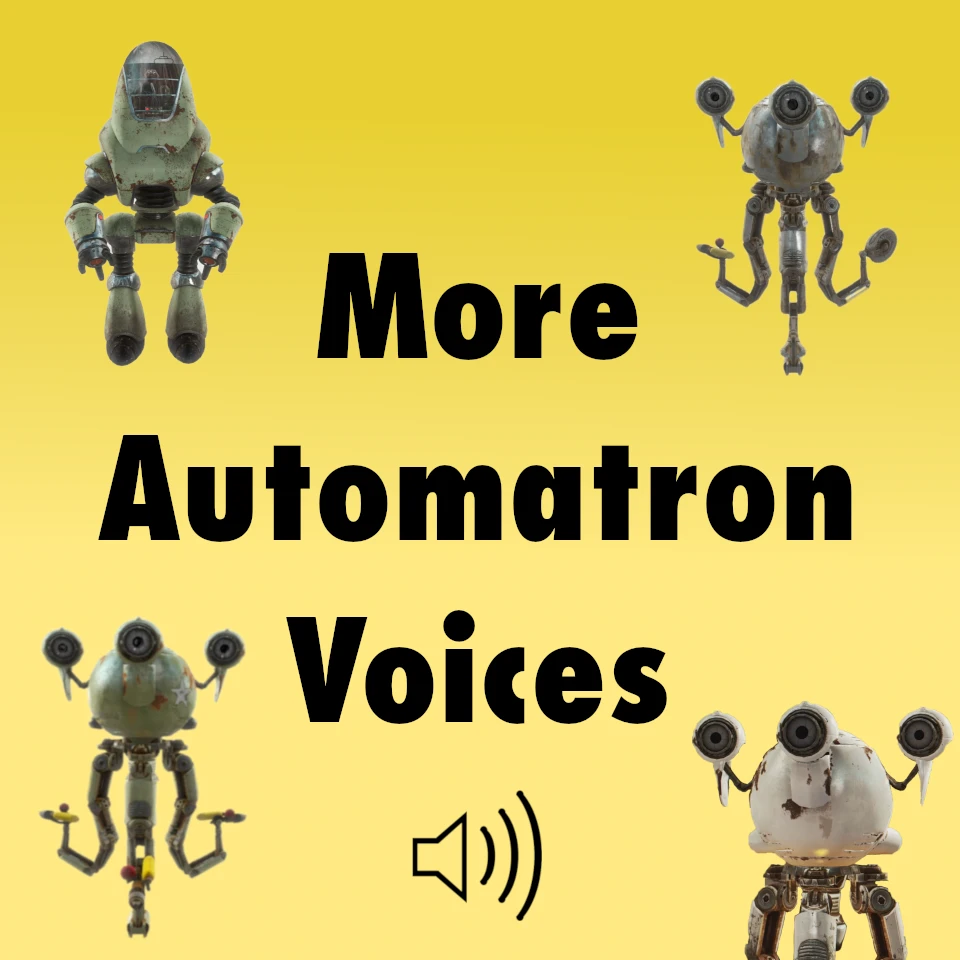
Adds several new voice types for Automatron robots, including Mr. Handy, Mr. Gutsy, Miss Nanny, Protectron, and just for fun... Professor Goodfeels and Takahashi.
Adds several new voice types for Automatron robots, including Mr. Handy, Mr. Gutsy, Miss Nanny, Protectron, and fun additions like Professor Goodfeels and Takahashi. A popular audio mod with 1,474 endorsements, last updated in January 2020.
✨ Key Features
📊 Pros & Cons
✅ Pros
- Community favorite with 1,474 endorsements and over 45k downloads.
- Adds fun and varied voices to make your robot companions more personality-driven.
- Simple audio mod—no complex scripts or dependencies.
⚠️ Cons
- Last updated in January 2020—may have compatibility issues with newer game patches.
- Only adds voices, no other features like new robot parts or behaviors.
- Voice options are limited to the ones listed; no custom voice import.
For Fallout 4 players who love Automatron and want to give their robots more personality. Great for role-players and builders who want unique companions. Skip if you're looking for gameplay changes—this is purely cosmetic audio.
💡 Beginner Tips
- Make sure you have the Automatron DLC installed, as this mod requires it.
- Use a mod manager like Vortex or NMM to install and manage the mod easily.
- If you're on PC, check that your game version is compatible—since the mod is old, you may need to test it.
📊 Mod Details
- Game
- Fallout 4 Mods
- Author
- JitteryJet
- Version
- 1.2
- Downloads
- 45,511
- Endorsements
- 1,474
- Category
- Audio - Voice
- Created
- 3/20/2019
- Updated
- 1/15/2020
🔧 How to Install Fallout 4 Mods
Download from Nexus.
📖 Full step-by-step install guide for Fallout 4 →
Visit the official mod page for specific installation instructions for this mod.
🎮 Need cheat codes or console commands? Check ur gaming wiki for Fallout 4 commands, item IDs, and more.
Keep browsing — more Fallout 4 mods await