Melee And Throw
⚪ Last updated 2022⚠️ Install Order · 3 steps
Install in this order, then this mod last — most mods fail to load without their framework and dependencies in place.
Preview
🔍 Analysis
- 👍 3.9% endorsement rate — high engagement, a strong quality signal
- 🏆 #94 of 147 Gameplay mods in this game by downloads
📋 About This Mod
Requirement : Address Library for F4SE Plugins (https://www.nexusmods.com/fallout4/mods/47327)
Melee And Throw
One thing I hated the most about Fallout 4 is that you can't bind another key for throwing grenades.
A solution using FO4 Hotkeys was not enough for me since it throws the grenade right away.
So I came up with this plugin.
Binding Keys
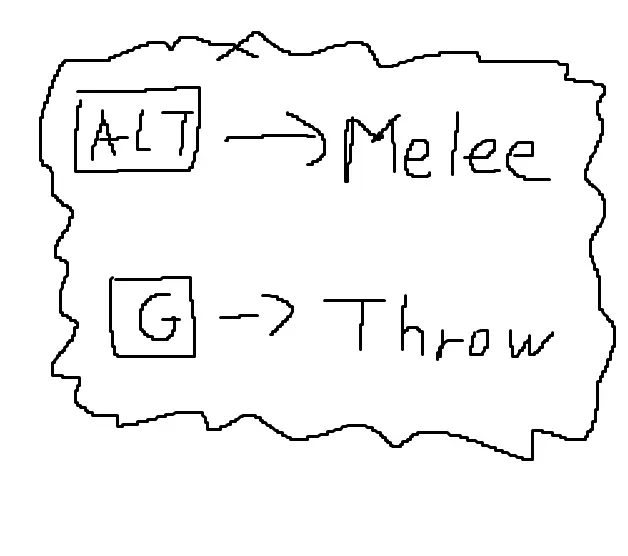
By default, Alt will be melee and G will be throw.
To bind different keys, you'll have to open MeleeAndThrow.ini and edit the values.
Keyboard : See https://docs.microsoft.com/en-us/windows/win32/inputdev/virtual-key-codes
Mouse : LButton = 0x100, RButton = 0x101, M3 = 0x102, M4 = 0x103, M5 = 0x104
Controller : Check the codes from CustomControlMap.txt in your Fallout 4 installation folder and add 0x10000 to them.
Ex) Right Trigger is 0x200 by default, so type in 0x10200 in the ini
Credits
The F4SE Team for Fallout 4 Script Extender (F4SE)
Fudgyduff for Address Library and CommonLibF4
brofield for simpleini
Melee And Throw is a F4SE plugin for Fallout 4 that lets you bind separate keys for melee attacks and throwing grenades. It's a small utility mod with 655 endorsements and 16,763 downloads, last updated in October 2022. For players who want more control over combat actions.
✨ Key Features
📊 Pros & Cons
✅ Pros
- Community-approved with 655 endorsements and 16k downloads
- Solves a real annoyance: no more accidental grenade throws when you meant to punch
- Simple, focused functionality—does one thing and does it well
⚠️ Cons
- Last updated in 2022—might not work with the latest Fallout 4 patches
- Requires F4SE, which adds an extra setup step
For Fallout 4 players who are tired of accidentally throwing grenades in melee. If you use F4SE and want more precise combat controls, this is a no-brainer. Skip if you're on console or don't want to mess with script extenders.
💡 Beginner Tips
- Make sure you have F4SE installed and launch the game through f4se_loader.exe, not the default launcher.
- After installing, check your in-game settings or config file to assign the keys—the mod doesn't provide a MCM menu.
- If the mod doesn't work, verify your F4SE version matches your game version.
📊 Mod Details
- Game
- Fallout 4 Mods
- Author
- Bingle
- Version
- 1.3
- Downloads
- 16,763
- Endorsements
- 655
- Category
- Gameplay
- Created
- 8/26/2022
- Updated
- 10/23/2022
🔧 How to Install Fallout 4 Mods
Download from Nexus.
📖 Full step-by-step install guide for Fallout 4 →
Visit the official mod page for specific installation instructions for this mod.
🎮 Need cheat codes or console commands? Check ur gaming wiki for Fallout 4 commands, item IDs, and more.
Keep browsing — more Fallout 4 mods await