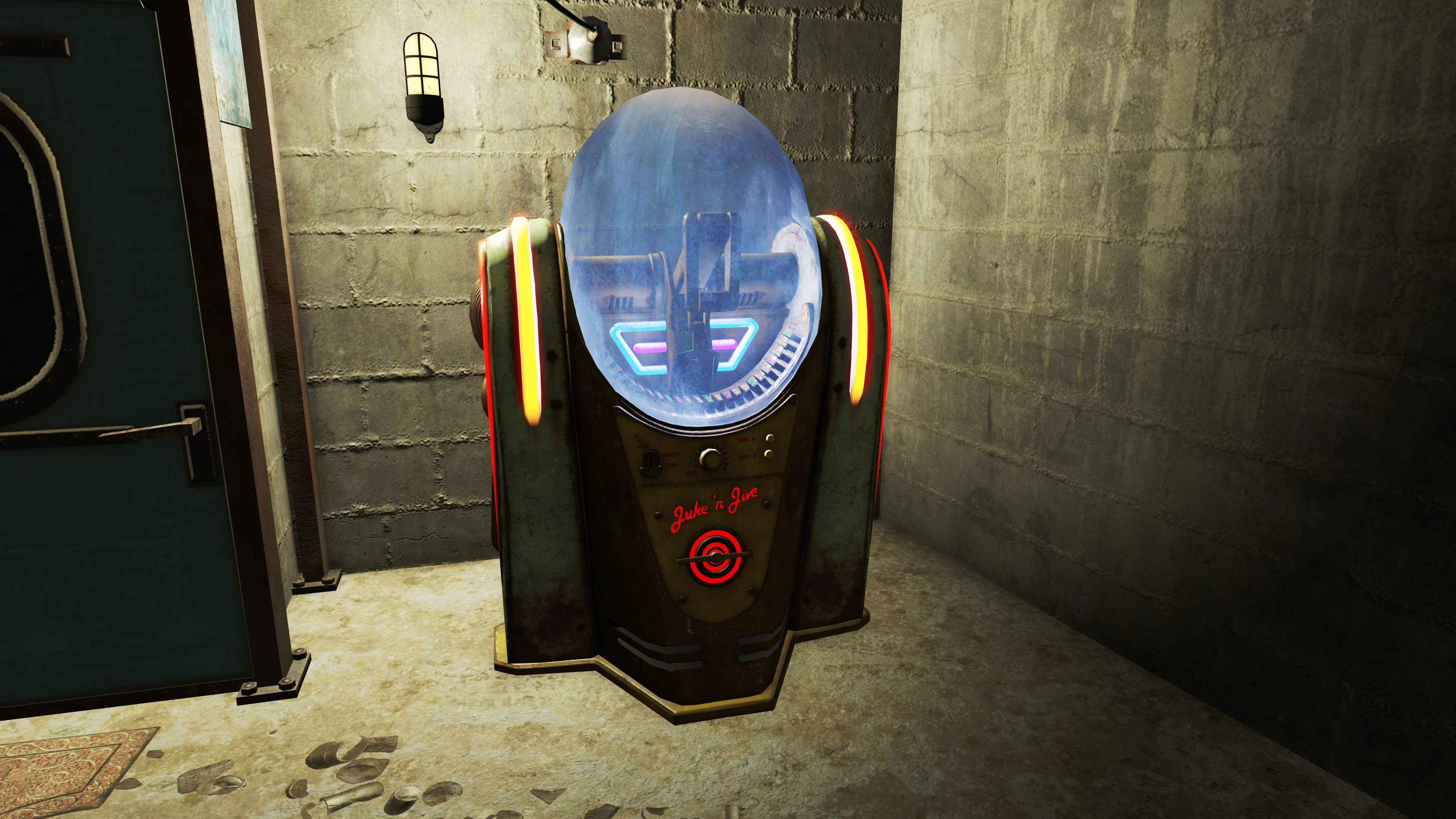
Jukebox plays Diamond City Radio songs
⚪ Last updated 2015⚠️ Install Order · 2 steps
Install in this order, then this mod last — most mods fail to load without their framework and dependencies in place.
Preview
🔍 Analysis
- 👍 7.5% endorsement rate — high engagement, a strong quality signal
- 🏆 #5 of 9 Audio - Misc mods in this game by downloads
📋 About This Mod
I made this for myself, and figured I would upload it in case anyone else had the same feelings of sadness as I did when first playing the JukeBox.
Does what it says, replaces the music played by the JukeBox.
WARNING ALSO REPLACES CLASSICAL RADIO
My very quick and dirty fix comes with this as a....feature? So do not use this mod if you like classical radio.Installation:
Unzip and and put Sound Folder into Fallout4\DataEdit Fallout4.ini (usually \Documents\My Games\Fallout4) Under archive section add ,Sound\ to sResourceDataDirsFinal
It should look something like this: sResourceDataDirsFinal=STRINGS\,Sound\
Optional file:
Same as original file, only install instead of, they are not compatible.
If I learn of a way to do this without editing Classical Radio I will update, if not hopefully there will be a better fix in the future.
I recommend Notepad++ for all .ini editing
A compact Fallout 4 audio mod that swaps the Jukebox settlement item's Classical Radio tracks for a selection of Diamond City Radio songs. With 790 endorsements and over 10,000 downloads, it's a popular, lightweight choice for players who want more variety in their settlement ambience.
✨ Key Features
📊 Pros & Cons
✅ Pros
- Community favorite with 790 endorsements and over 10k downloads.
- Simple, focused change that adds familiar tunes to your settlements.
- No extra requirements—just drop it in and go.
⚠️ Cons
- Only affects the Jukebox, not other radio sources.
- Limited song selection—not the full Diamond City Radio playlist.
- May conflict with other mods that alter the Jukebox or radio audio.
For Fallout 4 settlement builders who want their Jukebox to play the catchy Diamond City Radio hits instead of classical. If you're looking for a broader radio overhaul or new songs, this isn't it—it's a targeted tweak.
💡 Beginner Tips
- Place the file in your Fallout 4 Data folder or use a mod manager for easy uninstall.
- If you use other audio mods, load this one after them to ensure it takes priority.
- Test in a settlement with a Jukebox to confirm the new songs play.
📊 Mod Details
- Game
- Fallout 4 Mods
- Author
- Kaz272
- Version
- 0.1
- Downloads
- 10,505
- Endorsements
- 790
- Category
- Audio - Misc
- Created
- 11/15/2015
- Updated
- 11/15/2015
🔧 How to Install Fallout 4 Mods
Download from Nexus.
📖 Full step-by-step install guide for Fallout 4 →
Visit the official mod page for specific installation instructions for this mod.
🎮 Need cheat codes or console commands? Check ur gaming wiki for Fallout 4 commands, item IDs, and more.
Keep browsing — more Fallout 4 mods await