Fog Filter For NAC X
🟡 Updated this year⚠️ Install Order · 3 steps
Install in this order, then this mod last — most mods fail to load without their framework and dependencies in place.
Preview
🔍 Analysis
- 👍 0.3% endorsement rate
- 🏆 #1 of 9 Weather and Lighting mods in this game by downloads
📋 About This Mod
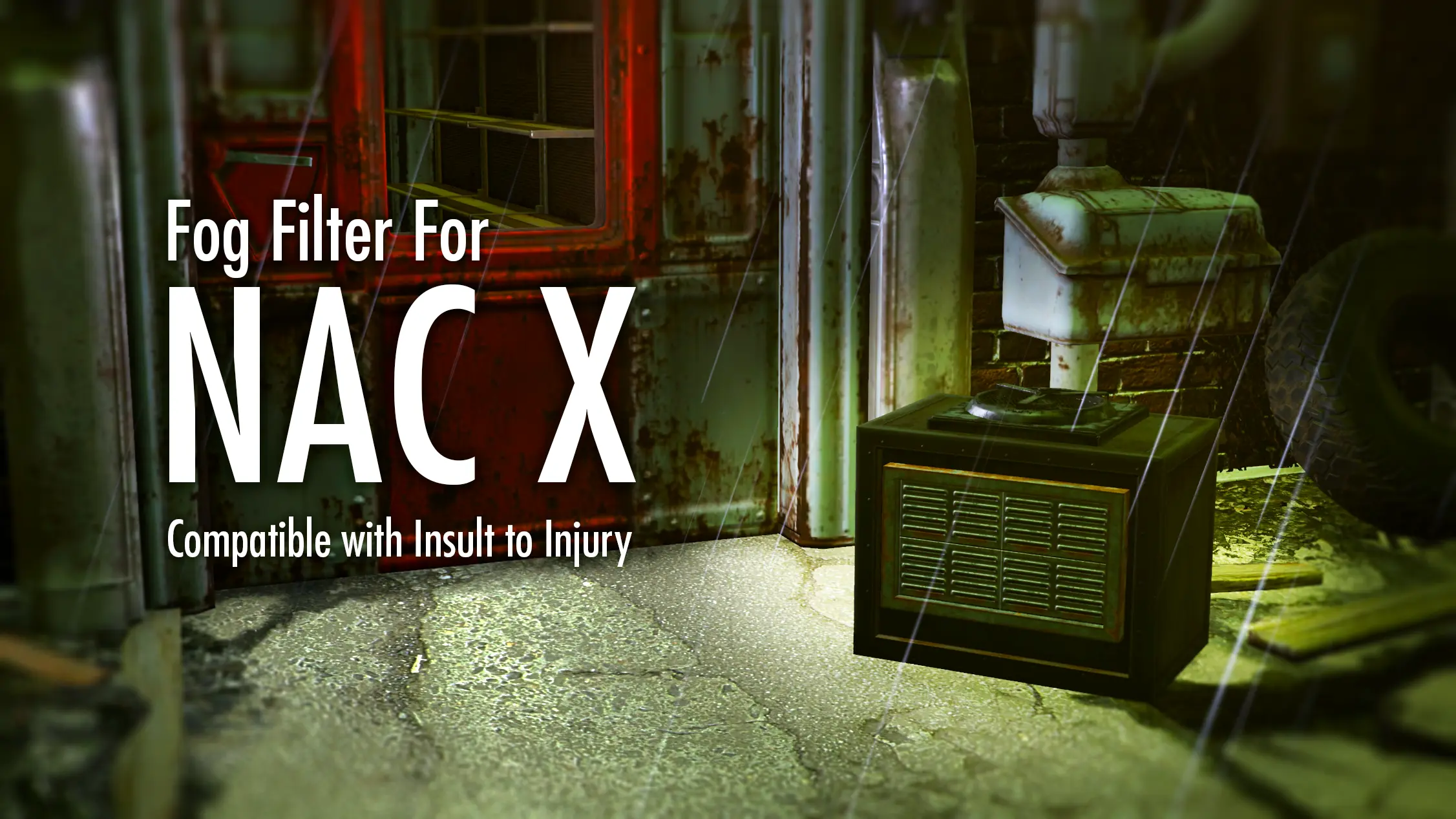
Add 'Fog Filter' to NAC X - Buildable workshop items to prevent radstorms in your settlements!
Fog Filter For NAC X adds a buildable workshop item to prevent radstorms in your settlements, integrating with the NAC X mod. With 255 endorsements and nearly 100k downloads, it's a popular quality-of-life addition for Fallout 4 settlement builders. Last updated April 2026, it remains actively maintained.
✨ Key Features
📊 Pros & Cons
✅ Pros
- Community-approved with 255 endorsements and nearly 100k downloads—clearly a mod people trust.
- Solves a real annoyance: radstorms ruining your settlement vibe. Build one filter and forget it.
- Tight integration with NAC X means it fits seamlessly if you already use that weather overhaul.
⚠️ Cons
- Requires NAC X as a dependency—if you don't use that mod, this is useless to you.
- Only affects radstorms, not other weather types, so it's a niche fix rather than a comprehensive weather control tool.
- No detailed documentation provided, so you might need to experiment to find the exact build menu placement.
For Fallout 4 players who use NAC X and are tired of radstorms ruining their settlement aesthetics or causing constant radiation damage. If you're a settlement builder who wants to keep your builds looking clean, this is a must-have. Skip if you don't use NAC X or if you prefer to keep weather effects as-is for challenge.
💡 Beginner Tips
- Make sure you have NAC X installed and activated before adding this mod, or the workshop item won't appear.
- After installing, load your save and check the Workshop menu under 'Structures' or 'Misc'—the Fog Filter should be listed there.
- Place the Fog Filter near the center of your settlement to maximize its coverage area, though the exact radius isn't specified.
📊 Mod Details
- Game
- Fallout 4 Mods
- Author
- Dashboarderian
- Version
- 1
- Downloads
- 99,129
- Endorsements
- 255
- Category
- Weather and Lighting
- Created
- 3/21/2023
- Updated
- 4/15/2026
🔧 How to Install Fallout 4 Mods
Download from Nexus.
📖 Full step-by-step install guide for Fallout 4 →
Visit the official mod page for specific installation instructions for this mod.
🎮 Need cheat codes or console commands? Check ur gaming wiki for Fallout 4 commands, item IDs, and more.
Keep browsing — more Fallout 4 mods await