Fallout4.exe Auto-Backup
⚪ Last updated 2017⚠️ Install Order · 3 steps
Install in this order, then this mod last — most mods fail to load without their framework and dependencies in place.
Preview
🔍 Analysis
- 👍 4.9% endorsement rate — high engagement, a strong quality signal
- 🏆 #43 of 49 Utilities mods in this game by downloads
📋 About This Mod
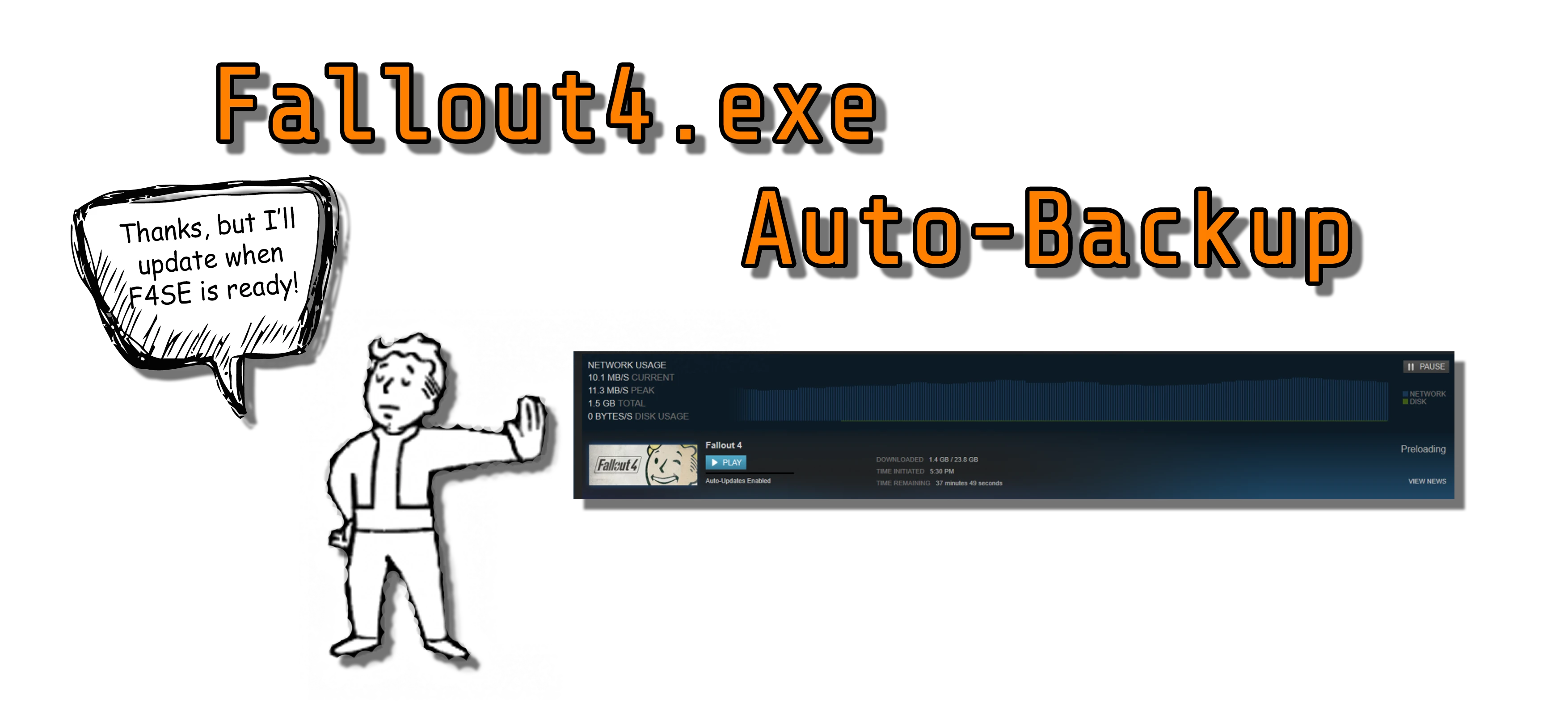
A tool that will automatically store your different versions of Fallout4.exe files in backup folders. Now you will always have a backup of your executable in case you unintentionally updated your game via Steam.
You will find your executables in a folder called "auto-backup-executable" under your Fallout 4 installation directory.
Extract the contents of the rar file to your Fallout 4 Data folder and don't forget to run the game with F4SE (f4se_loader.exe).
CHECK OUT THIS AMAZING TUTORIAL BY MICHAEL FROM GAMERPOETS!
64rs8hScSmY
__________________________________________________________________________________________________________________________
HkEqagfk6dY
- Visual Studio Express 2012
see more...
FEEL FREE TO JOIN MY DISCORD IF YOU WANT TO KNOW MORE!🤖 AI-enhanced — based on mod dataFallout4.exe Auto-Backup is a utility that automatically saves versions of your Fallout4.exe file into backup folders, protecting against accidental Steam updates. Requires F4SE. With nearly 10,000 endorsements and 200,000 downloads, it's a trusted tool for modders who need to maintain a specific game version.
✨ Key Features
Automatically stores different versions of Fallout4.exe in backup folders.Ensures you always have a backup of your executable in case of unintentional Steam updates.Requires F4SE (Fallout 4 Script Extender) to function.📊 Pros & Cons
✅ Pros
- Community-approved with 9,696 endorsements and nearly 200k downloads—clearly a go-to for many.
- Simple, focused purpose: protects your game version from forced updates, a real headache for modders.
- Lightweight utility that runs in the background without messing with your load order.
⚠️ Cons
- Last updated in 2017—may not be compatible with the latest Fallout 4 updates or F4SE versions.
- Requires F4SE, so if you don't use F4SE, this tool is useless to you.
- No detailed documentation or instructions provided—you'll need to figure out setup on your own.
🎯 Is This For You?
For Fallout 4 modders who rely on F4SE and want to lock their game version to keep mods stable. If you've ever been burned by a Steam auto-update breaking your setup, this is a lifesaver. Skip if you don't use F4SE or play on a platform without forced updates.📦 Install:Medium· 5-10 minutes💡 Beginner Tips
- Make sure F4SE is installed and working before using this tool—it won't run without it.
- Set up a dedicated backup folder and test the tool by manually triggering a backup to ensure it works.
- If you're on Steam, consider disabling automatic updates for Fallout 4 in your game properties to prevent accidental updates.
📊 Mod Details
- Game
- Fallout 4 Mods
- Author
- CDante
- Version
- 1.1
- Downloads
- 199,873
- Endorsements
- 9,696
- Category
- Utilities
- Created
- 9/23/2017
- Updated
- 9/23/2017
🧩 Commonly Used Together
Users add these mods to the same collections — a real compatibility signal, not an AI guess.
🔧 How to Install Fallout 4 Mods
Download from Nexus.
📖 Full step-by-step install guide for Fallout 4 →
Visit the official mod page for specific installation instructions for this mod.
🎮 Need cheat codes or console commands? Check ur gaming wiki for Fallout 4 commands, item IDs, and more.
Keep browsing — more Fallout 4 mods await