Auto Gamepad Switch
⚪ Last updated 2019⚠️ Install Order · 3 steps
Install in this order, then this mod last — most mods fail to load without their framework and dependencies in place.
Preview
🔍 Analysis
- 👍 1.0% endorsement rate — high engagement, a strong quality signal
- 🏆 #32 of 49 Utilities mods in this game by downloads
📋 About This Mod
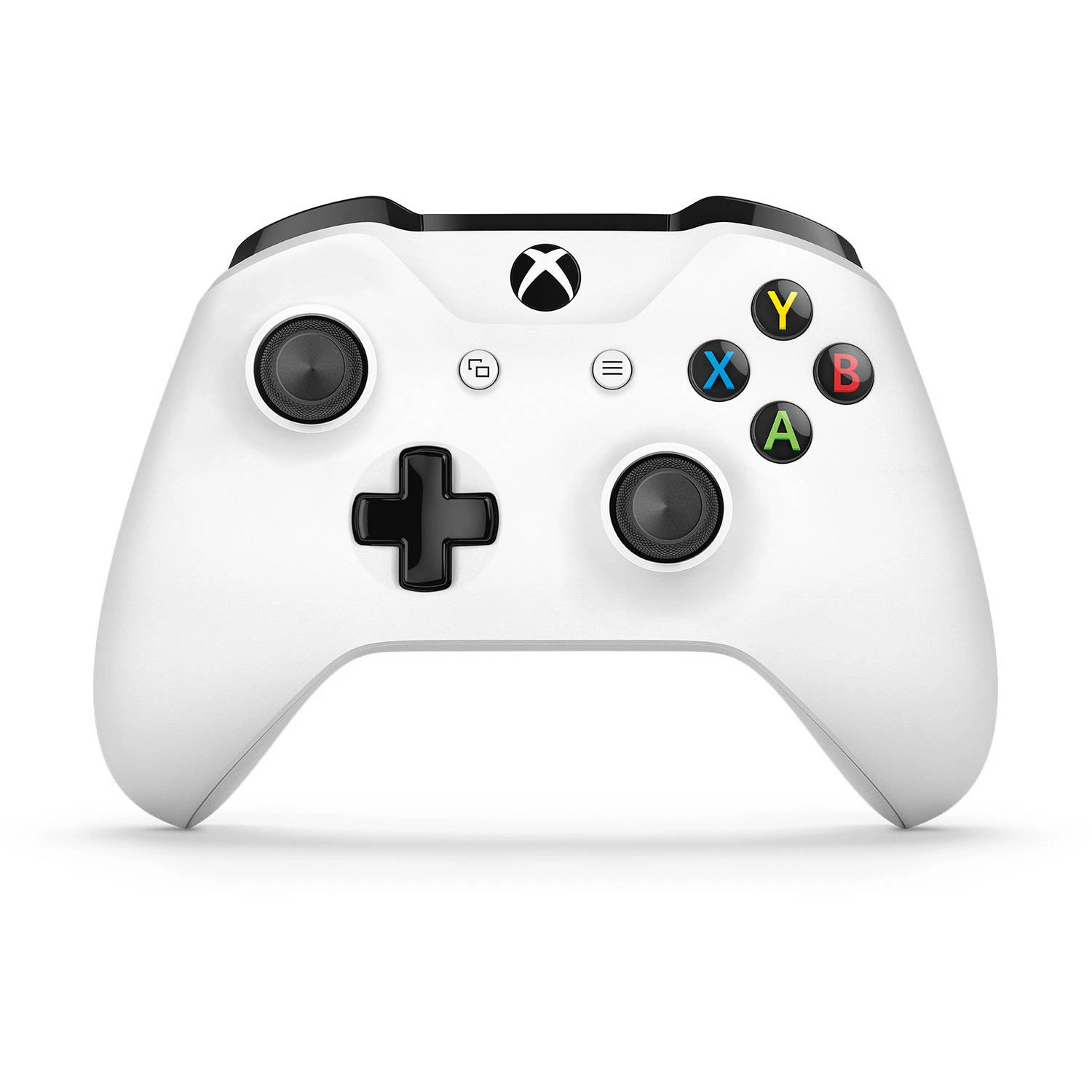
F4SE plugin that enables on-the-fly switching between KB/M and gamepad based on which device you are actively using, allowing you to use the mouse for menus and interactions, and the gamepad for movement and navigation.
Auto Gamepad Switch is an F4SE plugin for Fallout 4 that automatically switches between keyboard/mouse and gamepad input based on which device you're actively using. It lets you use the mouse for menus and interactions while using the gamepad for movement and navigation. With over 3,200 endorsements and 311,000 downloads, it's a popular utility for hybrid input setups.
✨ Key Features
📊 Pros & Cons
✅ Pros
- Huge community trust: 3,233 endorsements and 311k downloads show this mod is widely used and reliable.
- Solves a real pain point for players who want the precision of a mouse for menus but the comfort of a gamepad for movement.
- Lightweight utility that doesn't alter gameplay—just improves input handling.
⚠️ Cons
- Last updated in December 2019—may not be compatible with the latest Fallout 4 updates or F4SE versions.
- Requires F4SE, which adds an extra setup step and can break with game updates.
- No detailed documentation or configuration options mentioned in the description, so you're on your own for troubleshooting.
For Fallout 4 players who use both a mouse and gamepad and hate manually switching input modes. If you're a hybrid input user who wants seamless transitions, this is a must-have. Skip if you play exclusively with one input device.
💡 Beginner Tips
- Make sure you have the latest F4SE version installed and that it matches your Fallout 4 game version, otherwise the plugin won't load.
- If you're using a mod manager like Vortex or MO2, install the mod through it to ensure proper file placement and load order.
- Test the mod in a small area first to get used to the automatic switching—it can feel jarring if you're not expecting it.
📊 Mod Details
- Game
- Fallout 4 Mods
- Author
- registrator2000
- Version
- 1.5.10
- Downloads
- 311,565
- Endorsements
- 3,233
- Category
- Utilities
- Created
- 6/4/2017
- Updated
- 12/11/2019
🧩 Commonly Used Together
Users add these mods to the same collections — a real compatibility signal, not an AI guess.
🔧 How to Install Fallout 4 Mods
Download from Nexus.
📖 Full step-by-step install guide for Fallout 4 →
Visit the official mod page for specific installation instructions for this mod.
🎮 Need cheat codes or console commands? Check ur gaming wiki for Fallout 4 commands, item IDs, and more.
Keep browsing — more Fallout 4 mods await