RobCo Certified Textures
⚪ Last updated 2010⚠️ Install Order · 3 steps
Install in this order, then this mod last — most mods fail to load without their framework and dependencies in place.
Preview
🔍 Analysis
- 👍 5.9% endorsement rate — high engagement, a strong quality signal
- 🏆 #249 of 429 Models and Textures mods in this game by downloads
📋 About This Mod
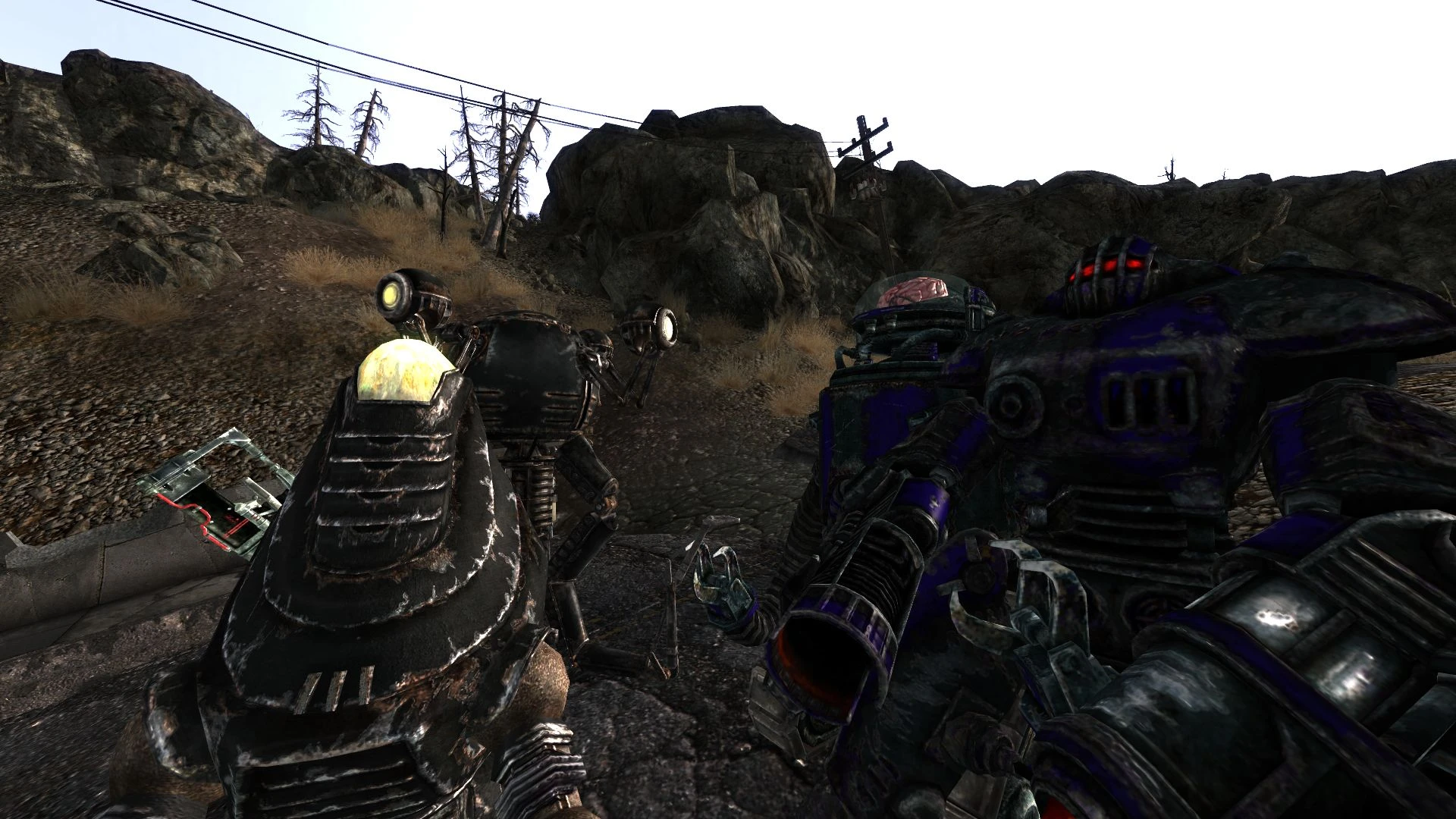
=============== Description: =============== Compilation of texture choices with FOMOD installation scripts for TheTalkieToaster\'s RobCo Certified Mod version 2. 0 and above. =============== Details: =============== This is a compilation of textures with FOMOD installation scripts (FOMM 0. 11. 7 or newer) with preview pictures. Currently the texture names are set to work with RobCo Certified 2. 0 (or higher) only (the naming convention changed from 1.x to 2.x). Texture Options are:
- []RobCo Certified Default []Army (Vanilla) []Outcast (Vanilla) []Reilly\'s Rangers
- Vault 101
A texture compilation for TheTalkieToaster's RobCo Certified Mod (v2.0+), featuring FOMOD installer scripts for easy customization. With 748 endorsements and over 12,000 downloads, it's a community favorite for Fallout 3/NV players seeking visual variety. Last updated in 2010, so compatibility with newer game versions is uncertain.
✨ Key Features
📊 Pros & Cons
✅ Pros
- Community-approved with 748 endorsements and 12,654 downloads
- FOMOD installer makes setup a breeze—no manual file swapping
- Gives your RobCo terminals a fresh look with multiple texture choices
⚠️ Cons
- Last updated in 2010—might not play nice with current game patches or mod versions
- Only works with RobCo Certified v2.0+, so if you're on an older version, you're out of luck
- No screenshots or detailed previews in the description, so you're flying blind on what the textures actually look like
For Fallout modders who use RobCo Certified and want to customize the look of their terminals without digging through files. If you're a completionist who likes having options, this is a solid pick. Skip it if you're on an older RobCo version or want something more modern—this is a 2010 relic.
💡 Beginner Tips
- Use a mod manager like FOMM or Mod Organizer to handle the FOMOD installer—it'll sort everything automatically.
- Make sure you've updated RobCo Certified to at least v2.0 before installing, or the textures won't apply.
- If you're playing Fallout 3, check your load order to ensure RobCo Certified loads before this texture pack.
📊 Mod Details
- Game
- Fallout 3 Mods
- Author
- Squirm and pintocat
- Version
- 1.0
- Downloads
- 12,654
- Endorsements
- 748
- Category
- Models and Textures
- Created
- 7/5/2010
- Updated
- 7/5/2010
🔧 How to Install Fallout 3 Mods
Download from Nexus.
📖 Full step-by-step install guide for Fallout 3 →
Visit the official mod page for specific installation instructions for this mod.
🎮 Need cheat codes or console commands? Check ur gaming wiki for Fallout 3 commands, item IDs, and more.
Keep browsing — more Fallout 3 mods await