Proper Power Armor Footsteps
⚪ Last updated 2014⚠️ Install Order · 2 steps
Install in this order, then this mod last — most mods fail to load without their framework and dependencies in place.
Preview
🔍 Analysis
- 👍 5.3% endorsement rate — high engagement, a strong quality signal
- 🏆 #20 of 54 Sounds and Music mods in this game by downloads
📋 About This Mod
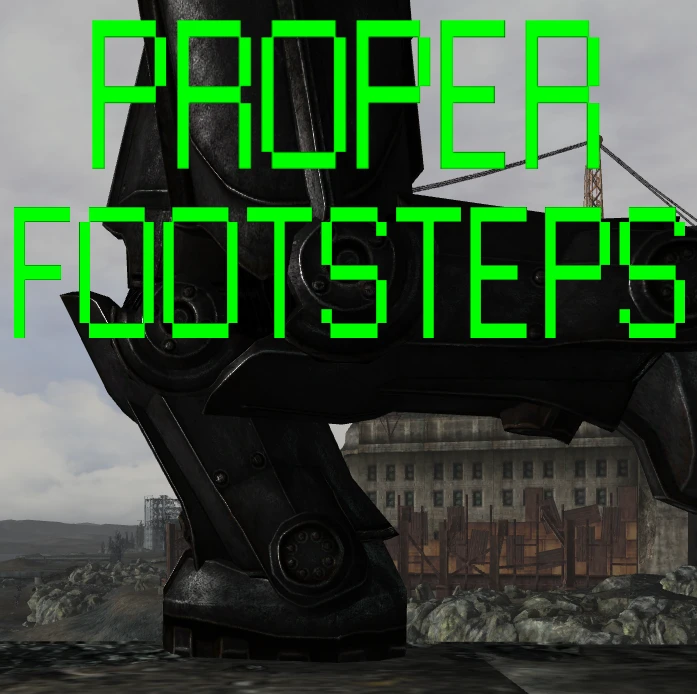
Ever been strolling around in Power Armor, but you really can't feel that "Power"? I had this problem, but I was unsatisfied with existing mods on the subject.
Proper Power Armor Footsteps adds six (Three for each foot) different step sounds to Power Armor, each with a distinct mechanical hydraulic sound. Power Armor now feels heavy and, as the name and lore implies, powered. None of the six individual sounds exceed 0. 45 seconds in length to eliminate obnoxious sound overlapping. Comes with two options, the standard (Which I personally recommend) or the -5 decibels version, which is a tad more subtle.
Installation and Uninstallation
1) Open the .zip file 2) Open either the standard or the -5 decibel version folder 3) Copy "Data" to your Fallout 3 main directory
Uninstallation
1) Navigate to "...\Fallout 3\Data\Sound\FX\fst\armor" and delete the "power" folder. Sounds will revert back to vanilla.
Proper Power Armor Footsteps adds a subtle mechanical thud to Power Armor footsteps in Fallout 4. Created by Plecy in 2014, this sound mod has earned 822 endorsements and over 15,000 downloads, making it a popular choice for players seeking immersive audio without over-the-top effects.
✨ Key Features
📊 Pros & Cons
✅ Pros
- Community-approved with 822 endorsements and 15,552 downloads.
- Subtle sound design that enhances immersion without being obnoxious.
- Simple, focused mod that does exactly what it says.
⚠️ Cons
- Last updated in 2014 – may not be compatible with the latest game patches.
- Only affects footstep sounds – no other audio or gameplay changes.
For Fallout 4 players who want a more grounded Power Armor experience without over-the-top sound effects. Perfect for immersion-focused playthroughs. Skip if you prefer vanilla audio or want more comprehensive sound overhauls.
💡 Beginner Tips
- Place the mod files directly into your Data folder and enable it in your load order.
- If you're using a mod manager, let it handle the installation to avoid conflicts.
- Test the sound in third-person and first-person to ensure it fits your preference.
📊 Mod Details
- Game
- Fallout 3 Mods
- Author
- Plecy
- Version
- 1.0
- Downloads
- 15,552
- Endorsements
- 822
- Category
- Sounds and Music
- Created
- 9/21/2014
- Updated
- 9/21/2014
🔧 How to Install Fallout 3 Mods
Download from Nexus.
📖 Full step-by-step install guide for Fallout 3 →
Visit the official mod page for specific installation instructions for this mod.
🎮 Need cheat codes or console commands? Check ur gaming wiki for Fallout 3 commands, item IDs, and more.
Keep browsing — more Fallout 3 mods await