Games for Windows LIVE Disabler
⚪ Last updated 2009⚠️ Install Order · 2 steps
Install in this order, then this mod last — most mods fail to load without their framework and dependencies in place.
Preview
🔍 Analysis
- 👍 3.0% endorsement rate — high engagement, a strong quality signal
- 🏆 #3 of 62 Utilities mods in this game by downloads
📋 About This Mod
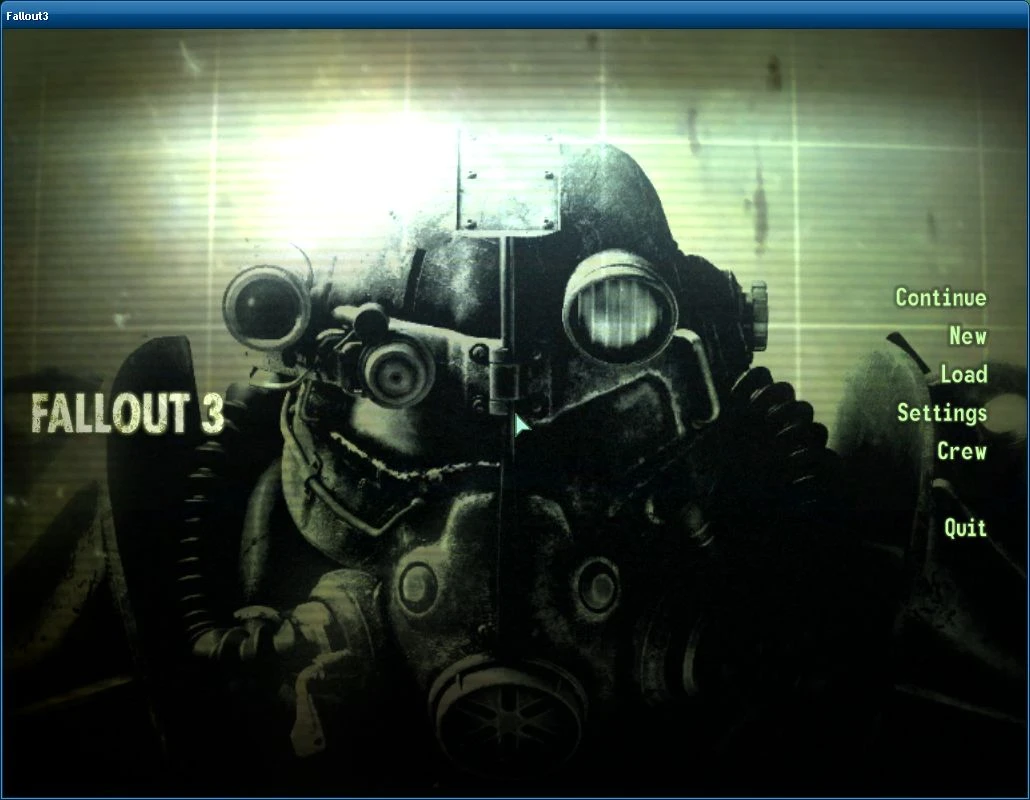
This program allows you to do the following to Games for Windows LIVE in Fallout 3:
- []Stop Games for Windows LIVE from running in Fallout 3 and prevent its dll files from loading which reduces the time it takes for Fallout 3 to startup. []Remove the \"LIVE\" button at the main menu. []Allow you to bind the \"Home\" key to whatever action you want. []Allow you to move all of your DLC\'s out of their \"hidden\" G4WL folder and into your Fallout 3 folder.
- []This will work with Fallout 3 v1. 1 or higher. []If you disable Games for Windows LIVE and actually use it then all your saves will disappear, you can find them in your \\My Documents\\My Games\\Fallout3\\Saves\\ simply move them to the Saves folder. []When G4WL is disabled any DLC\'s you have will cease to function so use the \"Move DLC\'s\" button to get your DLC\'s working again.
- []The fake xlive.dll will no longer be installed if Fallout 3 v1. 0 is detected as it causes the game to freeze on exit. []Fixed .bik files being placed into \\Fallout 3\\Data\\ instead of \\Fallout 3\\Data\\Video\\, if you already run \"Move DLC\'s\" with Broken Steel simply move all .bik\'s form your Data folder to your Video folder.
- []Binding an action to the \"Home\" key will no longer reset other bindings on that action. []start_menu.xml is no longer in a BSA again (G4WLD.bsa) due to the \"LIVE\" button sometimes reappearing. []Added support for moving .bik files out of the hidden G4WL folder (Broken Steel has .bik\'s).
- []Gave Games for Windows LIVE Disabler a more appropriate icon. []Improved the UI. []Games for Windows LIVE Disabler will now request administrator rights to run. []You\'ll now be able to point Games for Windows LIVE Disabler to your My Documents folder if it cannot detect it. []Fixed an instance where G4WL would appear disabled when in fact it wasn\'t. []Fixed all the Home key binding actions (except Forward) not binding to the correct action (oops!). []Prevented Games for Windows LIVE Disabler from running if Fallout 3\\G. E. C. K\\FO3Edit are running. []Fixed a few typos. []New Feature: you can now move all of the DLC\'s out of their \"hidden\" G4WL folder into your Fallout 3 folder, they\'ll also be automatically activated for your convenience. []Intergrated help (Games for Windows LIVE Disabler Readme.html) into the program, new \"Help\" button. []Enable\\Disable buttons are now greyed out and a warning is displayed if something else disabled G4WL and Games for Windows LIVE Disabler cannot enable\\disable G4WL because of it. []You can now bind the \"Home\" key to open\\close the Pip-Boy, seems the Pip-Boy rebinding bug was an undocumented fix of the official patch v1. 1.
A utility that disables Games for Windows LIVE in Fallout 3, preventing its DLL files from loading to reduce startup time. With 45,393 endorsements and 1.5M downloads, it's a proven fix for a common annoyance. For players who want a faster launch and no GFWL interference.
✨ Key Features
📊 Pros & Cons
✅ Pros
- Massive community trust: 45,393 endorsements and 1.5M downloads
- Directly addresses a common annoyance—GFWL pop-ups and slowdowns
- Simple utility that does one job well, no bloat
⚠️ Cons
- Last updated in 2009—may not work with newer Windows versions or Steam releases
- No detailed instructions or troubleshooting provided by the author
- Only affects startup time, not other GFWL features or achievements
For Fallout 3 players who are tired of GFWL slowing down their game and want a quicker launch. Skip if you rely on GFWL achievements or multiplayer features.
💡 Beginner Tips
- Run the disabler after installing Fallout 3, but before launching the game for the first time to avoid GFWL setup.
- If you're using a mod manager like FOMM, install this utility first to ensure it patches the correct files.
- Keep a backup of the original GFWL files in case you need to revert for online features.
📊 Mod Details
- Game
- Fallout 3 Mods
- Author
- Quarn
- Version
- 1.2.2
- Downloads
- 1,510,399
- Endorsements
- 45,393
- Category
- Utilities
- Created
- 12/7/2008
- Updated
- 5/8/2009
🔧 How to Install Fallout 3 Mods
Download from Nexus.
📖 Full step-by-step install guide for Fallout 3 →
Visit the official mod page for specific installation instructions for this mod.
🎮 Need cheat codes or console commands? Check ur gaming wiki for Fallout 3 commands, item IDs, and more.
Keep browsing — more Fallout 3 mods await