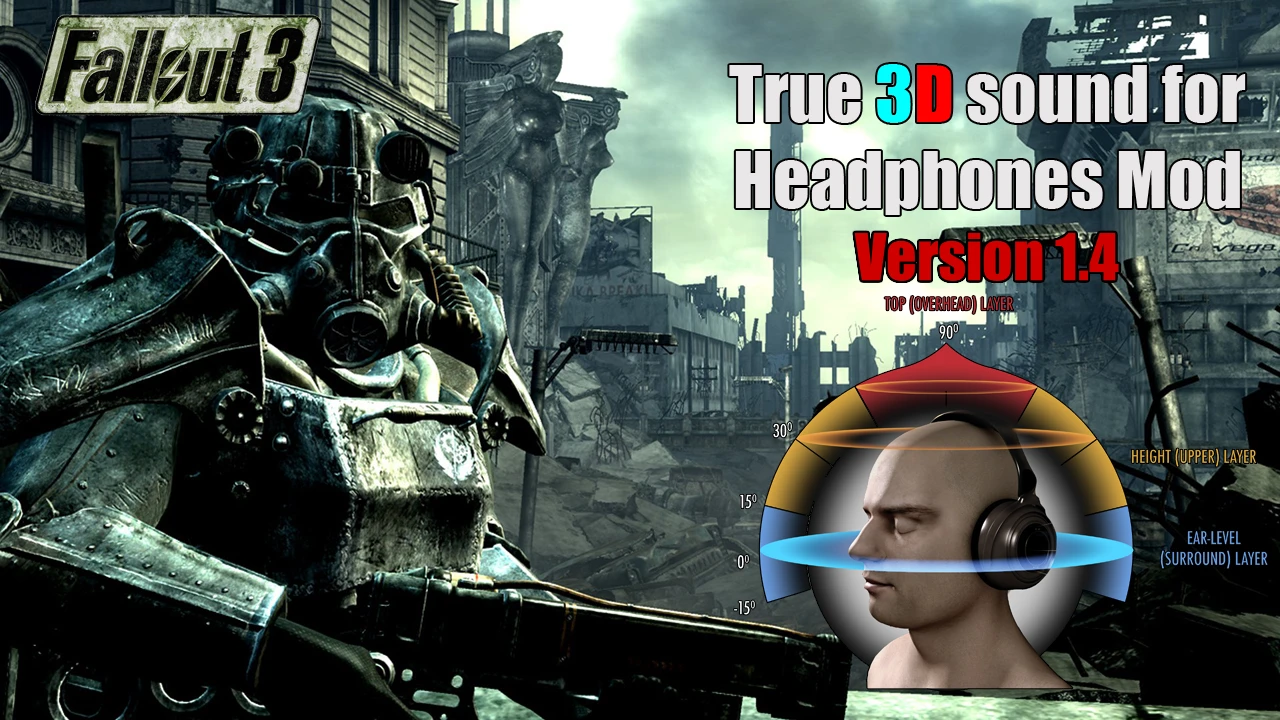
DSOAL - True 3D Sound for Headphones (HRTF mod) v1.4
⚪ Last updated 2022⚠️ Install Order · 2 steps
Install in this order, then this mod last — most mods fail to load without their framework and dependencies in place.
Preview
🔍 Analysis
- 👍 5.2% endorsement rate — high engagement, a strong quality signal
- 🏆 #28 of 54 Sounds and Music mods in this game by downloads
📋 About This Mod
OUTDATED MIRROR! USE KCAT'S LATEST OFFICIAL RELEASE HERE! https://github.com/kcat/dsoal/releases
It's a little-known fact that Fallout 3 was one of the very last games to support DirectSound3D which was killed off in Vista onwards. SoundBlaster X-Fi soundcard owners can restore this functionality with ALchemy, which creates a dummy "dsound.dll" in the directory that wraps DS3D calls to OpenAL. The included DSOAL dsound.dll in this mod works under the same principle, only it wraps DS3D calls to the OpenAL Soft API instead so you can get HRTF or 7. 0 surround without the need for a dedicated soundcard.
Read this article if you're unfamiliar with how HRTF works.
H6fd5esCsWA
Complete list of compatible DirectSound3D games here!
Installation
YOU MUST INSTALL THIS MOD MANUALLY, NOT WITH A MOD MANAGER! Before installing the latest 1. 4 version, make sure you delete the
older dsound.dll and OpenAL32.dll/dsoal_aldrv.dll files or your game
won't launch.
-
[]Extract the files to the \Fallout 3 installation directory.
[
]This package defaults to 48000Hz by default, so change the relevant values in alsoft.ini from 48000 to 44100 if you want to use this mod with 44100Hz sample rate.[]Go into your speaker's properties and untick "Allow applications to take
exclusive control of this device", then tick "Disable all sound
effects" or some variation of that line.
[]Launch the game; you should immediately notice the spatialized sound.
- If you do NOT hear spatialized sound, then follow the instructions here.
OpenAL Soft will configure itself to match your speaker settings automatically. Make sure you disable any virtual surround sound programs (Windows Sonic, Dolby Atmos, SBX Pro Studio etc.) in order for this mod to work.
PERSONALIZED HRTF INSTALLATION (NOT FOR BEGINNERS!)
The built-in MIT KEMAR HRTF tables in OpenAL Soft are optimized for an "average head" which means it's likely you won't even
hear the HRTF that well. The included "HARD_MODE_INSTALLATION.zip"
folder contains 52 extra HRTF tables that are personalized for different
heads in both 44100Hz and 48000Hz.
DSOAL is an outdated mirror of kcat's HRTF mod that provides true 3D sound for headphones in OpenAL-based games. It has 536 endorsements and over 10,000 downloads, but users should get the latest version from the official GitHub release.
✨ Key Features
📊 Pros & Cons
✅ Pros
- Solid track record with 536 endorsements and over 10k downloads.
- HRTF tech is a game-changer for directional audio in games.
- Author kcat is known for quality audio mods.
⚠️ Cons
- This version is outdated – you're better off grabbing the latest from GitHub.
- Requires OpenAL games – not universal.
For audiophile gamers who want immersive 3D sound in OpenAL titles. Skip if you're not into tweaking audio settings or if your games don't use OpenAL.
💡 Beginner Tips
- Since this is an outdated mirror, head to the GitHub link for the latest version.
- Make sure your game uses OpenAL – check the game's audio settings or files.
- Test with a game that has good positional audio, like a shooter, to notice the difference.
📊 Mod Details
- Game
- Fallout 3 Mods
- Author
- kcat
- Version
- v1.4
- Downloads
- 10,325
- Endorsements
- 536
- Category
- Sounds and Music
- Created
- 6/7/2018
- Updated
- 11/6/2022
🔧 How to Install Fallout 3 Mods
Download from Nexus.
📖 Full step-by-step install guide for Fallout 3 →
Visit the official mod page for specific installation instructions for this mod.
🎮 Need cheat codes or console commands? Check ur gaming wiki for Fallout 3 commands, item IDs, and more.
Keep browsing — more Fallout 3 mods await