DALCO FOSE Check
⚪ Last updated 2013This mod may not work until the author updates it. Check for an update, or see the rollback guide.
⚠️ Install Order · 2 steps
Install in this order, then this mod last — most mods fail to load without their framework and dependencies in place.
Preview
🔍 Analysis
- 👍 7.7% endorsement rate — high engagement, a strong quality signal
- 🏆 #34 of 41 Utilities mods in this game by downloads
📋 About This Mod
Name: DALCO FOSE Check Version: 1. 2 Date: 19 December 2013 Category: Modder's Resource Requirements: Fallout 3 Author: DaveLessnau Location: http://www.nexusmods.com/fallout3/mods/19970/?
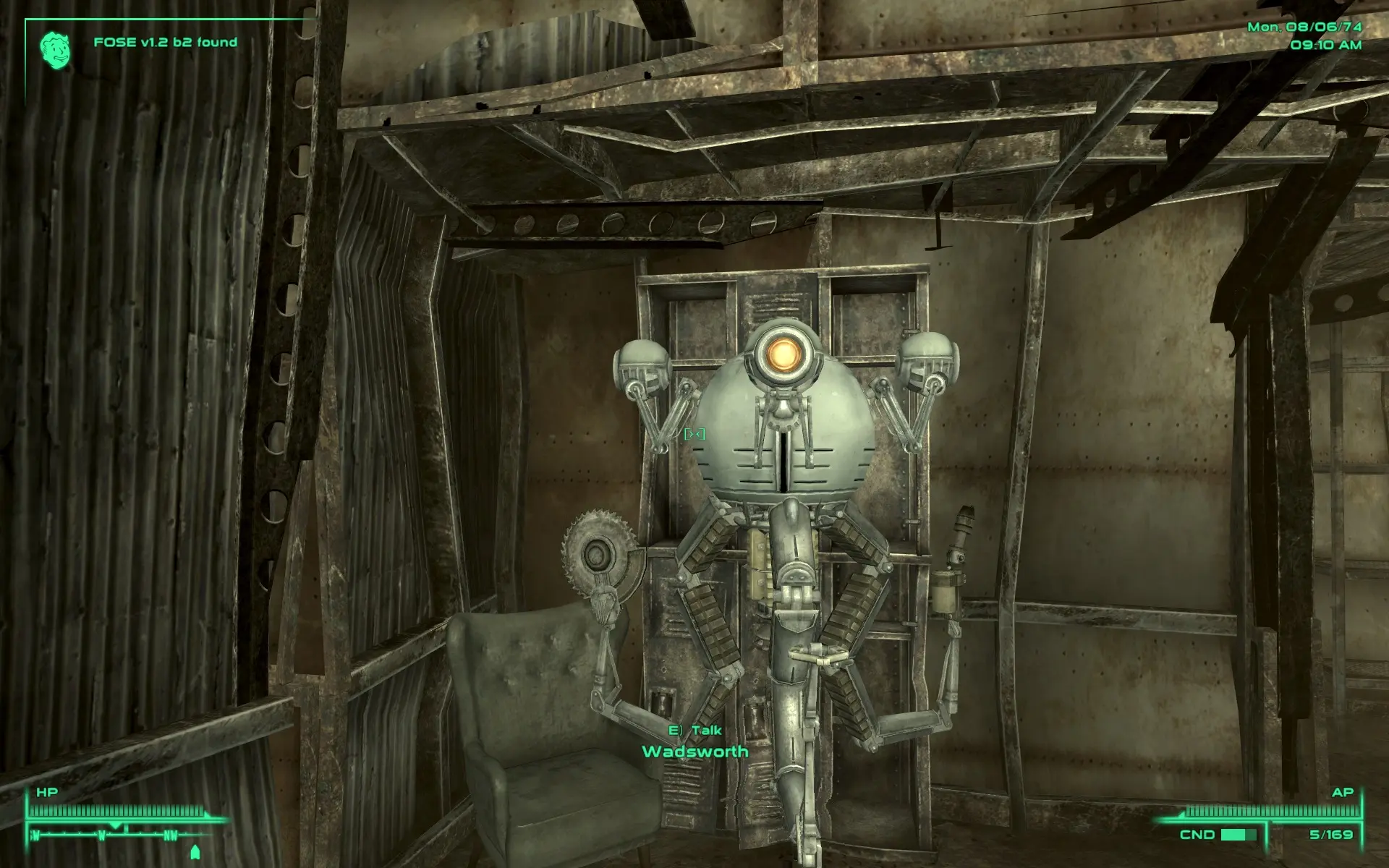
Description =========== - A mod that illustrates a scripting method to display a warning if FOSE is not found (or a message telling the player what version of FOSE they have if it is found). - The point of the mod isn't the message (though that can be useful for players to figure out why a mod that needs FOSE isn't working correctly). The point is to show a scripting method that will actually display a message if FOSE isn't found. - I wrote this because the checks I had added (IF GetFOSEVersion, THEN , ELSE ) to my scripts in other mods weren't working: even though messages were supposed to pop-up when FOSE was missing, they weren't. I needed to find out why. This mod was the result. Since, I'd done the work, I figured other modders might be able to use the method to make sure their own checks in their own scripts worked. Or, if they wanted, they could just recommend this mod to their players to help troubleshoot problems.
Location ======== This mod takes effect immediately after activating it.
Details ======= About 5 seconds after starting a game, a message will pop up in the upper left corner of the screen telling the player the full FOSE version they have. For most people that should be v1. 2 b2 (the latest version). After a few seconds, the message will fade away and won't re-appear until a game has been exited and is reloaded. If FOSE is not running, a message will pop up telling the player that and offering advice.
Install ======= Either manually download the mod or tell Nexus Mod Manager to download it. If you manually download it and want to manually install it, just unzip it and put the "DALCO FOSE Check.esp" file in your game's DATA folder. If you want NMM to install it, go to NMM's Mod tab and select the top, Add Mod from File icon, and point it to where you downloaded the mod's . 7z file. If you had NMM download the mod, it should shortly show up under NMM's Mod tab. In either NMM case, click the 2nd NMM icon to Activate the mod. Then, go back to the Plugins tab and make sure the .esp file is checked. It can go anywhere in your load order without fear of conflict.
Uninstall ========= To uninstall using NMM, go to it's Mod tab, highlight the mod, and select the 2nd icon to Deactivate it. You can delete it if you want.
To uninstall manually, just delete it from your games DATA folder.
Upgrade ======= 1. Uninstall the old mod. 2. Install the new mod. 3. Start Fallout 3 and play.
Incompatibility =============== None
📊 Mod Details
- Game
- Fallout 3 Mods
- Author
- DaveLessnau
- Version
- 1.2
- Downloads
- 866
- Endorsements
- 67
- Category
- Utilities
- Created
- 12/17/2013
- Updated
- 12/20/2013
🔧 How to Install Fallout 3 Mods
Download from Nexus.
📖 Full step-by-step install guide for Fallout 3 →
Visit the official mod page for specific installation instructions for this mod.
🎮 Need cheat codes or console commands? Check ur gaming wiki for Fallout 3 commands, item IDs, and more.
Keep browsing — more Fallout 3 mods await