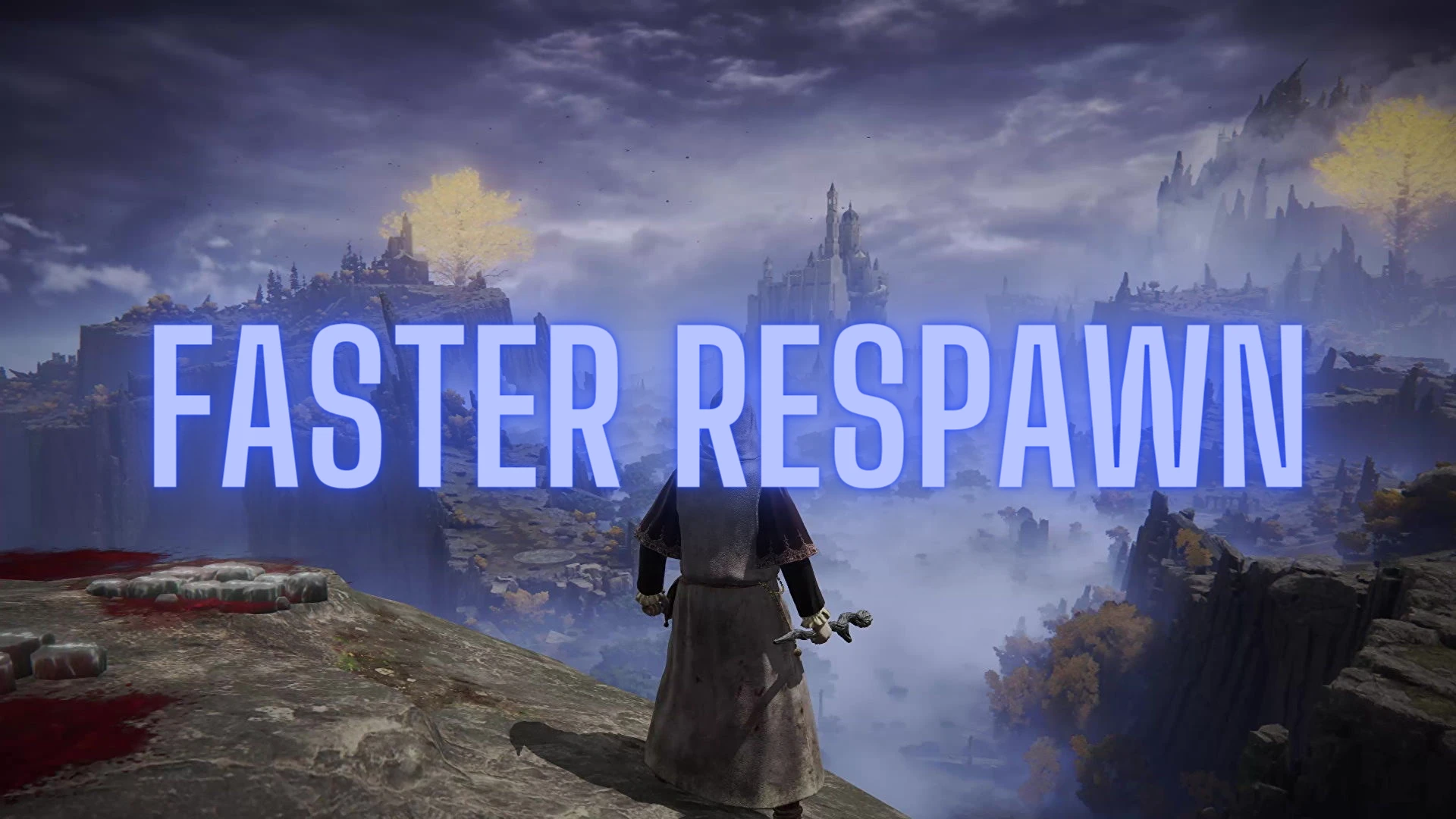
Faster Respawn
⚪ Last updated 2023⚠️ Install Order · 1 step
Install in this order, then this mod last — most mods fail to load without their framework and dependencies in place.
Preview
🔍 Analysis
- 👍 2.1% endorsement rate — high engagement, a strong quality signal
- 🏆 #11 of 156 Miscellaneous mods in this game by downloads
📋 About This Mod
Only use in offline mode with EAC disabled!
How to install (newer method):
-
[]Disable EAC with something like this: https://www.nexusmods.com/eldenring/mods/90?tab=description
[
]Download and install Elden Mod Loader by TechieW: https://www.nexusmods.com/eldenring/mods/117[]Download my FasterRespawn.dll file and put it into the mods folder under C:\...\ELDEN RING\Game\mods
[]Launch the game and test it
How to install (old method):
-
[]Make a backup of your save (just in case something goes wrong)
[
]Make a backup of your original regulation.bin file (in your game's folder: C:\...\ELDEN RING\Game\[]Put the edited regulation.bin in the game's folder
[]Disable EAC with something like this: https://www.nexusmods.com/eldenring/mods/90?tab=description
[]Launch the game and test it
Recommended mod to use with (see video below):
Faster death animation (by OR4x): reduce the death animations time.
How to uninstall (for newer method):
-
[]Just delete the FasterRespawn.dll file in C:\...\ELDEN RING\Game\mods
How to uninstall (for old method):
- Just delete the edited regulation.bin and replace it with the original one
Added csv file to merge with other mods like my others:
https://www.nexusmods.com/eldenring/mods/454
https://www.nexusmods.com/eldenring/mods/481
How to install using csv file (for old method):
0) Download Yapped-Rune-Bear from here: https://github.com/vawser/Yapped-Rune-Bear
1) Put the "MenuCommonParam.csv" file you downloaded in yapped/Projects/ExampleMod/CSV/ER
(yapped folder should be where your yapped.exe is located)
2) Make a backup of your already modded (or not) regulation.bin somewhere just in case something goes wrong
3) Open Yapped and open your already modded (or not) regulation.bin from
-
[]Just delete the FasterRespawn.dll file in C:\...\ELDEN RING\Game\mods
-
[]Make a backup of your save (just in case something goes wrong)
Faster Respawn removes the elapsed time after the 'YOU DIED' screen, cutting respawn time to about 3-4 seconds. A simple quality-of-life tweak for players who want to get back into the action quickly. With 1,931 endorsements, it's a popular choice for reducing downtime.
✨ Key Features
📊 Pros & Cons
✅ Pros
- Huge community approval (1,931 endorsements) — clearly a mod people love
- Saves 3-4 seconds per death, which adds up during intense sessions
- Lightweight and focused — does one thing and does it well
⚠️ Cons
- Last updated in 2023 — may not be compatible with the latest game patches
- Only affects respawn time; no other features or customization options
For players who die often and hate staring at the death screen. If you're a speedrunner or just want to minimize downtime, this is a must-have. Skip if you prefer a more immersive death experience or want a mod with broader features.
💡 Beginner Tips
- Check if the mod requires a mod manager or manual installation — the description doesn't specify, so look for a README or comments.
- If the game has anti-cheat (like EAC), verify that this mod is compatible before enabling it online.
- Test the mod in a single-player session first to ensure it works with your current game version.
📊 Mod Details
- Game
- Elden Ring Mods
- Author
- ImAxel0
- Version
- 2.0
- Downloads
- 91,452
- Endorsements
- 1,931
- Category
- Miscellaneous
- Created
- 3/31/2022
- Updated
- 2/17/2023
🔧 How to Install Elden Ring Mods
Download from Nexus.
📖 Full step-by-step install guide for Elden Ring →
Visit the official mod page for specific installation instructions for this mod.
🎮 Need cheat codes or console commands? Check ur gaming wiki for Elden Ring commands, item IDs, and more.
Keep browsing — more Elden Ring mods await