Safezone FOV Fix
⚪ Last updated 2022Preview
🔍 Analysis
- 👍 3.7% endorsement rate — high engagement, a strong quality signal
- 🏆 #17 of 193 Visuals mods in this game by downloads
📋 About This Mod
This mod is broken by most events. If it doesn't work, play the game in offline mode.
Edits the "player_variables.scr."
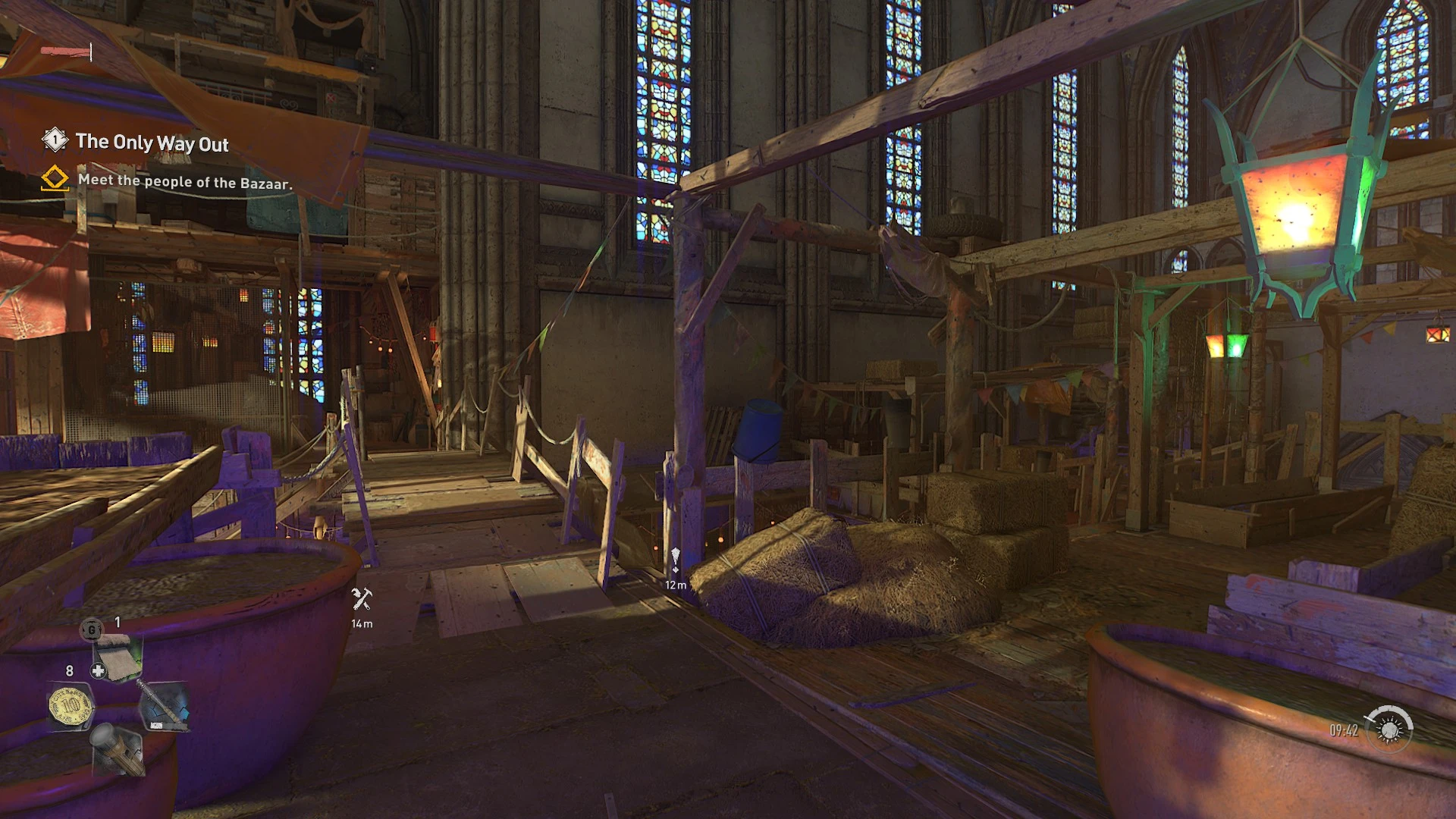
Normally, when you enter a safe zone (of any kind), the game will reduce your FOV by 10. This means that if you're playing on the default FOV (+0), you end up getting an even lower horizontal FOV of 75°, when the game is normally at 87°. Even with a +20 FOV, you are still going from an FOV of 109° to an FOV of 99°, which is a pretty huge jump, especially if you're used to playing other games at a higher FOV.
In order to maintain a normal FOV inside safe zones, you would have to raise your FOV past the value that you would actually want it to be, but then you end up getting used to the new, higher FOV and the end result is that you still get motion sick when doing parkour inside safe zones.
This mod fixes that by changing Param("CameraDefaultFOVReduction", "-10. 0") to Param("CameraDefaultFOVReduction", "0. 0"). This way, nothing changes at all when you go inside a safe zone. Note that this does not change the FOV zoom when having conversations with NPCS.
Safezone FOV Fix removes the automatic FOV reduction when entering safe zones in 7 Days to Die, preventing motion sickness during parkour or climbing. A small, focused QoL mod with 106 endorsements, last updated in 2022.
✨ Key Features
📊 Pros & Cons
✅ Pros
- Directly addresses a common annoyance—no more jarring zoom when you're near the church or antennas
- Lightweight and focused, does exactly what it says without extra bloat
- Community-tested (106 endorsements) and still relevant for players who hate FOV changes
⚠️ Cons
- Last updated in 2022—might not work with the latest game versions, so check compatibility
- Only affects safe zones; if you want broader FOV control, you'll need other mods
For 7 Days to Die players who get motion sickness from the FOV zoom in safe zones, especially those who love parkouring or climbing. Skip if you don't spend much time in safe zones or if you're on the latest game version and want guaranteed compatibility.
💡 Beginner Tips
- Make sure to disable EAC (Easy Anti-Cheat) if you're playing on a modded server, as this mod may trigger it.
- Place the mod folder in your 7 Days to Die 'Mods' directory; if it doesn't exist, create it.
- Test in a single-player world first to confirm the FOV fix works before joining a multiplayer server.
📊 Mod Details
- Game
- Dyinglight2 Mods
- Author
- Aldene
- Version
- 1.2
- Downloads
- 2,834
- Endorsements
- 106
- Category
- Visuals
- Created
- 2/16/2022
- Updated
- 7/12/2022
🔧 How to Install Dying Light 2 Mods
Download from Nexus Mods.
📖 Full step-by-step install guide for Dying Light 2 →
Visit the official mod page for specific installation instructions for this mod.
🎮 Need cheat codes or console commands? Check ur gaming wiki for Dying Light 2 commands, item IDs, and more.
Keep browsing — more Dying Light 2 mods await