(JP) No CERO and Caution Replacer
⚪ Last updated 2022Preview
🔍 Analysis
- 🏆 #200 of 206 Models and Textures mods in this game by downloads
📋 About This Mod
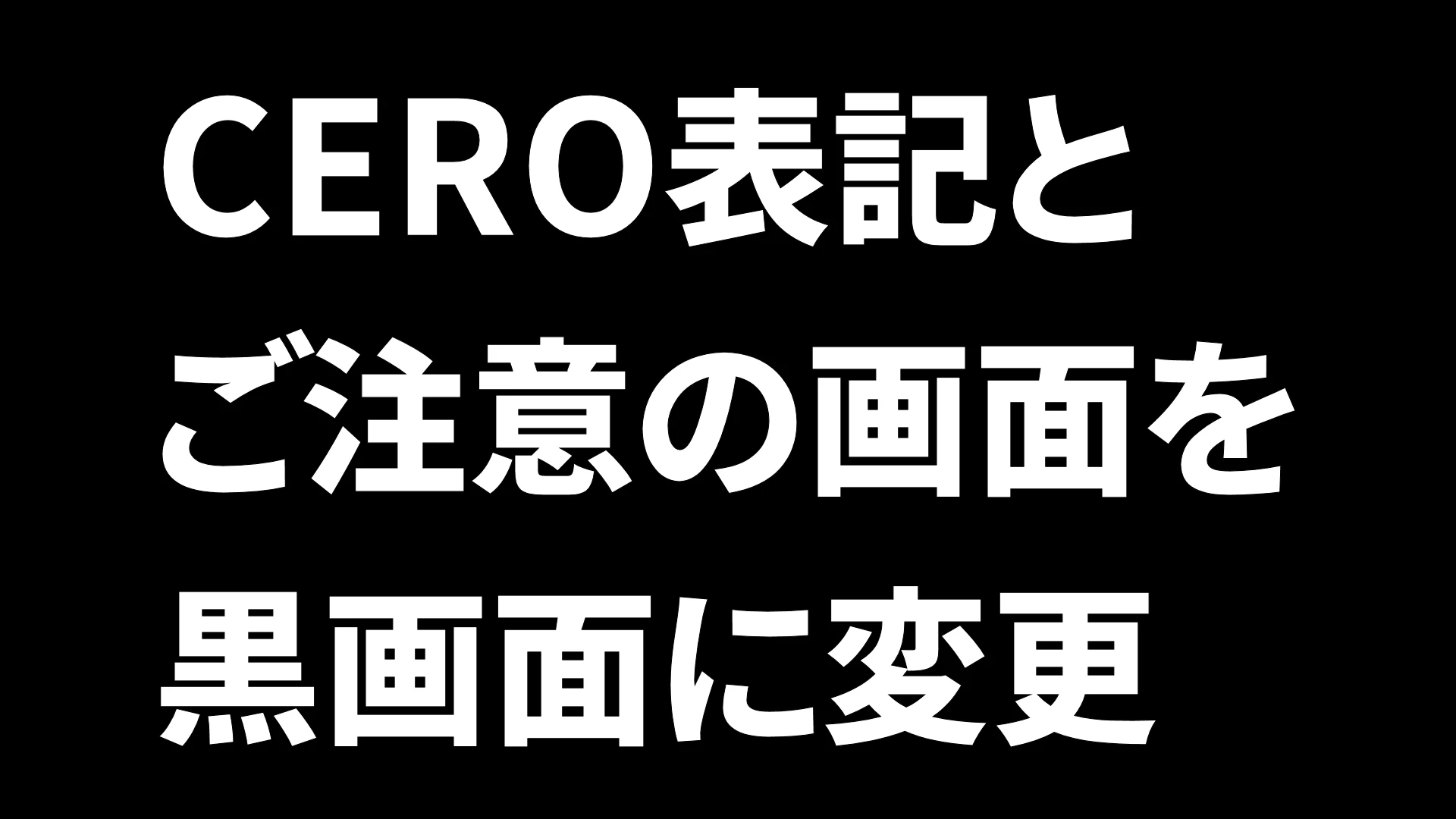
日本語でのゲーム起動時のCEROの「暴力シーンやグロテスクな表現が含まれます」とご注意の画面を黒画面に変更します。
Aボタンなどでの表示スキップも機能すると思います。
もしなにか別の画面にしたいときは、ドラゴンズドグマダークアリズンのディレクトリのnativePC\romのInitialize.arcを展開して中にあるid\DDN\menu\logosのcaution_NOMIP.texとcerod_NOMIP.texをDDSに変換して編集して再びtex形式に変換して置き換えて全体を再びInitialize.arcにリパックすればできます。ちなみにカプコンのロゴはid\menu\logosのcapcom_NOMIP.texです。
こちらのソフトをお使いください。
-
[]ARCtool
[
]Arc Extractor and Repacker and Image ViewerこのMODはCapcomのロゴ画面を独自のものに置き換えるNo ESRB Loading Replacerと競合するようです。
[使用ツール・ソフト]
-
[]ARCtool (arcファイルのアンパック・リパック、texファイルの変換)
[
]paint.net (DDSの編集)
-
[]ARCtool (arcファイルのアンパック・リパック、texファイルの変換)
📊 Mod Details
- Game
- Dragonsdogma Mods
- Author
- Chroanite
- Version
- v1.0
- Downloads
- 85
- Endorsements
- 5
- Category
- Models and Textures
- Created
- 6/26/2022
- Updated
- 6/26/2022
🔧 How to Install Dragon's Dogma: Dark Aris Mods
Download from Nexus Mods.
📖 Full step-by-step install guide for Dragon's Dogma: Dark Aris →
Visit the official mod page for specific installation instructions for this mod.
🎮 Need cheat codes or console commands? Check ur gaming wiki for Dragon's Dogma: Dark Aris commands, item IDs, and more.
Keep browsing — more Dragon's Dogma: Dark Aris mods await