Python Tab Toggle
⚪ Last updated 2023Preview
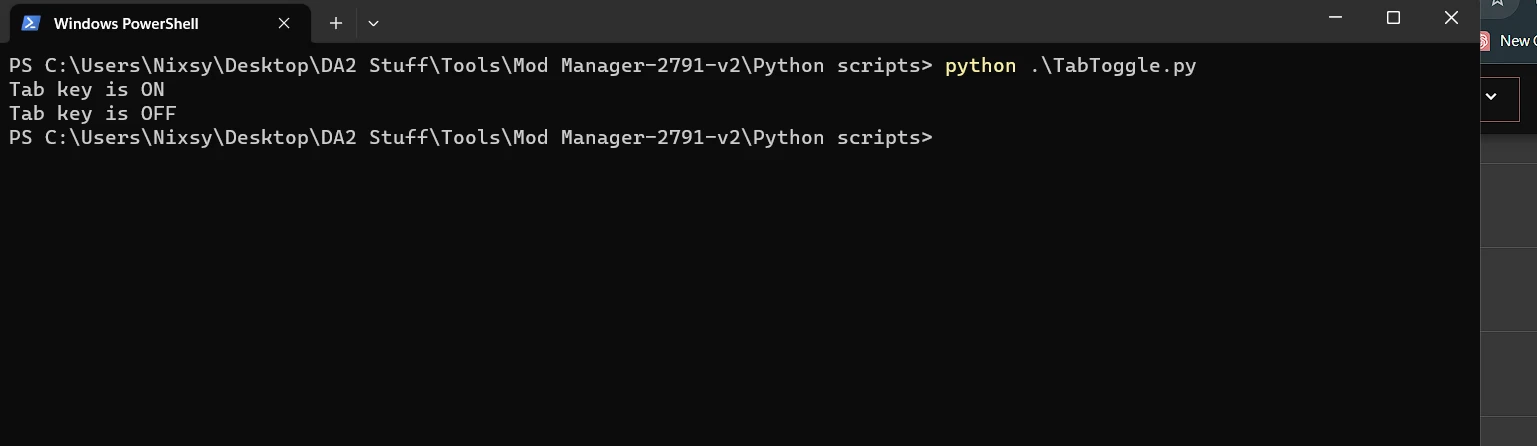
🔍 Analysis
- 🏆 #26 of 26 Utilities mods in this game by downloads
📋 About This Mod
Gives you the ability to toggle your tab key on and off by pressing shift + T
This is a very simple python script to turn the tab key into a toggle key
import keyboard
import time
tab_state = False # Initialize the Tab key state as released
while True:
if keyboard.is_pressed('shift+t'):
tab_state = not tab_state
if tab_state:
keyboard.press('tab')
print("Tab on")
keyboard.release('tab')
print("Tab off")
time.sleep(0. 2) # Adjust this sleep time as needed
time.sleep(0. 01) # Add a small delay to reduce CPU usage
Its literally that simple if you dont want to download it save that in notepad with a .py extension remember to import keyboard
pip install keyboard
to run it open a terminal or cmd window in the folder you created it (Hold shift and right click an empty space)
python tabtoggle1. 2.py
to stop it click on the cmd windows or terminal window and press ctrl and c
Version History
1. 0 first release had unseen missing actions when the window was not in front of the game window
1. 2 rwrote and changed method to toggle to shift and T
📊 Mod Details
- Game
- Dragonage2 Mods
- Author
- Nixsy
- Version
- 1.0
- Downloads
- 21
- Endorsements
- 1
- Category
- Utilities
- Created
- 10/2/2023
- Updated
- 10/4/2023
🔧 How to Install Dragon Age 2 Mods
Download from Nexus Mods.
📖 Full step-by-step install guide for Dragon Age 2 →
Visit the official mod page for specific installation instructions for this mod.
🎮 Need cheat codes or console commands? Check ur gaming wiki for Dragon Age 2 commands, item IDs, and more.
Keep browsing — more Dragon Age 2 mods await