Pixelated Shaders begone
⚪ Last updated 2013Preview
🔍 Analysis
- 👍 3.9% endorsement rate — high engagement, a strong quality signal
- 🏆 #12 of 65 Visuals and Graphics mods in this game by downloads
📋 About This Mod
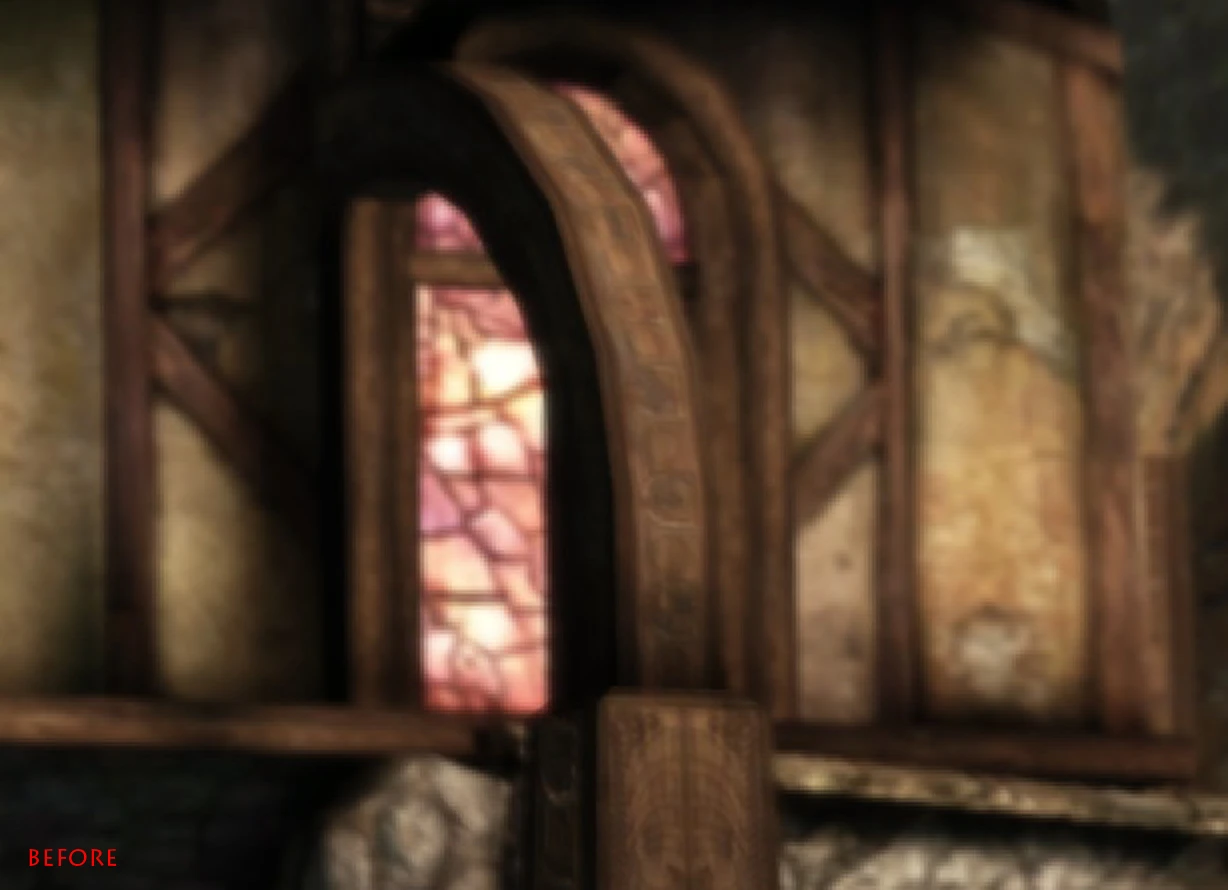
This is a tiny Mod which removes pixelation when Bloom, Depth of Field are applied. No more ugly pixels in front of your face! This does not replace any shaders or enhances them, so don\'t expect some eye-candy like Bokeh or what-not. Dragon Age\'s shaders are compiled and I for one am not intelligent enough to actually replace them. But some other guy actually might. It should be possible to write a new one, which replaces the pretty simple Bloom and Depth of Field with a more sophisticated ones, but as I said, I\'m just not good enough with shader-programming to do so. So this just changes the way the shaders are applied. The difference will be noticable however. Bloom, Depth of Field and the effect when you bring up the inventory screen etc. are now applied in your chosen resolution instead of some small percentage of it. To install simply extract contens of file to you override folder (/documents/bioware/dragon age/packages/core/override) enjoy!
A tiny visual mod that removes pixelation artifacts caused by Bloom and Depth of Field effects. Ideal for players who notice ugly pixels on screen during these effects. Simple and effective, with a strong endorsement count.
✨ Key Features
📊 Pros & Cons
✅ Pros
- Community-approved with 2,387 endorsements
- Over 60k downloads, so it's proven popular
- Tiny mod that does exactly what it says
⚠️ Cons
- Last updated in 2013, so may not work with newer game versions
- Only addresses pixelation from Bloom and DoF, not other visual artifacts
For players who are bothered by pixelated edges when using Bloom or Depth of Field effects. If you're a purist who wants clean visuals without those artifacts, this is a quick fix. Skip if you're on a modern game version or if you don't use those effects.
💡 Beginner Tips
- Check if the mod is compatible with your game version before installing, as it's from 2013.
- If you use a mod manager, try installing manually by dropping files into the game directory.
- Test with Bloom and Depth of Field enabled to see the difference immediately.
📊 Mod Details
- Game
- Dragonage Mods
- Author
- blaidd
- Version
- 1.0
- Downloads
- 60,926
- Endorsements
- 2,387
- Category
- Visuals and Graphics
- Created
- 6/24/2013
- Updated
- 6/24/2013
🔗 Required By 1 Mod
These mods list this mod as a dependency.
🧩 Commonly Used Together
Users add these mods to the same collections — a real compatibility signal, not an AI guess.
🔧 How to Install Dragon Age: Origins Mods
Download from Nexus Mods.
📖 Full step-by-step install guide for Dragon Age: Origins →
Visit the official mod page for specific installation instructions for this mod.
🎮 Need cheat codes or console commands? Check ur gaming wiki for Dragon Age: Origins commands, item IDs, and more.
Keep browsing — more Dragon Age: Origins mods await