Cat Project
⚪ Last updated 2024Preview
🔍 Analysis
- 👍 5.8% endorsement rate — high engagement, a strong quality signal
- 🏆 #168 of 306 Models and Textures mods in this game by downloads
📋 About This Mod
Replaces the cat model.
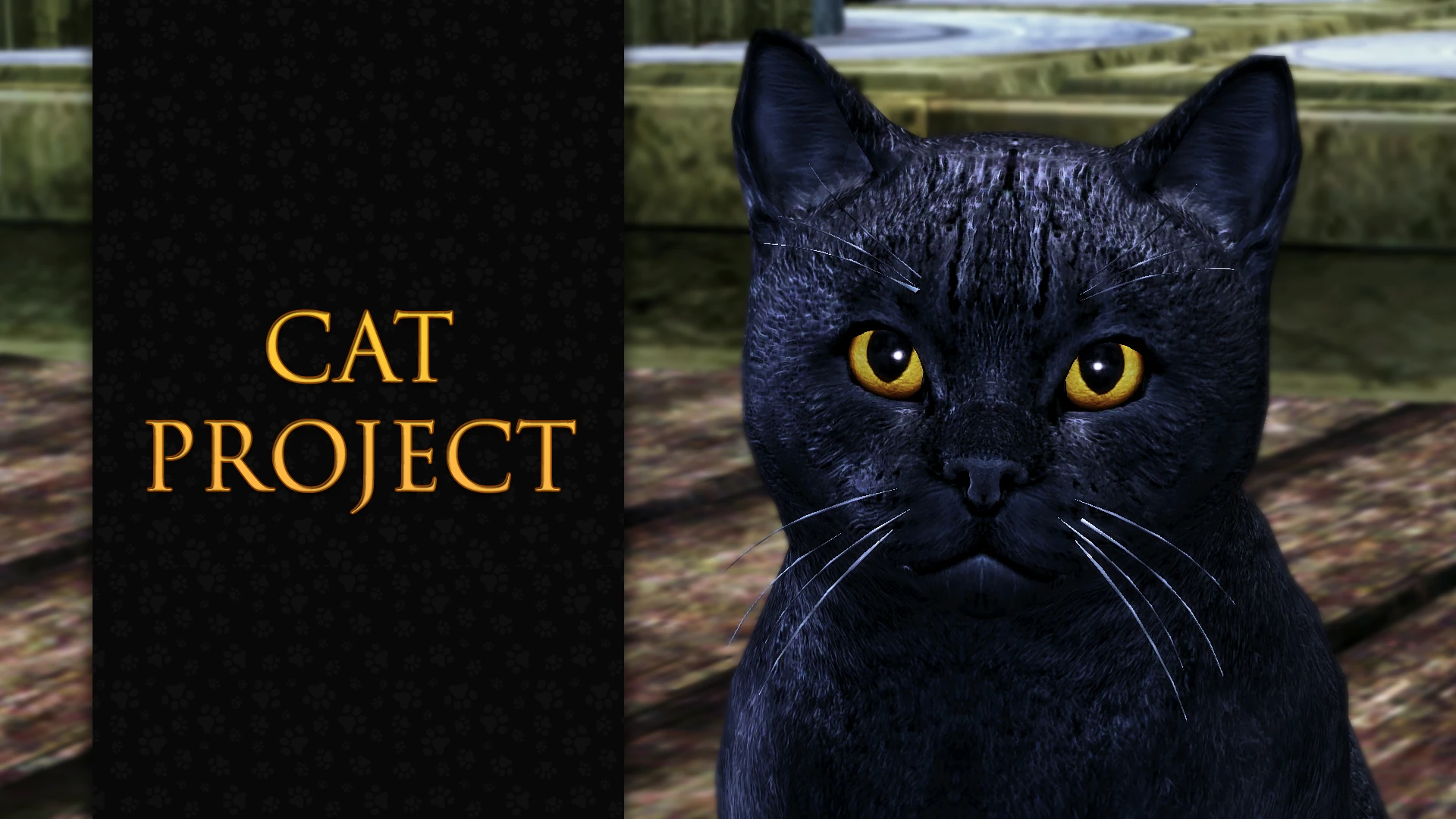
This mod replaces the cat model with the cat model from The Witcher 3. It also adds retextures for NPC cats.
To be honest, I always found the cat model in DAO was a bit unnatural, it kind of stuck out of the game environment. So I decided to port the cat model from The Witcher 3, but since I didn't know much about modeling before, my first attempts were too bad to share. Now I like the result and I want to share it with you!
The mod contains 3 retextures for cats:
-
[]Grey fur and light green eyes for all cats in the game, except NPCs.
[
]Black fur and yellow eyes for Kitty (The Stone Prisoner).[]Red and white fur and green eyes for Ser Pounce-a-lot (Awakening).
REQUIREMENTS
INSTALLATION
-
[]Unpack the downloaded archive using the 7-zip archivator.
[]Move the unpacked "Cat Project" folder into your "override" folder. (... Documents\BioWare\Dragon Age\packages\core\override).
[]Done!
To uninstall the mod, just delete the "Cat Project" folder from your "override" folder.
COMPATIBILITY
This mod is not compatible with other the cat model replacers.
It's also not compatible with mods that modify the shale200_kittydemon.utc and vgk210cr_kitten.utc files.
KNOWN ISSUES
Kitty's eye glow is currently disabled because its position doesn't match the new model's eyes. I don't know how to edit the position of this visual effect. I may need to edit the CUT files for each of Kitty's phrases, but without the source files, this is impossible.
HOW TO USE RETEXTURES
If you don't like cats with grey fur by default, you can make them with black or red fur by following the instructions below.
- After installing the mod, open the Cat Project folder and delete these textures: tw3_cata_0d.dds, tw3_cata_0dl2.dds, tw3_cata_0dl3.dds, tw3_cata_0s.dds, tw3_cata_0sl2.dds, tw3_cata_0sl3.dds.
- Then open the NPCs folder.
- If you want to make cats with black fur and yellow eyes, copy(!) these textures from the NPCs folder into the Cat Project folder: tw3_catb_0d.dds, tw3_catb_0dl2.dds, tw3_catb_0dl3.dds, tw3_catb_0s.dds, tw3_catb_0sl2.dds, tw3_catb_0sl3.dds.
- Rename the copied textures according to the names of the previously deleted textures. For example: rename tw3_catb_0d.dds to tw3_cata_0d.dds, etc.
- If you want to make cats with red fur and green eyes, cop
-
[]Unpack the downloaded archive using the 7-zip archivator.
📊 Mod Details
- Game
- Dragonage Mods
- Author
- MoonAerin
- Version
- 1.0
- Downloads
- 4,147
- Endorsements
- 239
- Category
- Models and Textures
- Created
- 2/26/2024
- Updated
- 2/26/2024
🔧 How to Install Dragon Age: Origins Mods
Download from Nexus Mods.
📖 Full step-by-step install guide for Dragon Age: Origins →
Visit the official mod page for specific installation instructions for this mod.
🎮 Need cheat codes or console commands? Check ur gaming wiki for Dragon Age: Origins commands, item IDs, and more.
Keep browsing — more Dragon Age: Origins mods await