Step-by-Step
⚪ Last updated 2015Preview
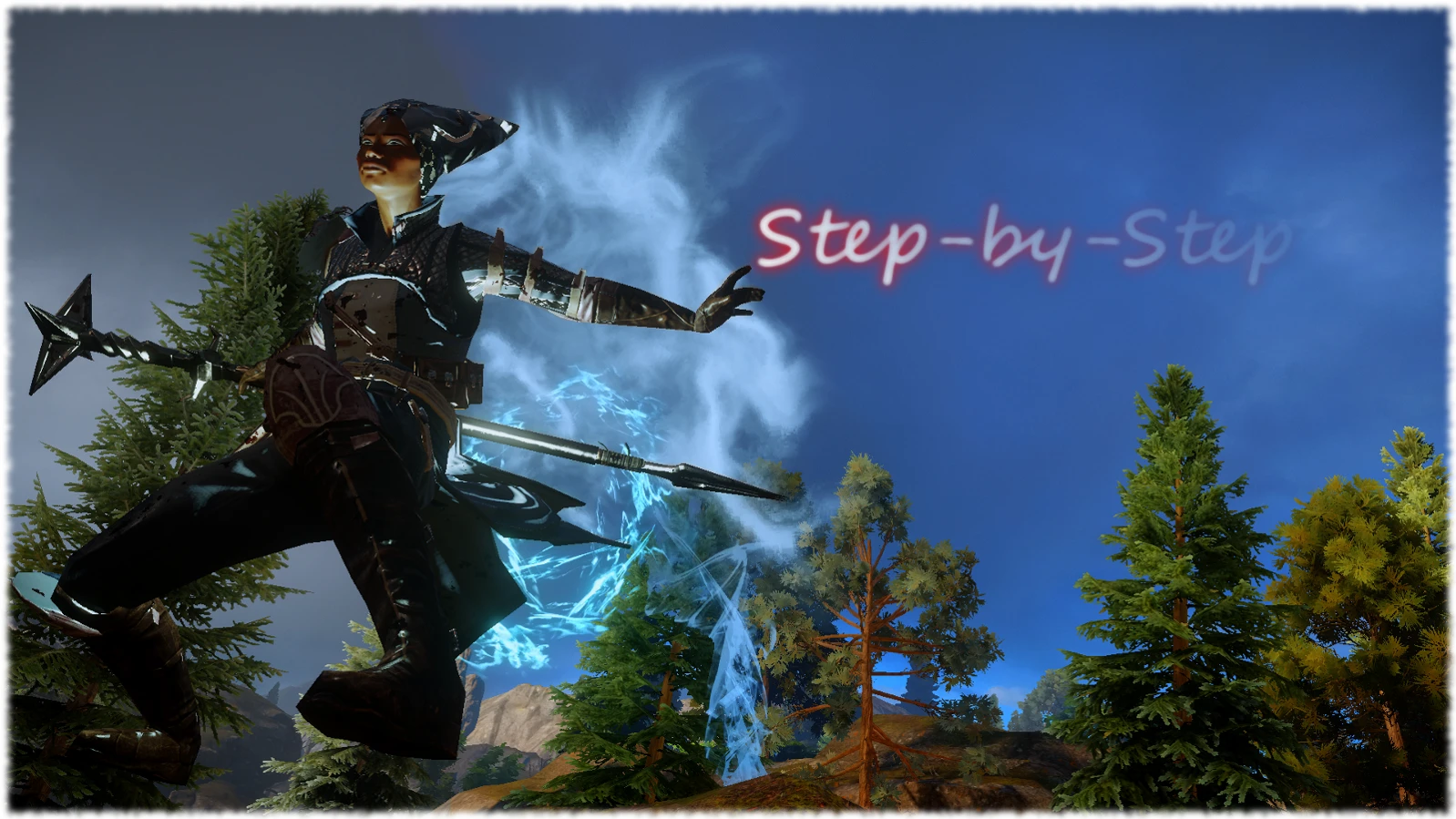
🔍 Analysis
- 👍 5.3% endorsement rate — high engagement, a strong quality signal
- 🏆 #51 of 187 Gameplay mods in this game by downloads
📋 About This Mod
Step-by-Step
Use Fade Step and Frost Step as often as you like: No Cooldown
Installation Instructions Patch 7 / Patch 6 / Patch 5
Mod Manager v0. 50
1) Download DAI Mod Manager v0. 50 or v0. 51(supports daimod files AND distributable mods)by Ehamloptiran/new patch friendly version by Zhentar 3) Extract the zip archive into a new folder named DAI Mod Manager v0. 50 5) Create a new folder for your mod files 6) Launch ModManager v0. 50 and set the right paths and select all your desired mods(nothing to tick).
SOSM
Extract the 7z archive in the Mod folder you have associated with DAI Mod Manager.
Installation Instructions for Patch 6
Update Info: Patch 6 Version released. Please read the instructions. Installation Instructions for Patch 5 1) Copy your original Vanilla Patch folder into a new folder on your desktop. 2) Use ModManager v0. 48 and select all your desired mods IMPORTANT tick Verbose Logging. 3) Merge your mods. Save to a new folder named Merged(in Update folder) 4) Rename the folder named Patch to PatchV. Rename the folder named Merged to Patch.
Installation Instructions for Patch 6 1) Download DAI Mod Manager v0. 49. DAI Mod Manager v0. 49 is still in its testing phase, it causes crashes with script mods that haven't been updated yet. Download + Instructions here: daitools.freeforums.org 2) Use ModManager v0. 49 and select all your desired mods(nothing to tick) 3) Merge your mods. Save to a new folder named Merged(in Update folder) 4) Rename the folder named Patch to Patch6. Rename the folder named Merged to Patch.
Caution: Use this Mod in Multiplayer Mode at your own risk! Cooldown Duration = 12 seconds!
- ----------------------------------------------
- Check out my other Mods:
- More Colorful Dragons Click
- Corypheus Glowing Face Click
- Tiny BF3 Loading Tile Click
Step-by-Step removes the cooldown on Fade Step and Frost Step, letting you spam these abilities freely. A simple QoL tweak for Dragon Age: Inquisition mages, with 502 endorsements and last updated in 2015.
✨ Key Features
📊 Pros & Cons
✅ Pros
- Community-approved with 502 endorsements and 9,453 downloads.
- Directly addresses a common annoyance for mage players.
- Lightweight and easy to install—just drop in and go.
⚠️ Cons
- Last updated in 2015—may not be compatible with current game patches.
- Only affects two abilities, so it's a niche tweak.
For Dragon Age: Inquisition mages who rely on Fade Step for mobility and hate waiting out the cooldown. Also for players who want a more fluid, action-oriented combat feel. Skip if you're not playing a mage or prefer balanced cooldowns.
💡 Beginner Tips
- Make sure to back up your original game files before replacing anything, just in case.
- If you're using Frost Step, remember it can be used to cross gaps—spamming it might make traversal trivial.
- Check if your game version is up to date, as mods from 2015 may need compatibility patches.
📊 Mod Details
- Game
- Dragon Age Mods
- Author
- Wodjanoi
- Version
- v1.0
- Downloads
- 9,453
- Endorsements
- 502
- Category
- Gameplay
- Created
- 3/22/2015
- Updated
- 4/17/2015
🔧 How to Install Dragon Age Mods
Download from Nexus.
📖 Full step-by-step install guide for Dragon Age →
Visit the official mod page for specific installation instructions for this mod.
🎮 Need cheat codes or console commands? Check ur gaming wiki for Dragon Age commands, item IDs, and more.
Keep browsing — more Dragon Age mods await