Characters Slider Screenshots For CC
⚪ Last updated 2015Preview
🔍 Analysis
- 👍 3.8% endorsement rate — high engagement, a strong quality signal
- 🏆 #20 of 298 Sliders mods in this game by downloads
📋 About This Mod
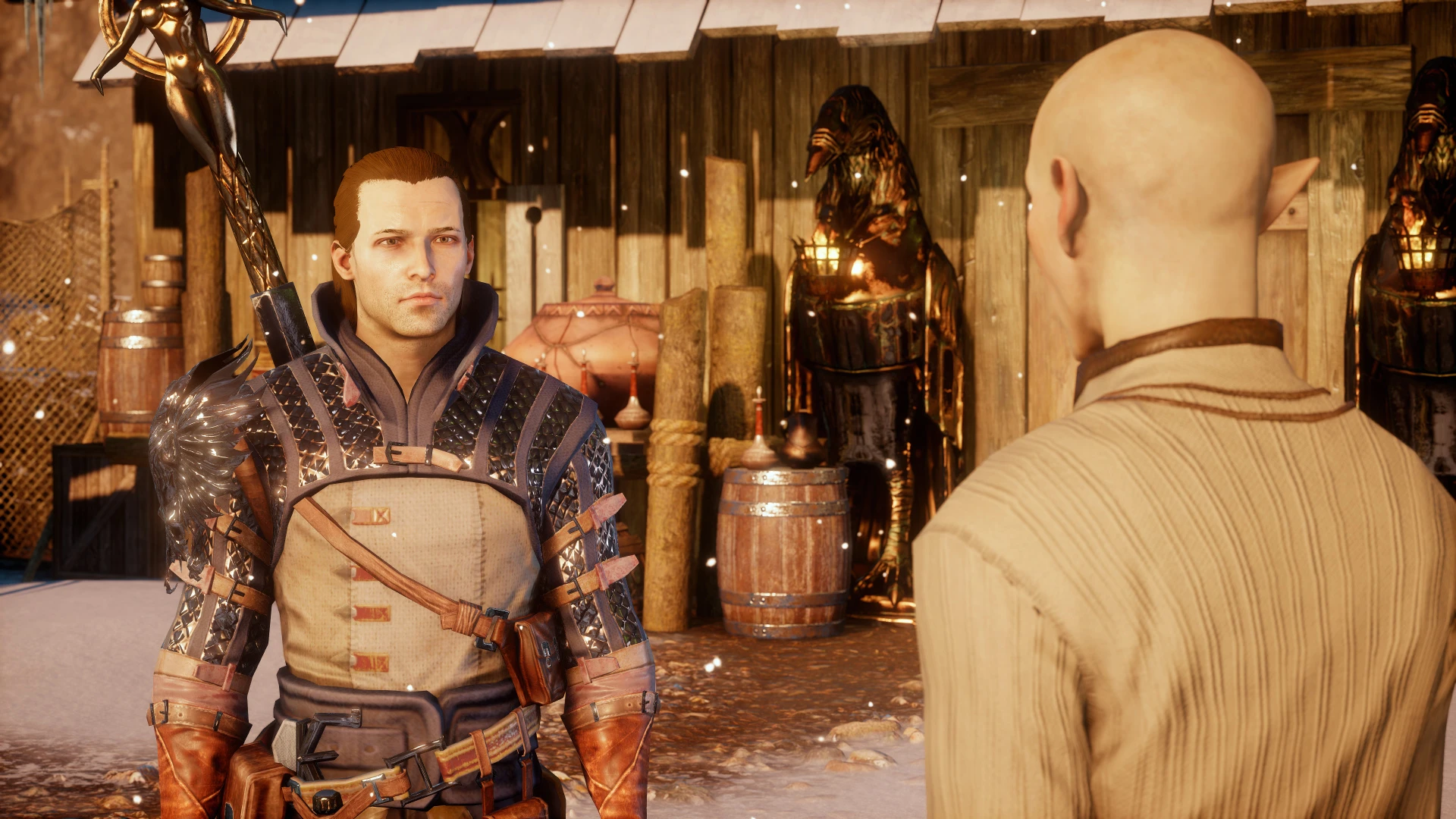
Foreword(What is this) Hi! Everyone! After too many days into the game's CC system I've made myself tons of characters. I certainly made some prograss since I started and I felt some of you guys may want these characters too. So here it is. All the characters I believe worth sharing. Have fun with them :P In short, the image page shows how these characters look like in the game. And the download page contains slider screenshots to "clone" these characters.
And... I'm not a native English speaker. So if you had problem understanding what I said, just ask. I'll try to elaborate.
Usage Tips(How to use this effectively) First of all, the screenshots are in 1920*1080 resolution. So all 16:9 monitors are definitely fine to use them no matter the actual resolution. The tips I will introduce you below is mainly about "game in windowed fullscreen and slider screenshots too". If you get the idea what I'm saying, you can skip this part. If not, just read this thoroughly.
Please don't think this as a step-by-step instruction and do it step by step Read the whole tips to understand what I'm trying to tell then do everything by yourselves It's very convenient to do once you understand
1. Run the game then go to "Options----Display" and select "Windowed Fullscreen" for Fullscreen Mode option 2. Make sure you have a software capable of display images in fullscreen. i.e. the image viewer provided by your OS 3. Run the game again, start a new game until you see the Character Creation interface ( Don't forget to import your Keep settings! ) 4. Now press "Alt" key and hold it, then press "Tab" key to switch back to desktop or any other inactive window ( In windowed fullscreen game this only takes a blink and most importantly, ensures the mouse pointer to remain where it is ) 5. Open the slider screentshots with your image viewer and display the screenshots in fullscreen 6. Align your mouse pointer to the slider's position shown on the screenshot 7. Use the "Alt+Tab" hotkey to switch back to the game and obviously, DO NOT move your mouse 8. Click the left botton of your mouse to move the ingame slider to the exact position shown on the screenshot ( Double-click feels much better, trust me :P ) 9. Finish up remaining options with the same method and you&#
A collection of slider screenshots from 10KEyeCandy's recent character creations, intended as visual references for players recreating these characters in the game's character creation. No save files included; users must manually replicate the sliders. With 293 endorsements and 7,715 downloads, it's a niche resource for character customization enthusiasts.
✨ Key Features
📊 Pros & Cons
✅ Pros
- Solid community trust with 293 endorsements
- 7,715 downloads show real demand for character reference material
- Straightforward concept: just images, no complex install
⚠️ Cons
- No actual save files — you'll spend time recreating each character manually
- Last updated in 2015 — may not reflect current game version or new slider options
- No preview images or detailed instructions in the description
For character creation enthusiasts who want to replicate specific looks without downloading saves. Perfect if you enjoy fine-tuning sliders and need visual targets. Skip if you prefer ready-to-use presets or save files.
💡 Beginner Tips
- Open the screenshots side-by-side with the character creator to match sliders accurately.
- Use the in-game screenshot feature to capture your own creations for future reference.
- Check the mod's image page for any additional notes from the author before starting.
📊 Mod Details
- Game
- Dragon Age Mods
- Author
- 10KEyeCandy
- Version
- 1.0
- Downloads
- 7,715
- Endorsements
- 293
- Category
- Sliders
- Created
- 2/16/2015
- Updated
- 2/16/2015
🔧 How to Install Dragon Age Mods
Download from Nexus.
📖 Full step-by-step install guide for Dragon Age →
Visit the official mod page for specific installation instructions for this mod.
🎮 Need cheat codes or console commands? Check ur gaming wiki for Dragon Age commands, item IDs, and more.
Keep browsing — more Dragon Age mods await