Twins Revamp
⚪ Last updated 2021Preview
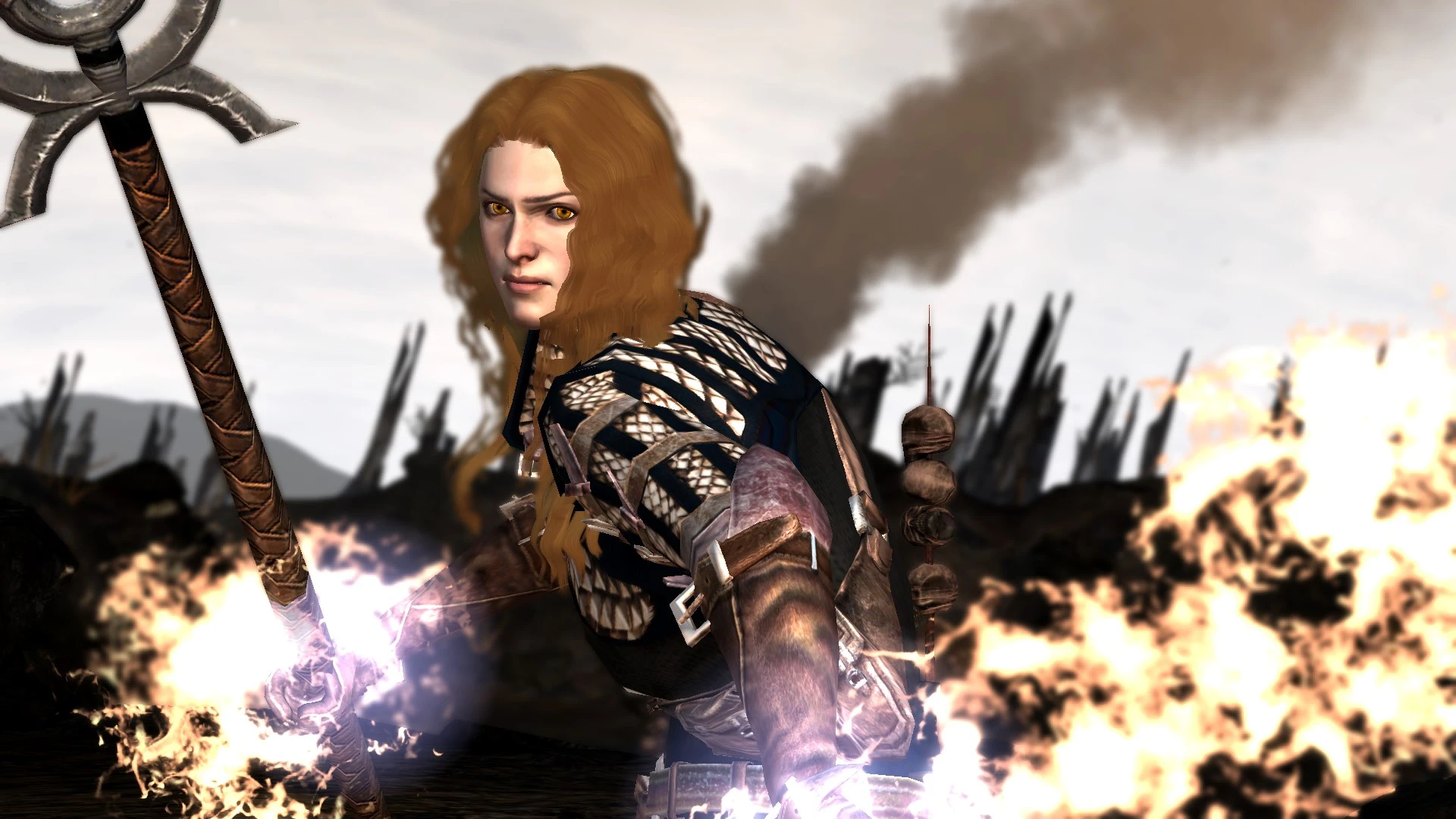
🔍 Analysis
- 👍 2.7% endorsement rate — high engagement, a strong quality signal
- 🏆 #99 of 310 Companions mods in this game by downloads
📋 About This Mod
A small revamp of how the twins look in game.
TWINS REVAMP
This mod is a small revamp of how the twins look, and a teaser for an in-the-works 'twins aging' mod that I hope to get out... eventually... with some help. It includes edits to every single head in some way, from hair to complexion.
This mod contains everything you need, so you don't need to download anything extra. There is a readme as a download as well as one included under the 'readme' tab. It will go over just about everything you need to know, but in case you have no time to read that here is a brief summary
-
[]Every twin head has been changed in some way. Several Carver hairs have been altered as well as every Bethany hair, and they use Ellise's Unique Complexions, albeit with the heads from the Custom Families version, to even out the package.
[
]There are options for Blond, Redhead and Brunette families for H1S2, H2S1 and H3S1. They should be self explanatory by folder name, but the readme details what that means.[]NONE of the head files are packed in an .erf - this is so YOU can edit them as you please. I will make small tweaks and release fixes if something is wrong, but I won't be editing every single hair on someone else's whim - sorry! It's just a bit too much work for me.
[]In addition to the above, I have included a replacer for THIS Carver, because I did not like how he looked like a 40 year old man. This is h3s1. If you like that one, delete that particular preset. It will remain unaltered.
[]I have included both an edited hairstyle and unedited hairstyle version of Bethany in all four available colors.
[]I have also included extra files in case you're using Editable Iconic presets and Natural Skin so that you get the right family head.
The included image charts have the families in this order
H1S1 H1S2 H1S3
H2S1 H2S2 H2S3
H3S1 H3S2 H3S3
Here is a handy dandy larger chart so you know which head is attached to which preset.
INSTALLATION
Download the MOR FILES, THE TEXTURE FILE AND THE HAIR FILE. Yes, you need ALL three or parts of this will not work - you'll end up with bald heads or no faces. Once you have downloaded them, go into the .mor folders and choose ONE hair color and style set (modded vs normal iconic Bethany) that you want.
There are some optional files as well:
[]Chargenmorph file: use this ONLY if you plan on using the included .gda files. If you're not, don't bother. You HAVE to manually edit your own chargen file with this, because the compiler will add the skintones out of order. Additionally, this requires Natural Skin, linked above.
[]Family_Rules_Headfeatures.gda: this file tells the game which family is assigned to which preset. It will account for Edit
📊 Mod Details
- Game
- Dragon Age 2 Mods
- Author
- wagyvbeefs
- Version
- 01
- Downloads
- 4,944
- Endorsements
- 133
- Category
- Companions
- Created
- 9/4/2018
- Updated
- 12/23/2021
🔧 How to Install DA2 Mods
Use DA2 Mod Manager.
📖 Full step-by-step install guide for DA2 →
Visit the official mod page for specific installation instructions for this mod.
🎮 Need cheat codes or console commands? Check ur gaming wiki for DA2 commands, item IDs, and more.
Keep browsing — more DA2 mods await